AI Help for Email: Boost Your Productivity Now

The constant ping, the ever-growing unread count, the sinking feeling of dread when you open your inbox – sound familiar? For countless professionals, entrepreneurs, and dedicated sales teams, email has transformed from a vital communication tool into a relentless tide threatening to drown productivity. In today's fast-paced business world, managing your inbox can feel like a full-time job in itself. The sheer volume of messages, the constant interruptions, and the pressure to respond quickly can lead to information overload, missed opportunities, and a significant drain on valuable time. But what if there was a way to reclaim your inbox and turn it from a source of stress into a strategic asset? The answer lies in embracing the power of ai help.
Artificial Intelligence (AI) is no longer a futuristic concept; it's a present-day reality offering practical solutions to some of our most pressing professional challenges. When applied to email, AI acts as a powerful ally, capable of automating mundane tasks, prioritizing what truly matters, and even assisting in crafting eloquent responses. Feeling trapped in an endless cycle of emails with low productivity? The good news is, there’s a way out. Discover powerful AI tools for productivity that can boost your efficiency at work and help you conquer your inbox. (Source: clean.email) This article will delve into the practical applications of AI in email management, demonstrating how these intelligent tools can revolutionize your workflow, boost efficiency, and help you achieve that elusive state of inbox tranquility.
How AI Automates Tedious Email Tasks (Sorting, Tagging, Archiving)
One of the most immediate and impactful ways AI can assist with your email is by automating the repetitive, time-consuming tasks that clog up your day. Think about the hours spent manually sorting through newsletters, promotions, support requests, and internal communications. AI-powered email management tools are designed to tackle this head-on.
These tools leverage sophisticated algorithms to perform intelligent categorization. Instead of you deciding where each email should go, AI can learn to automatically sort messages based on sender, content, and communication patterns. For instance, AI can:
- Smart Email Sorting: Automatically filter newsletters into a dedicated folder, separate urgent client inquiries from less critical updates, and route specific types of requests to the appropriate team member. This level of automation is crucial for maintaining order.
- Intelligent Tagging: Apply relevant tags or labels to emails based on their content or purpose. Imagine emails automatically tagged as "Project X," "Invoice," "Meeting Request," or "Follow-up Needed," making them instantly searchable and organizable.
- Automated Archiving: Identify and archive non-essential emails, such as old notifications or completed tasks, that no longer require active attention but might be needed for future reference.
By offloading these manual processes, AI frees up your cognitive load, allowing you to focus on higher-value activities. This automation is a foundational step towards achieving better inbox cleanup and a more streamlined digital workspace. As noted by industry experts, AI can handle tasks like "spending hours organizing emails" automatically, significantly boosting productivity. (Source: Microsoft 365)
AI-Powered Prioritization: Focusing on What Matters Most
In an inbox overflowing with hundreds, if not thousands, of messages, distinguishing the urgent from the important can be a monumental challenge. Important client requests can get buried under promotional offers, and critical internal updates might be missed amidst a flood of less significant communications. This is where AI-powered prioritization becomes a game-changer.
AI algorithms can analyze incoming emails in real-time, learning your priorities and communication patterns. They can identify emails that require immediate attention based on several factors:
- Sender Importance: Recognizing emails from key clients, executives, or direct reports.
- Keyword Analysis: Detecting terms indicating urgency or importance (e.g., "urgent," "deadline," "critical," "action required").
- Past Interaction Data: Understanding which senders or topics you typically respond to most quickly or frequently.
- Sentiment Analysis: Identifying emails with a tone suggesting an urgent problem or opportunity.
This intelligent prioritization helps you cut through the noise. Instead of sifting through everything, you can focus on a curated list of high-priority items. The goal is not just to reach inbox zero AI in terms of quantity, but to ensure that your time is spent on the emails that truly move the needle for your business. This proactive approach ensures that critical communications are never missed, preventing potential crises and capitalizing on timely opportunities.
Drafting Emails Smarter: AI Assistance for Faster Responses
Writing emails, especially repetitive ones or when you're under pressure, can be a significant time sink. AI is rapidly evolving to provide sophisticated assistance in this area, transforming how quickly and effectively you can communicate.
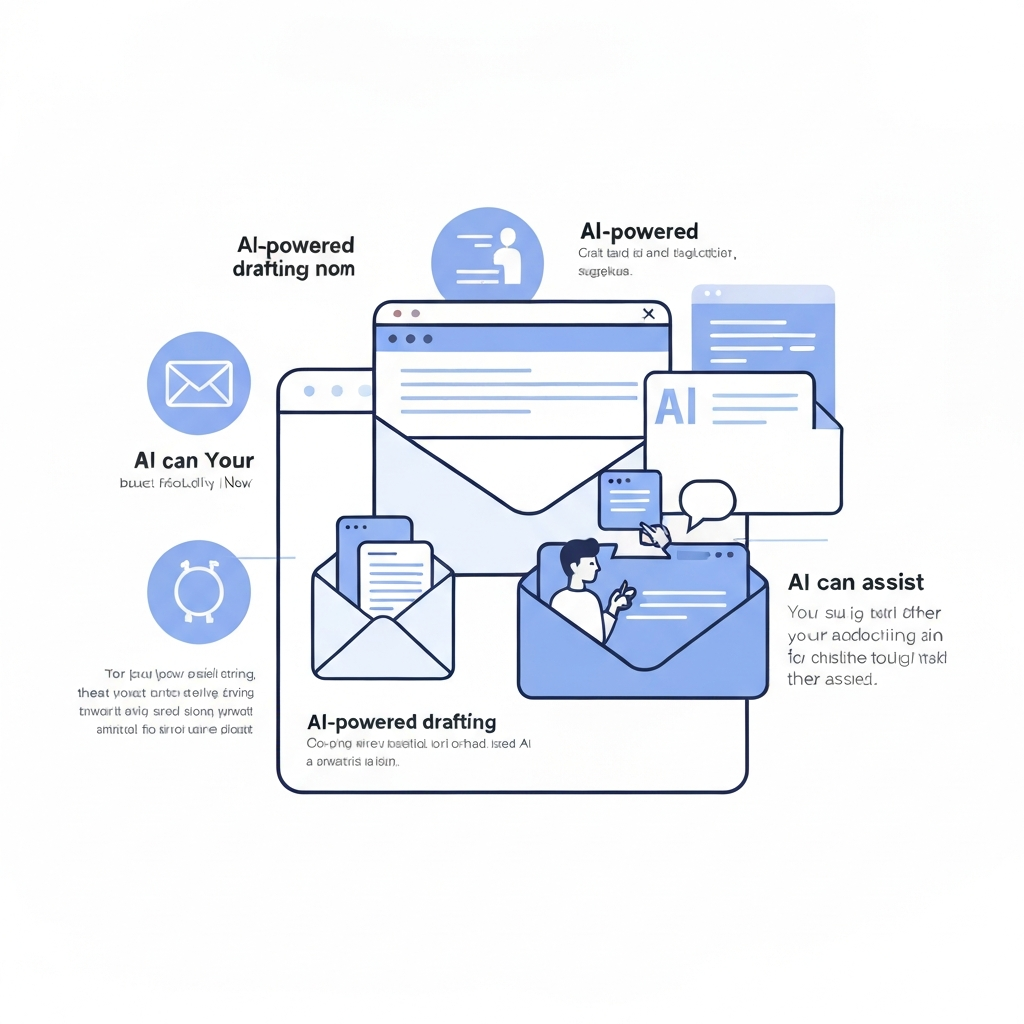
An AI email assistant can help you draft responses in a fraction of the time. Whether you're responding to a common customer query, scheduling a meeting, or sending a follow-up, AI can:
- Generate Drafts: Based on a few prompts or the context of the incoming email, AI can generate a complete draft response, saving you from starting from scratch.
- Suggest Wording and Tone: AI can suggest better phrasing, help you maintain a consistent professional tone, and even adapt the tone to suit the recipient and context. This is invaluable for ensuring your communication is always appropriate and effective.
- Summarize Long Threads: Before you even draft a reply, AI can summarize lengthy email chains, giving you the essential context without requiring you to read every single message.
- Grammar and Spell Check: Beyond basic checks, AI can offer more advanced suggestions for clarity, conciseness, and impact.
Many AI tools are now capable of generating personalized emails at scale, which is a boon for sales and marketing teams. As one source notes, AI email writers are becoming so advanced they can write "harder replies" and make emails more personal, indicating a future where AI significantly enhances communication quality. (Source: mails.ai) What can AI do for emails? AI for emails can draft replies, summarize long threads, correct grammar, suggest tone changes, prioritize messages, and clean up your inbox for better focus. (Source: glockapps.com)
This capability is not just about speed; it's about improving the quality and consistency of your outgoing communication. The ability to generate an AI-powered email response swiftly and effectively directly impacts your email reply speed ROI, ensuring prompt engagement with clients and colleagues.
Leveraging AI for Better Email Organization and Search
Beyond automation and drafting, AI dramatically enhances how you organize and retrieve information from your inbox. A cluttered inbox is not just unsightly; it's a barrier to finding critical data when you need it most.
AI-driven email management tools offer advanced organizational features:
- Natural Language Search: Forget complex search operators. With AI, you can ask questions in plain language, such as "Find the Q3 sales report from Sarah" or "What was the main decision from the last marketing meeting?" AI can understand the intent behind your query and find the relevant emails, attachments, or even specific information within messages.
- Intelligent Folder Suggestions: As AI learns your sorting habits, it can suggest which folder an incoming email should be placed in, or even create new folders based on emerging project themes.
- Contextual Organization: AI can group related emails together, even if they aren't in the same thread or folder, by recognizing connections based on projects, clients, or events.
For professionals who rely on quick access to information, this is invaluable. Imagine never having to dig through endless threads or folders again. This enhanced organization directly supports the goal of achieving a more productive inbox, making it easier to recall past conversations, find documents, and stay on top of your commitments. If you're looking to establish a professional digital presence, starting with a well-organized email system is key, and resources like guides on how to make a business email account can be a good starting point.
AI for Sales & Marketing: Streamlining Communication and Follow-ups
Sales and marketing professionals often face the highest volume of email traffic. Nurturing leads, closing deals, and maintaining customer relationships requires constant, personalized communication. AI offers powerful solutions to streamline these critical functions.
For sales teams, AI can:
- Automate Prospecting: AI can help identify potential leads based on specific criteria and even draft personalized outreach emails.
- Manage Follow-ups: Ensure no lead or opportunity falls through the cracks by automating follow-up sequences and reminding sales reps when to engage.
- Prioritize Hot Leads: Analyze engagement signals from prospects to identify who is most interested, allowing sales reps to focus their efforts where they'll be most effective.
- Personalize at Scale: AI can help tailor messages to individual prospects based on their industry, role, or previous interactions, making outreach more effective without requiring manual personalization for every single email.
Marketing teams can leverage AI for:
- Campaign Management: Automating follow-up emails after a webinar, download, or event.
- Customer Segmentation: Identifying segments of your audience based on their email engagement for more targeted campaigns.
- A/B Testing Assistance: AI can help suggest subject lines or content variations for testing to improve open and click-through rates.
By integrating AI into their workflow, sales and marketing professionals can significantly improve their efficiency, enhance customer engagement, and ultimately drive revenue. This use of AI for business communication is rapidly becoming a competitive advantage. Tools that offer an AI assistant for business can handle much of the repetitive communication, allowing teams to focus on strategy and relationship building. (Source: Salesmate)
Choosing the Right AI Email Tool for Your Needs
With the growing popularity of AI in email management, a plethora of tools and solutions are available. Selecting the right one depends on your specific needs, workflow, and budget. Here are key factors to consider:
- Core Features: Does the tool offer the specific AI capabilities you need? Look for features like automated sorting, intelligent prioritization, AI-powered drafting, summarization, and advanced search.
- Integration Capabilities: Ensure the tool integrates seamlessly with your existing software ecosystem, such as your CRM, calendar, and project management tools. This creates a more unified workflow.
- Ease of Use: The best tools are intuitive and don't require a steep learning curve. A user-friendly interface ensures faster adoption and greater utility.
- Security and Privacy: When dealing with sensitive business communications, data security and privacy are paramount. Choose tools from reputable providers with robust security measures.
- Scalability: Can the tool grow with your business? Consider solutions that can handle increasing volumes of email and user accounts as your company expands.
- Cost-Effectiveness: While many AI tools offer significant ROI, compare pricing models and ensure the cost aligns with the value provided.
For professionals seeking comprehensive support that goes beyond basic task automation, specialized solutions are available. When considering advanced capabilities, especially for professionals requiring sophisticated support, tools like an ai executive assistant can be invaluable. These platforms are designed to go beyond basic automation, offering intelligent insights and proactive management that mimics a dedicated human assistant. Exploring options like these can lead to significant gains in efficiency and strategic focus, making them part of the broader landscape of productivity software AI. For broader insights into leveraging AI for work, consider articles on the best AI for work, which often highlight email management as a key area for improvement.
Conclusion: Embracing AI for a More Productive Inbox
The era of email overload is not an insurmountable challenge; it's an opportunity for innovation. By embracing AI, professionals, entrepreneurs, and teams can transform their relationship with their inbox from one of struggle to one of strategic advantage. From automating tedious sorting and tagging to intelligently prioritizing critical messages, drafting responses faster, and enabling powerful search capabilities, AI offers a comprehensive suite of solutions.
The benefits are tangible: reclaimed time, reduced stress, improved communication quality, and a significant boost in overall productivity. Whether you're looking to achieve inbox zero AI, streamline your sales outreach with better AI for business communication, or simply manage your daily communications more effectively, AI-powered tools are ready to assist.
Don't let your inbox dictate your day. Explore the possibilities of AI, start integrating these intelligent tools into your workflow, and discover the profound impact they can have on your productivity. The future of email is intelligent, efficient, and within your reach.

Frequently Asked Questions