Best Email for Business: Choosing Wisely with AI

In today's fast-paced digital landscape, your email isn't just a communication tool; it's a cornerstone of your professional identity and a critical engine for business operations. But with the constant deluge of messages, how do you ensure you're using the best email to use for business not just for sending and receiving, but for thriving? Many professionals and entrepreneurs find themselves drowning in their inboxes, spending more time managing emails than acting on them. This article will guide you through selecting the right business email solution and, more importantly, reveal how advanced AI-powered tools can revolutionize your approach, transforming your inbox from a chore into a strategic advantage.
Understanding the Core Needs of a Business Email
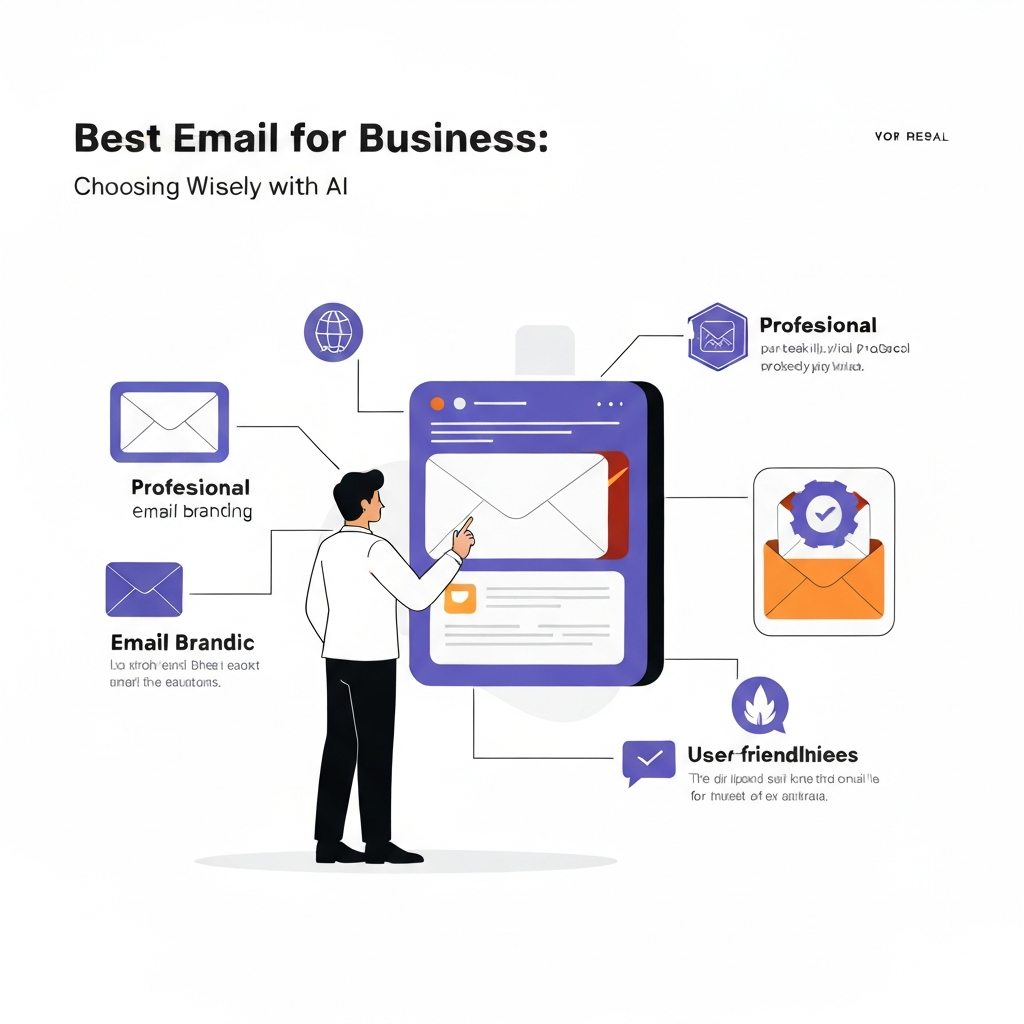
Before diving into advanced management, it's crucial to establish a solid foundation. Choosing the right business email service provider is the first step towards professionalism and efficiency. What truly defines a business email solution goes beyond just having an address with your company's domain name. It encompasses reliability, security, scalability, and features that support collaboration and productivity.
At its heart, a professional email account should:
- Establish Credibility: An email address like
[email protected]instantly signals legitimacy and professionalism, far more than a free generic address. This is often the first impression a potential client or partner has of your business. Creating a professional email ID is a fundamental step for any serious venture. - Enhance Brand Consistency: Every email sent reinforces your brand identity. Using a custom domain ensures consistency across all communications.
- Offer Robust Security: Protecting sensitive business information is paramount. A good business email solution provides advanced security features like spam filtering, malware protection, and encryption.
- Ensure Reliability and Uptime: Your business communication channels must be dependable. Downtime can mean lost opportunities and damaged reputation.
- Facilitate Collaboration: Features like shared calendars, contact lists, and team inboxes are vital for seamless internal and external collaboration.
- Provide Adequate Storage: As your business grows, so does your email volume. Sufficient storage is essential to avoid disruptions.
Evaluating Different Business Email Service Providers (Beyond the Basics)
When considering the best email to use for business, many automatically think of providers like Google Workspace (formerly G Suite) or Microsoft 365. These are indeed robust platforms offering custom domain email, ample storage, and integration with other productivity tools. Other popular options include Zoho Mail, ProtonMail for enhanced privacy, and specialized hosting providers.
When evaluating providers, look beyond just the advertised storage space or price per user. Consider:
- Integration Capabilities: How well does the email service integrate with your existing CRM, project management tools, or other business software? Seamless integration can save significant time.
- User Interface and Experience: Is the platform intuitive and easy to navigate for all your team members? A clunky interface can hinder productivity.
- Customer Support: What level of support is offered, and when? Reliable support is crucial for troubleshooting and ensuring business continuity.
- Scalability: Can the service easily scale up or down as your team size and needs change?
- Mobile Accessibility: How well does the service perform on mobile devices? Many professionals manage their business email on the go.
While platforms like Gmail offer a familiar interface, comparing them directly with dedicated business solutions is important. Gmail Business Email vs. Professional Solutions often highlights the added benefits of managed business email suites. However, even the most feature-rich provider is only part of the equation. The true challenge lies not just in selecting a provider, but in mastering the management of the daily influx of emails.
The Limitations of Traditional Email for Business Growth
Despite the advancements in email providers, traditional email management methods often fall short for growing businesses. The sheer volume of daily messages can lead to:
- Information Overload: Sifting through hundreds of emails daily to find critical information is time-consuming and inefficient.
- Missed Opportunities: Important leads, client requests, or urgent tasks can easily get buried, leading to missed deadlines, poor customer service, and lost revenue. The impact of slow response times is significant; explore the Email Reply Speed ROI to understand this better.
- Reduced Productivity: Constant interruptions from email notifications and the mental overhead of managing an overflowing inbox fragment focus and decrease overall productivity.
- Inefficient Workflows: Repetitive tasks like sorting, categorizing, and responding to common queries consume valuable employee time that could be spent on strategic initiatives.
- Security Vulnerabilities: While providers offer security, human error in handling phishing attempts or managing sensitive data remains a significant risk.
For entrepreneurs, sales teams, and busy executives, email often becomes the bottleneck. The average professional spends hours each week just managing their inbox, time that could be redirected towards revenue-generating activities or strategic planning. This is where the next evolution in email management comes into play: Artificial Intelligence.
Introducing AI: The Next Frontier in Email Productivity
Artificial Intelligence (AI) is rapidly transforming how we interact with technology, and email is no exception. AI is moving beyond simple automation to offer intelligent assistance that can process, understand, and act upon your communications in ways previously unimaginable. The goal isn't just to send emails faster, but to make the entire email workflow smarter, more efficient, and more effective.
AI in email management is about leveraging machine learning and natural language processing to:
- Understand Context: AI can learn to distinguish between urgent, important, and routine messages.
- Automate Repetitive Tasks: From drafting replies to categorizing emails, AI can handle the mundane.
- Provide Insights: AI can analyze communication patterns, sentiment, and identify actionable items within emails.
- Enhance Security: AI algorithms can detect sophisticated phishing attempts and anomalies that traditional filters might miss.
The field of AI tools is vast, encompassing everything from AI-powered email marketing platforms that optimize send times and personalize content (like those discussed in 11 AI Email Marketing Tools for 10x More Sales (2025)) to AI writing assistants that help craft compelling messages. For instance, many AI writers can help you when you need help writing an email, ensuring clarity and impact.
This shift signifies that the "best email to use for business" is no longer solely defined by the provider, but by the intelligence layer that manages it. The future of email productivity lies in harnessing AI to overcome the limitations of traditional inboxes.
How MailToPie's AI Enhances Your Chosen Business Email
While selecting a robust business email provider like Google Workspace or Microsoft 365 is essential, these platforms often provide a basic framework. The real power to transform your daily workflow comes from integrating advanced AI capabilities that go beyond standard features. This is where MailToPie steps in, acting as an intelligent layer that amplifies the functionality of any business email solution.
MailToPie leverages sophisticated AI infrastructure to provide an unparalleled level of email management and productivity. It's designed to understand your communication patterns, prioritize your tasks, and automate the tedious aspects of email management, allowing you to focus on high-value activities. Think of it as an intelligent co-pilot for your inbox, working tirelessly behind the scenes to keep you organized and efficient.
By integrating an ai executive assistant like MailToPie, you can:
- Streamline Communication Workflows: MailToPie automates routine tasks, prioritizes incoming messages, and suggests efficient responses, drastically reducing the time spent on email.
- Gain Deeper Insights: The AI can analyze your communications to identify key action items, deadlines, and important contacts, ensuring nothing falls through the cracks.
- Enhance Productivity: By offloading the cognitive load of managing a busy inbox, you free up mental energy for strategic thinking and core business functions.
- Improve Response Times: Intelligent suggestions and automated drafting capabilities help you respond faster and more effectively, boosting your email response time and improving customer satisfaction.
MailToPie doesn't replace your existing business email provider; it enhances it, turning a standard inbox into a dynamic productivity hub. It's about optimizing every interaction, from the moment an email arrives to the moment you send a response.
Key AI Features for Business Email Optimization (e.g., Smart Sorting, Auto-Response)
The true power of AI in email management lies in its specific features that directly address the pain points of modern professionals. These intelligent tools can dramatically improve how you interact with your inbox, making it a more productive and less stressful environment.
Smart Sorting and Prioritization
One of the most impactful AI features is intelligent email sorting. Instead of relying on basic filters or manual folder creation, AI can learn your priorities. It analyzes sender, subject line, keywords, and even the content of the email to categorize and flag messages based on their urgency and importance. Microsoft's Outlook, for example, features a "Focused Inbox" which uses AI to separate important messages from less critical ones. This ensures that high-priority communications are seen first, preventing vital tasks from being overlooked.
Automated Response Generation and Drafting
AI writing assistants can significantly speed up response times. They can analyze incoming emails and suggest contextually relevant replies, draft entire responses based on prompts, or provide bullet points for you to expand upon. This is invaluable for handling common inquiries, follow-ups, or initial acknowledgments. Tools can help you craft emails faster and more effectively, maintaining a professional tone and consistent messaging.
Action Item Extraction and Task Management
AI can scan emails to identify explicit or implicit action items, deadlines, and requests. It can then automatically create tasks in your to-do list or calendar, or prompt you to do so. This ensures that commitments made via email are not forgotten and are integrated into your daily workflow. Imagine an email asking for a report by Friday; AI can recognize "report" and "Friday" and help you schedule it.
Sentiment Analysis
Understanding the emotional tone of an email can be crucial, especially in customer service or client relations. AI can analyze text to detect sentiment (positive, negative, neutral), helping you gauge the urgency of a client's concern or the overall reception of your communications.
Smart Summarization
For long email threads or lengthy reports attached to emails, AI can provide concise summaries. This allows you to quickly grasp the main points without having to read through every word, saving significant time and mental effort.
Intelligent Scheduling and Follow-up
AI can analyze your calendar and suggest optimal times to schedule meetings mentioned in emails. It can also automate follow-up reminders for emails you've sent but haven't received a response to, ensuring that important conversations don't go cold.
These advanced capabilities, when integrated with your chosen business email solution, transform email from a passive inbox into an active productivity engine. The ability to quickly sort, respond, and act on messages directly impacts your team's efficiency and your business's agility. For instance, exploring the capabilities of an AI assistant for Outlook can provide a glimpse into how these features can automate workflows around email.
Security and Scalability: Future-Proofing Your Business Communication
Choosing the right business email solution, especially one augmented by AI, is also about securing your future. As your business grows, your communication needs will evolve, and so will the threats you face.
Enhanced Security Measures
Beyond the standard spam and malware filters offered by most providers, AI can provide a more sophisticated layer of security. AI algorithms can:
- Detect Advanced Threats: AI can identify novel phishing techniques, business email compromise (BEC) scams, and malicious links that signature-based detection might miss.
- Analyze User Behavior: AI can flag unusual login attempts or sending patterns that might indicate an account has been compromised.
- Automate Policy Enforcement: AI can help ensure that sensitive data is handled appropriately, flagging emails that might violate data protection policies.
This proactive security approach is vital for protecting your company's reputation and sensitive data. A secure business email setup is non-negotiable in today's threat landscape.
Scalability for Growth
The best business email solutions are designed to grow with your company. Whether you're a solopreneur or a rapidly expanding enterprise, your email system should adapt seamlessly. This includes:
- Adding/Removing Users: Easy management of user accounts as your team changes.
- Increasing Storage: The ability to scale storage capacity as your data needs grow.
- Feature Expansion: Access to more advanced features or integrations as your business complexity increases.
AI-powered management tools also scale. As your volume of emails increases, AI systems can handle the expanded load more efficiently than manual processes, ensuring that productivity doesn't degrade with growth.
By prioritizing both robust security and seamless scalability, you ensure that your email infrastructure remains a strong asset, not a liability, as your business expands and the digital landscape evolves.
Making the Switch: Transitioning to an AI-Powered Email Workflow
Implementing a new system can seem daunting, but transitioning to an AI-powered email workflow is a strategic investment that pays dividends in productivity and efficiency. The key is a phased approach and clear communication.
Here’s a roadmap to guide your transition:
- Assess Your Current Needs: Before choosing any solution, understand your team's specific pain points, workflow bottlenecks, and desired outcomes. What are you trying to achieve by upgrading?
- Select Your Business Email Provider: If you haven't already, choose a reliable business email provider that meets your fundamental requirements for professionalism, security, and collaboration. You can find guides on how to get a business email to start this process.
- Identify and Integrate AI Tools: Research AI email management tools that complement your chosen provider. Consider an ai executive assistant to bring advanced intelligence to your inbox. Integrate these tools carefully, perhaps starting with a pilot group.
- Configure and Train the AI: Most AI tools require initial setup and learning. Spend time configuring settings, defining priorities, and allowing the AI to learn from your email patterns. The more data it has, the smarter it becomes.
- Train Your Team: Effective adoption requires user buy-in. Conduct training sessions to demonstrate the benefits of the AI tools, how to use them, and how they fit into the new workflow. Address any concerns or resistance proactively.
- Monitor and Refine: Regularly review the performance of your AI tools. Are they achieving the desired results? Gather feedback from your team and make adjustments to configurations or workflows as needed. The goal is continuous improvement.
- Establish New Habits: Encourage your team to rely on the AI's suggestions and automations. This might involve changing how they approach their inbox, trusting the AI's prioritization, and utilizing auto-response features.
The transition is not just about adopting new technology; it's about fostering a culture of efficiency. By embracing AI, you're not just managing emails better; you're optimizing your entire communication strategy for growth and success. Don't get bogged down by the mundane; let AI handle it so you can focus on what truly matters.
Conclusion
In the quest for the best email to use for business, the conversation has evolved. While a professional domain and a reliable provider form the essential base, true competitive advantage in today's digital economy is unlocked by intelligent management. The overwhelming volume of emails is a symptom of outdated workflows, not an insurmountable problem.
By understanding your core needs, evaluating providers beyond basic features, and recognizing the limitations of traditional email, you pave the way for a more efficient future. The introduction of AI into email management marks a significant leap forward, offering capabilities like smart sorting, automated responses, and action item extraction that dramatically boost productivity. Tools like an ai executive assistant are at the forefront of this transformation, turning your inbox into a strategic asset.
Embracing AI-powered email solutions means enhancing security, ensuring scalability, and ultimately, freeing up valuable time and mental energy for your team to focus on innovation, client relationships, and business growth. Making the switch requires a thoughtful approach, but the rewards – reduced stress, increased efficiency, and a more professional image – are undeniable.
Ready to transform your inbox? Explore how advanced AI tools can optimize your email usage and drive your business forward.
Frequently Asked Questions
