Easy Ways to Unsubscribe from Emails & Declutter
In today's fast-paced professional world, your inbox can quickly transform from a powerful communication tool into a relentless source of distraction and overwhelm. For busy executives, entrepreneurs, sales professionals, and remote workers, the sheer volume of emails can feel like an avalanche, burying important messages under a mountain of promotions, newsletters, and notifications. This constant digital noise doesn't just waste time; it erodes focus, increases stress, and hinders productivity. One of the most effective, yet often overlooked, strategies to combat this is learning how tounsubscribe from emails. This article will guide you through practical methods to reclaim your inbox, declutter your digital life, and boost your overall efficiency.
The Problem of Email Overload and Why Unsubscribing Matters
The statistics are stark: the average professional receives well over 100 emails per day. For some, this number can easily climb into the hundreds. Each message, whether relevant or not, demands a moment of our attention. Deciding whether to read it, delete it, archive it, or respond to it creates a constant cognitive load. This "email tax" can steal precious hours from your workday, diverting your energy from high-priority tasks that truly drive business forward.
Why is unsubscribing such a critical first step in tackling this deluge? It's about proactive prevention. While filtering and organization are essential for managing incoming mail, unsubscribing targets the source of the clutter. It's the digital equivalent of decluttering your physical workspace – removing items you no longer need or use to create a more functional and peaceful environment. A clean inbox leads to:
- Reduced Mental Clutter: Fewer emails mean less visual noise and fewer decisions to make, freeing up mental bandwidth.
- Improved Focus: When only relevant messages arrive, it's easier to concentrate on what truly matters.
- Increased Efficiency: Less time spent sifting through junk means more time for productive work.
- Better Prioritization: Important emails are less likely to get lost when the signal-to-noise ratio is improved.
- Enhanced Security: Reducing the number of subscriptions can also lower your exposure to phishing attempts and unwanted tracking.
Effectively managing your email is no longer just about organization; it's about strategic email management that supports your professional goals. Learning to unsubscribe from emails is the foundational skill for achieving this.
The Anatomy of an Unsubscribe Link: What to Look For and How to Use It
Most legitimate email marketers understand the importance of respecting recipients' preferences. As such, they are legally required in many regions (like under GDPR and CAN-SPAM) to provide a clear and easy way to opt-out of future communications. This is typically done through an "unsubscribe" link.
Where can you find these links?
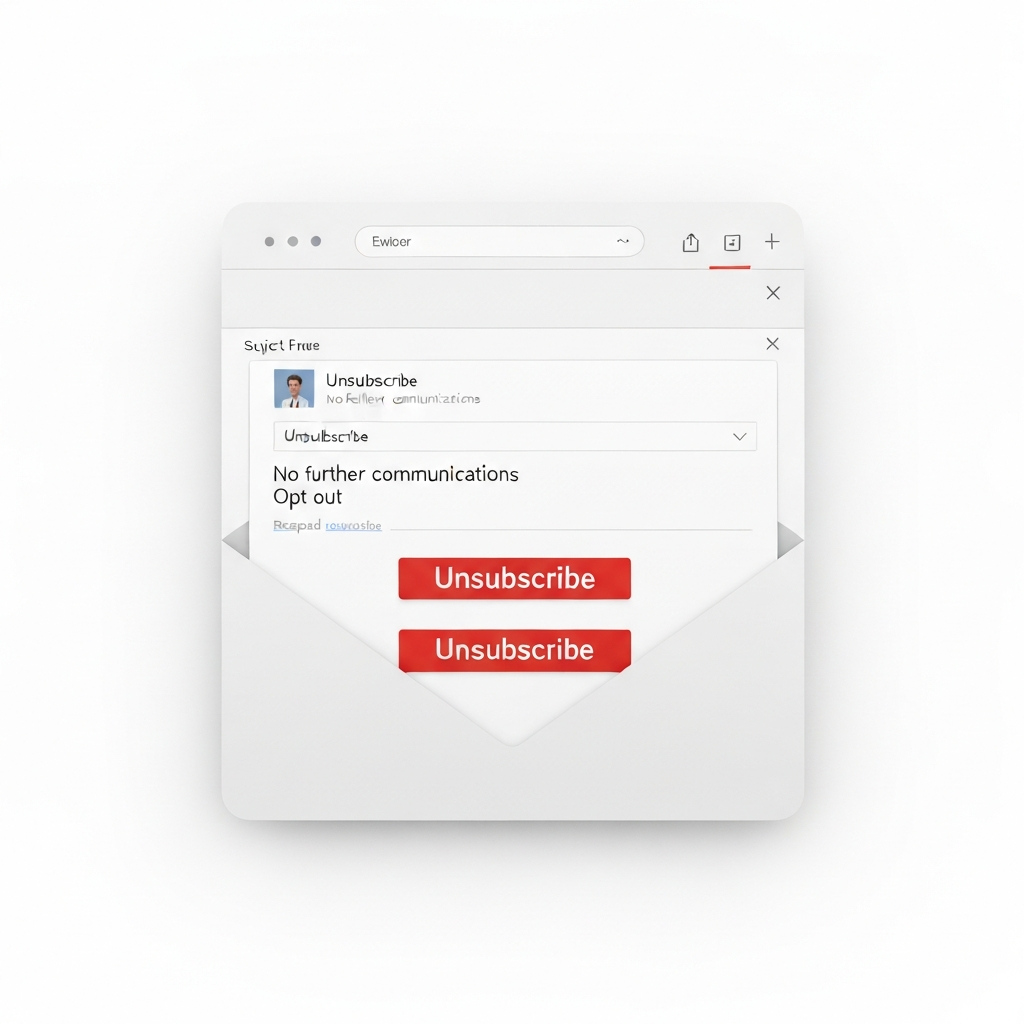
- The Footer: This is the most common location. Scroll to the very bottom of the email. You'll usually find a line of text that says "Unsubscribe," "Opt-out," "Manage Preferences," or something similar, often hyperlinked.
- The Header/Sender Bar: Some modern email clients, like Gmail, are sophisticated enough to detect unsubscribe links or buttons and will often display a prominent "Unsubscribe" option near the sender's name or in the email header itself. This makes it even easier to spot.
- Within the Email Body: Less common, but sometimes you might find an unsubscribe option embedded within the content, often near a call to action or a link to a preference center.
How to Use Them Safely:
- Identify the Link: Look for the word "unsubscribe" or "opt-out." Ensure it's a functional link.
- Click with Caution: Hover over the link to see the URL it points to. It should typically lead to a page hosted by the sender or a reputable email marketing service. If the URL looks suspicious or redirects to an unknown site, do not click it.
- Confirm Your Choice: Clicking the link will usually take you to a confirmation page. This might be an instant confirmation, or it might ask you to check a box or enter your email address again.
- Be Patient: It can sometimes take a few business days for your unsubscribe request to be fully processed. You might receive one or two more emails before they stop.
Email providers often help highlight these links. For example, as noted by the Missive App, "One of the quickest and easiest ways to declutter your inbox is to unsubscribe from emails that are no longer relevant to you." This simple act is the first step to regaining control.
One-Click Wonders: Using Built-in Unsubscribe Features Effectively
The "one-click unsubscribe" is the dream scenario. Many email providers and webmail services have made this incredibly straightforward. If your email client highlights an unsubscribe option prominently, use it! This is the most efficient way to handle legitimate marketing emails you no longer wish to receive.
Examples of One-Click Functionality:
- Gmail: As mentioned, Gmail often places an "Unsubscribe" link right next to the sender's email address at the top of the message. Clicking this initiates the unsubscribe process without even needing to scroll down.
- Outlook: Similar to Gmail, Outlook also identifies unsubscribe links and may offer a quick option to opt-out.
- Dedicated Unsubscribe Services: Tools like Clean.email and Leave Me Alone specialize in scanning your inbox for subscriptions and allowing you to unsubscribe in bulk with just a few clicks. These services often automate the process of finding and clicking those links for you.
When to Use This Method:
- For newsletters you signed up for but no longer read.
- For promotional emails from brands you occasionally shop from but don't need regular updates from.
- For alerts or notifications that have become more noise than signal.
This method is generally safe and effective for legitimate senders. It's the quickest way to reduce email volume from known sources and is a cornerstone of good email management.
When Links Fail: Manual Unsubscribing Strategies for Stubborn Senders
What happens when a sender doesn't provide a clear unsubscribe link, or the link is broken? This is where you need to employ more direct, and sometimes more aggressive, strategies.
1. Mark as Spam (Use Judiciously)
Most email clients have a "Mark as Spam" or "Junk" button. When you click this, you're not just deleting the email; you're informing your email provider that this sender is sending unwanted content. Over time, this helps your provider filter similar emails before they even reach your inbox.
Pros: Effective for stopping future emails from that sender. Helps train your spam filter.
Cons: Can negatively impact the sender's sender reputation (which is why it's best for truly unsolicited or spam-like messages). Some legitimate senders might have temporary issues with their unsubscribe links, and marking them as spam could harm their business. Use this as a last resort for senders who are clearly violating best practices or are sending unsolicited bulk email.
2. Contact the Sender Directly
If an unsubscribe link is missing and you don't want to mark the email as spam (perhaps it's from a vendor you interact with occasionally for business), you can try replying directly. A simple, polite email stating you wish to be removed from their mailing list can work.
Example Reply:
Subject: Unsubscribe Request
Dear [Sender Name/Company Name],
I am writing to request that my email address, [Your Email Address], be removed from your mailing list. I no longer wish to receive [mention type of emails, e.g., promotional newsletters, updates].
Thank you for your prompt attention to this matter.
Sincerely,
[Your Name]
Pros: Polite and professional. Can resolve the issue directly.
Cons: Time-consuming. The sender might not respond, or it might take time for them to process the request. Not practical for large volumes.
3. Use Third-Party Unsubscribe Tools
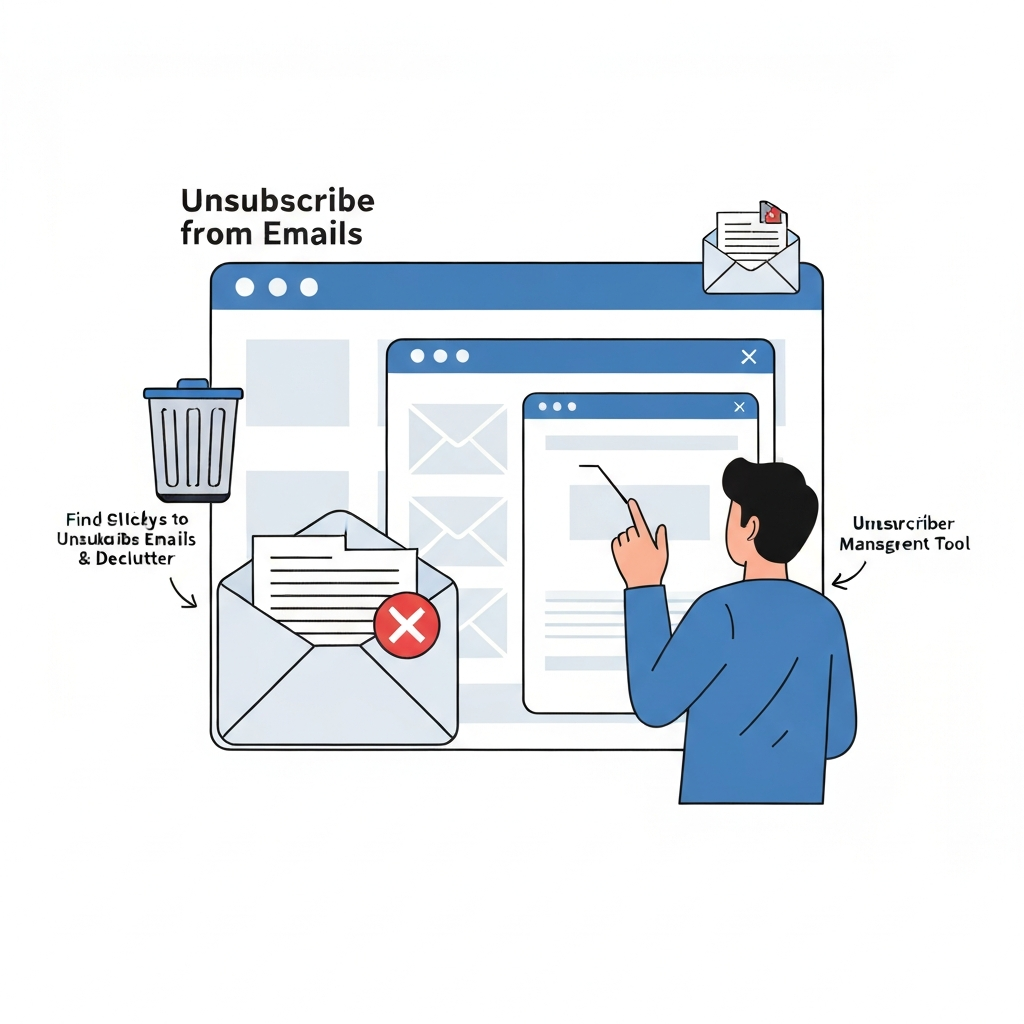
There are services designed to help you manage your subscriptions, especially when manual methods fail or become too tedious. Tools like Clean.email, Leave Me Alone, and others can connect to your email account, scan for subscriptions, and allow you to send unsubscribe requests in bulk. Some even offer features to block senders or manage mailing lists.
The YouTube video "How to unsubscribe from unwanted emails" highlights that the footer link is the most common option, but when that fails, these tools become invaluable. The New York Times Wirecutter has also reviewed such services, noting their potential effectiveness.
Pros: Highly efficient for dealing with many subscriptions at once. Can automate the process of sending requests.
Cons: Some services require payment for full functionality. You are granting these services access to your email account, so choose reputable ones.
When faced with persistent senders, these manual and tool-assisted strategies are crucial for effective email unsubscribe efforts.
Leveraging AI for Smarter Email Management and Subscription Control
For professionals drowning in digital correspondence, manual unsubscribing, even with tools, can feel like a never-ending battle. This is where Artificial Intelligence (AI) steps in, offering a more sophisticated approach to email management and helping you stop spam emails and unwanted subscriptions before they become a problem.
AI-powered solutions can go far beyond simply finding unsubscribe links. They can:
- Intelligently Identify Subscriptions: AI algorithms can analyze your inbox to identify newsletters, promotional emails, and recurring notifications with a high degree of accuracy, even those that don't use standard unsubscribe phrasing.
- Automate Unsubscribes: Instead of manual clicking, AI tools can initiate and manage unsubscribe requests on your behalf, learning from your interactions to refine future actions.
- Prioritize Your Inbox: Beyond just unsubscribing, AI can learn to distinguish between important, urgent messages and those that are less critical, helping you focus on what truly matters.
- Summarize Content: Some AI tools can provide concise summaries of lengthy emails or newsletters, allowing you to grasp the essential information without reading the entire message.
- Manage Sender Reputation: For those who send emails, AI can help optimize email content and delivery, improving your email sender score and ensuring your messages reach their intended recipients.
Tools like an ai executive assistant can help streamline your workflow by automatically identifying and managing subscriptions, prioritizing important messages, and even handling routine replies. These advanced platforms are designed to take on the heavy lifting of email management, freeing up valuable time for strategic thinking and core business activities. By integrating AI into your email strategy, you move from reactive decluttering to proactive, intelligent inbox management.
The broader field of AI intelligent agents is revolutionizing how we interact with digital information, and email is a prime area for this transformation. For instance, AI can assist in AI email data extraction, turning unstructured messages into actionable insights, which is a testament to its power in communication.
Beyond Unsubscribing: Setting Up Filters and Rules to Prevent Future Clutter
While unsubscribing is powerful, it's only one piece of the puzzle. To maintain an organized inbox and prevent future clutter, setting up filters and rules is essential. This proactive approach ensures that even if a subscription slips through the cracks or new, less critical emails arrive, they are handled automatically.
How to Set Up Filters and Rules:
Most email clients offer robust filtering capabilities. The exact steps vary, but the general principles are the same:
- Identify Criteria: Decide what emails you want to filter. This could be based on the sender's address, specific keywords in the subject line or body, or whether the email is part of a mailing list.
- Define Actions: Choose what happens to emails matching your criteria. Common actions include:
- Moving the email to a specific folder (e.g., "Newsletters," "Receipts").
- Applying a label or category.
- Marking as read.
- Archiving it automatically.
- Deleting it immediately.
- Forwarding it to another address.
- Create the Rule: Use your email client's settings to create the rule. For example, in Gmail, you can go to Settings > See all settings > Filters and Blocked Addresses > Create a new filter.
Examples of Useful Rules:
- Move all emails from specific newsletters to a "Read Later" folder. This keeps your inbox clean but allows you to catch up on content at your leisure.
- Automatically archive emails with receipts from online stores. You can always search for them later if needed.
- Delete emails containing specific promotional keywords if they originate from senders you haven't explicitly subscribed to. This helps catch stray marketing messages.
- Forward emails from specific clients or team members to a dedicated project folder.
Leveraging automation is key. For instance, Gmail automation can significantly streamline these processes. Similarly, the Outlook AI Assistant can help manage your inbox more intelligently. By combining the power of unsubscribing with smart filtering and rules, you create a robust system for managing your email flow and contributing to overall communication workflow optimization.
The Productivity Payoff: How a Decluttered Inbox Boosts Focus and Efficiency
The benefits of a decluttered inbox extend far beyond mere tidiness. For busy professionals, the impact on productivity and mental well-being can be profound.
Time Reclamation
Consider the time spent each day opening, scanning, and deciding the fate of unwanted emails. If you receive 50 unwanted emails daily and each takes just 10 seconds to process, that's nearly 8.5 minutes lost per day. Over a year, this amounts to over 35 hours—a full work week or more—spent on emails you didn't want or need.
Enhanced Focus and Reduced Stress
Constant email notifications and a crowded inbox create a state of perpetual distraction. This "context switching" is mentally taxing and significantly reduces your ability to engage in deep work. A clean inbox minimizes these interruptions, allowing you to concentrate on complex tasks. The reduction in digital clutter also lowers stress and anxiety, contributing to a more positive work environment. Achieving inbox zero, or at least a consistently manageable inbox, is often linked to reduced burnout.
Improved Decision-Making
When your inbox is a chaotic mess, important information can easily be missed. This can lead to missed deadlines, overlooked opportunities, and poor decisions. A decluttered inbox ensures that critical communications stand out, allowing you to make more informed and timely decisions. This directly impacts your reply speed impact, as you can find and respond to important messages more quickly.
Greater Professionalism
A well-managed inbox reflects positively on your professionalism. It shows that you are organized, efficient, and respect your own time and the time of others. This can enhance your reputation among colleagues, clients, and partners.
The journey to a decluttered inbox is an investment in your productivity. By mastering the art of how to unsubscribe from emails and employing smart management strategies, you unlock significant gains in time, focus, and overall efficiency.
Conclusion: Taking Permanent Control of Your Email Workflow
Navigating the digital landscape means mastering your communication tools, and your inbox is arguably the most critical. The constant barrage of emails can feel insurmountable, but by taking proactive steps, you can transform your inbox from a source of stress into a streamlined engine for productivity.
We've explored the essential techniques, from the simple act of finding and clicking an email unsubscribe link to employing manual strategies for stubborn senders and leveraging the power of AI. Remember:
- Be Proactive: Don't wait for your inbox to overflow. Regularly unsubscribe from newsletters and promotions you no longer read.
- Use Built-in Features: Take advantage of your email client's "unsubscribe" buttons and prompts.
- Be Persistent: For senders who don't comply, employ manual methods or third-party tools.
- Embrace AI: Let advanced tools, like an ai executive assistant, handle the heavy lifting of subscription management and prioritization.
- Set Up Filters: Prevent future clutter by creating rules that automatically sort or archive incoming mail.
Taking control of your email workflow is not just about clearing out old messages; it's about establishing sustainable habits that foster focus, reduce stress, and enhance your ability to perform at your best. Start today by dedicating just 15 minutes to unsubscribing from five unwanted email lists. You'll be amazed at the immediate sense of relief and the long-term productivity gains. Your future, more focused self will thank you.
```
Frequently Asked Questions
