Gmail Business Email vs. Professional Solutions
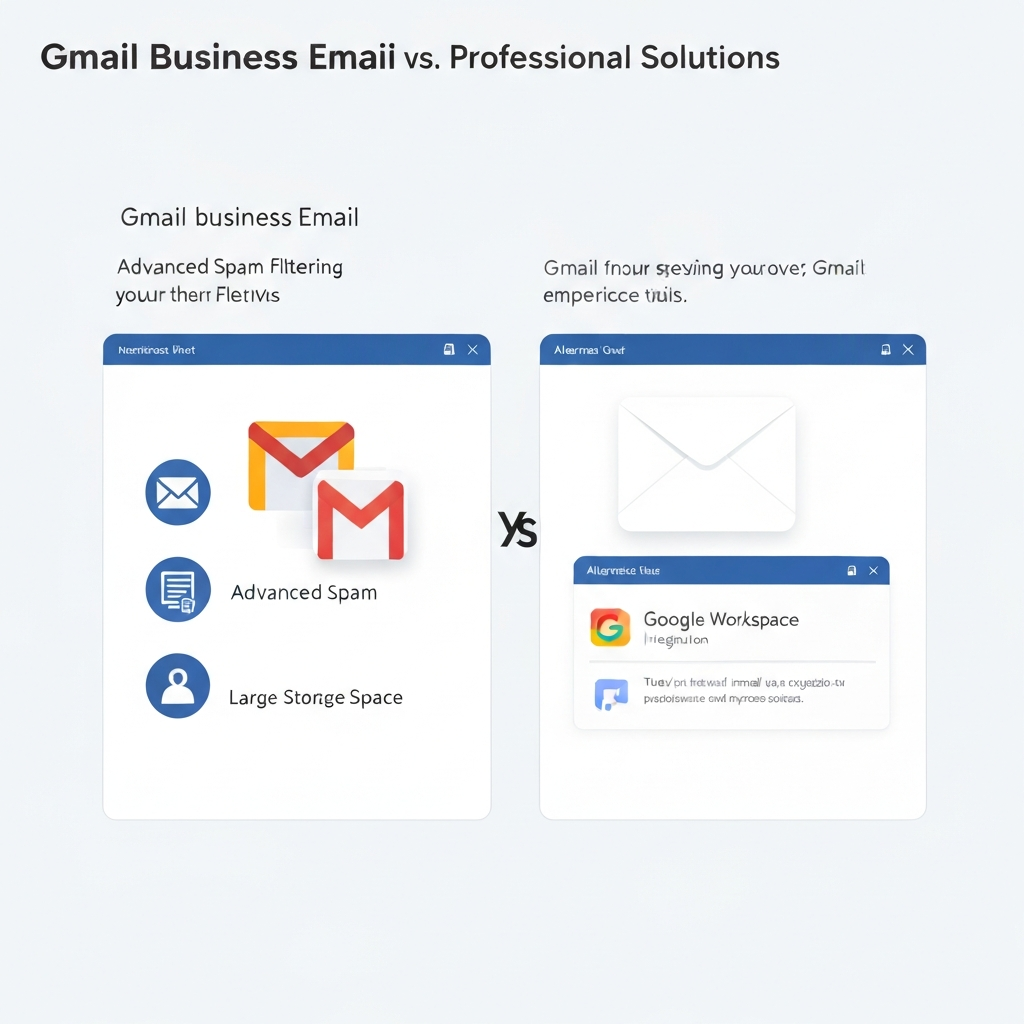
In today's digital-first business landscape, your email address is more than just a way to send messages; it's a critical part of your brand identity and operational efficiency. Many small to medium-sized businesses, familiar with the ubiquitous personal Gmail interface, often search for "gmail company email" solutions, assuming it's a simple upgrade. While Gmail's power is undeniable, understanding its business-grade offering, Google Workspace, and comparing it against other professional email solutions is crucial for making an informed decision. This article will demystify the options, exploring the features, benefits, and potential drawbacks of using Google Workspace versus dedicated professional email hosting services, helping you find the perfect fit for your company's unique needs.
Understanding 'Gmail Company Email' and the Need for Professional Solutions
When business owners refer to "gmail company email," they are typically talking about Google Workspace (formerly G Suite). This isn't just free Gmail with a custom domain; it's a suite of cloud-based productivity and collaboration tools that includes a professional, ad-free Gmail experience tied to your company's domain name (e.g., [email protected]).
Why is a professional email solution essential?
- Credibility and Trust: An email address like
[email protected]immediately signals professionalism and legitimacy compared to a generic[email protected]. This builds trust with clients, partners, and potential customers. External sources highlight that "A custom domain shows that you're invested in your business's identity and credibility." - Brand Consistency: It reinforces your brand with every communication.
- Security and Control: Business-grade solutions offer enhanced security features, administrative controls, and data management capabilities that personal accounts lack.
- Scalability: As your business grows, your email system needs to grow with you, allowing for easy addition of users and features.
- Productivity: Integrated tools and advanced features can significantly boost team collaboration and individual efficiency.
While free Gmail is fantastic for personal use, relying on it for business can hinder growth and professional image. This is where dedicated business email providers and integrated suites like Google Workspace come into play.
Google Workspace (Gmail for Business): Features, Pros, and Cons
Google Workspace is arguably the most recognized name when businesses look for a Gmail-centric solution. It leverages the familiar Gmail interface but elevates it for professional use.
Key Features of Google Workspace
- Custom Domain Email: Use your own domain name (e.g.,
[email protected]) with the Gmail interface. - Ad-Free Gmail: Enjoy an inbox free from advertisements.
- Increased Storage: Significantly more storage per user compared to free Gmail, with options to expand.
- Collaboration Suite: Seamless integration with Google Drive, Docs, Sheets, Slides, Calendar, Meet, and Chat.
- Enhanced Security: Robust spam, phishing, and malware protection, plus advanced security settings and admin controls.
- 24/7 Support: Access to Google's support team for business users.
- Mobile Access: Full functionality across desktop and mobile devices.
Pros of Google Workspace
- Familiar Interface: Users accustomed to Gmail will find the transition smooth.
- Powerful Ecosystem: The integration with other Google apps (Drive, Calendar, Meet) is unparalleled, fostering seamless collaboration.
- Scalability: Easily add or remove users and upgrade plans as your business evolves. This makes it suitable for everything from a small business email setup to large-scale enterprise email solutions.
- Reliability and Uptime: Google is known for its robust infrastructure, ensuring high availability.
- Strong Security Measures: Offers sophisticated protection against email-borne threats.
Cons of Google Workspace
- Cost: While offering great value, the per-user, per-month cost can add up significantly for larger organizations, especially when opting for higher tiers with more features. For example, entry-level plans start around $6 USD per user/month, but can go up to $18 USD or more for advanced features.
- Feature Lock-in: Some advanced features or larger storage quotas are only available on higher, more expensive plans.
- Data Privacy Concerns: While Google Workspace offers business-grade privacy, some organizations with extremely sensitive data might prefer solutions with a more explicit privacy-first approach or on-premise options.
For those looking to understand the competitive landscape more deeply, exploring a guide like "Gmail Enterprise Email: Your Ultimate Competitor Guide" can provide further insights.
Alternative Professional Email Solutions: A Comparative Overview
While Google Workspace is a top contender, several other excellent business email providers offer robust solutions tailored to different business needs. These alternatives often compete on price, specific feature sets, or unique selling propositions like enhanced privacy or a different integrated ecosystem.
Microsoft 365 (Outlook for Business)
Microsoft's primary competitor to Google Workspace. It offers a professional email experience through Outlook, integrated with OneDrive, Word, Excel, PowerPoint, Teams, and SharePoint. It's a natural choice for businesses already invested in the Microsoft ecosystem.
- Pros: Deep integration with Windows and Office applications, familiar interface for many business users, strong enterprise features, competitive pricing.
- Cons: Can feel less intuitive for users not already in the Microsoft world, collaboration tools might feel slightly less unified than Google's.
Zoho Mail
Zoho offers a comprehensive suite of business applications, and Zoho Mail is its email solution. It's known for its generous free tier for small businesses and its attractive pricing for paid plans, which include a vast array of other business tools.
- Pros: Excellent value for money, robust feature set even on lower tiers, includes a wide range of integrated business apps, strong privacy policy.
- Cons: The interface might be less familiar than Gmail or Outlook for some, integration with third-party apps might require more setup.
ProtonMail
For businesses prioritizing privacy and security above all else, ProtonMail offers end-to-end encryption for all emails. It's based in Switzerland, known for its strong privacy laws.
- Pros: State-of-the-art end-to-end encryption, strong commitment to privacy, clean interface.
- Cons: Limited integration with other productivity tools, encryption can sometimes make searching or sharing more complex, typically more expensive for comparable storage.
Rackspace Email Hosting
Rackspace provides reliable email hosting with a focus on dedicated support and robust infrastructure. It's a solid choice for businesses looking for straightforward, dependable email hosting without the full suite of productivity apps.
- Pros: Excellent customer support, reliable infrastructure, good for businesses that only need email hosting.
- Cons: Lacks the integrated productivity suite found in Google Workspace or Microsoft 365, which might be a drawback for some.
Choosing the right platform often depends on your existing tech stack and workflow. Exploring different mail client options can also be part of the decision-making process, as user experience is paramount.
Key Comparison Factors: Security, Scalability, and Integrations
When selecting a professional email hosting service, several core factors deserve close examination:
Security
Email security is non-negotiable for any business. Key aspects include:
- Spam and Malware Protection: How effective are the filters? Do they use AI to detect new threats?
- Encryption: Support for TLS/SSL for in-transit emails and end-to-end encryption for emails at rest.
- Two-Factor Authentication (2FA): Essential for preventing unauthorized access.
- Data Loss Prevention (DLP): Policies to prevent sensitive information from leaving the organization.
- Compliance: Does the provider meet industry-specific regulations (e.g., HIPAA for healthcare, GDPR for data privacy)?
Google Workspace and Microsoft 365 offer robust security features and compliance certifications suitable for most businesses. Providers like ProtonMail excel in encryption-focused security.
Scalability
Your business is dynamic. Your email solution must be able to adapt:
- User Management: How easy is it to add, remove, or modify user accounts?
- Storage Limits: What are the per-user and total storage capacities, and how much do they cost to increase?
- Feature Tiers: Can you upgrade to access more advanced features (like eDiscovery, archiving, or enhanced security) as your needs grow?
Both Google Workspace and Microsoft 365 are designed for excellent scalability, offering tiered plans that grow with your organization. Many enterprise email solutions are built with this in mind.
Integrations
Your email doesn't exist in a vacuum. It needs to connect with other tools:
- CRM Systems: Essential for sales teams to log communications and manage leads.
- Project Management Tools: Syncing tasks, deadlines, and communications.
- Calendar and Scheduling Apps: For efficient meeting management.
- Third-Party Apps: Access to a marketplace or APIs for custom integrations.
Google Workspace shines with its native integration across Google's own suite. Microsoft 365 does the same for its ecosystem. Other providers may offer robust APIs or specific integrations with popular third-party tools.
Cost Analysis: Free vs. Paid Business Email Plans
The idea of "free Gmail for business" is a common misconception. While Gmail itself is free for personal use, using it for business comes with limitations:
- No Custom Domain: You cannot use your company's domain name (e.g.,
[email protected]). - Ads: The inbox is ad-supported.
- Limited Features: Lacks advanced security, administrative controls, and dedicated support.
- Terms of Service: Google's Terms of Service for free Gmail are not designed for commercial use and can be terminated.
Professional business email solutions, including Google Workspace, Microsoft 365, and Zoho Mail, operate on a paid subscription model, typically per user, per month.
- Google Workspace plans start around $6 USD per user/month for the Business Starter plan, which includes 30GB of storage and core apps. Higher tiers offer more storage and advanced features. You can find detailed pricing comparisons online, such as on Google Workspace Pricing Plans.
- Microsoft 365 offers similar entry-level plans around $6 USD per user/month, often bundled with desktop Office applications on higher tiers.
- Zoho Mail offers a free plan for up to 5 users with limited features and storage, making it an attractive option for very small businesses. Paid plans are very competitively priced, often starting at just $1-$3 USD per user/month for advanced features.
When evaluating costs, consider not just the monthly fee but the total value provided, including storage, included applications, security features, and support. For a small business email solution, the free tier of Zoho Mail or an entry-level plan from Google Workspace or Microsoft 365 might be ideal. For larger organizations, the cost per user for enterprise email solutions needs to be weighed against the benefits of advanced features and scalability.
Enhancing Productivity: AI Tools for Email Management
Beyond the core email platform, the future of email management lies in artificial intelligence. AI-powered tools can transform how individuals and teams handle their inboxes, moving beyond simple organization to proactive assistance.
How AI Enhances Email Management
- Automated Sorting and Prioritization: AI can learn your habits to automatically sort incoming emails, flag urgent messages, and move less important ones to specific folders.
- Smart Replies and Drafting: Suggesting quick replies or even drafting entire responses based on context.
- Task Management: Automatically identifying action items from emails and converting them into tasks in your to-do list or project management software. This is a core function for many productivity hacks; for instance, "Turn Emails Into Actionable Tasks: Your Productivity Hack" details this capability.
- Email Summarization: Quickly getting the gist of long email threads or documents attached to emails.
- Sentiment Analysis: Understanding the tone of incoming messages to help prioritize responses or gauge customer satisfaction.
- Scheduling Assistance: AI can help find optimal times for meetings based on participants' calendars.
- Deliverability Optimization: For marketing and sales emails, AI can help improve delivery rates by analyzing content and sending times. Learn more about "AI Email Deliverability: Boost Your Inbox Success".
For businesses looking to maximize efficiency, integrating advanced AI tools is becoming essential. Platforms offering an ai executive assistant can drastically streamline workflow, handling routine tasks, prioritizing messages, and even drafting responses, freeing up valuable human capital. Such tools can act as a powerful extension to any chosen email platform, helping you achieve a true productivity email system.
Furthermore, AI can help Unlock Business Insights from Email, turning communication data into actionable business intelligence, or provide an AI Virtual Agent: Boost Your Business Email Productivity.
Choosing the Right Solution for Your Business Needs
The "best" email solution is subjective and depends entirely on your business's specific requirements, size, budget, and technical expertise. Here’s a guide to help you decide:
For Startups and Small Businesses:
- Focus: Affordability, ease of use, essential professional features.
- Consider: Zoho Mail (free or low-cost plans), Google Workspace Business Starter, or Microsoft 365 Business Basic. These offer custom domain emails, basic storage, and core productivity tools without breaking the bank.
For Growing SMBs:
- Focus: Scalability, better collaboration, increased storage, integration with other business tools.
- Consider: Google Workspace Business Standard/Plus or Microsoft 365 Business Standard/Premium. These offer more storage, enhanced collaboration features, and better administrative controls.
For Large Enterprises:
- Focus: Advanced security, compliance, extensive storage, eDiscovery, dedicated support, complex integrations.
- Consider: Google Workspace Enterprise editions or Microsoft 365 Enterprise plans. These provide the highest levels of security, control, and feature sets required for complex organizational needs.
For Specific Roles:
- Executives: Need efficient inbox management, scheduling assistance, and potentially AI tools to help prioritize and respond quickly.
- Sales Teams: Benefit from CRM integration, fast sales reply speed, and tools that help manage follow-ups effectively, ensuring quick sales follow up speed.
- Remote Workers: Require seamless access from any device, robust collaboration tools, and reliable communication channels.
- Privacy-Conscious Businesses: May lean towards ProtonMail or specific configurations of other providers that offer enhanced data protection.
Ultimately, think about your primary pain points. Are you struggling with brand perception? Collaboration? Security threats? Cost management? Your answer will guide you to the most suitable platform.
Conclusion: Making an Informed Decision for Email Efficiency
The term "gmail company email" often points users toward Google Workspace, and for good reason. It offers a powerful, familiar, and highly integrated suite of tools that can significantly benefit businesses of all sizes. Its seamless integration with other Google services makes it a compelling choice for collaboration and productivity.
However, it's vital to remember that Google Workspace is just one of many excellent professional email hosting solutions available. Competitors like Microsoft 365, Zoho Mail, and specialized providers offer strong alternatives, often with different pricing structures, unique feature sets, or a distinct focus on areas like privacy or specific integrations.
When making your decision, consider these key factors: your budget, the need for custom domain email, required storage space, essential collaboration features, integration with your existing software stack, and the level of email security you need. Don't overlook the growing importance of AI tools, such as an ai executive assistant, which can further augment productivity regardless of your chosen platform.
By carefully evaluating your business needs against the offerings of various business email providers, you can select a solution that not only enhances your professional image but also drives efficiency and supports your company's growth for years to come.
```
Frequently Asked Questions
