Help Me Write an Email? AI Can Do It Faster!

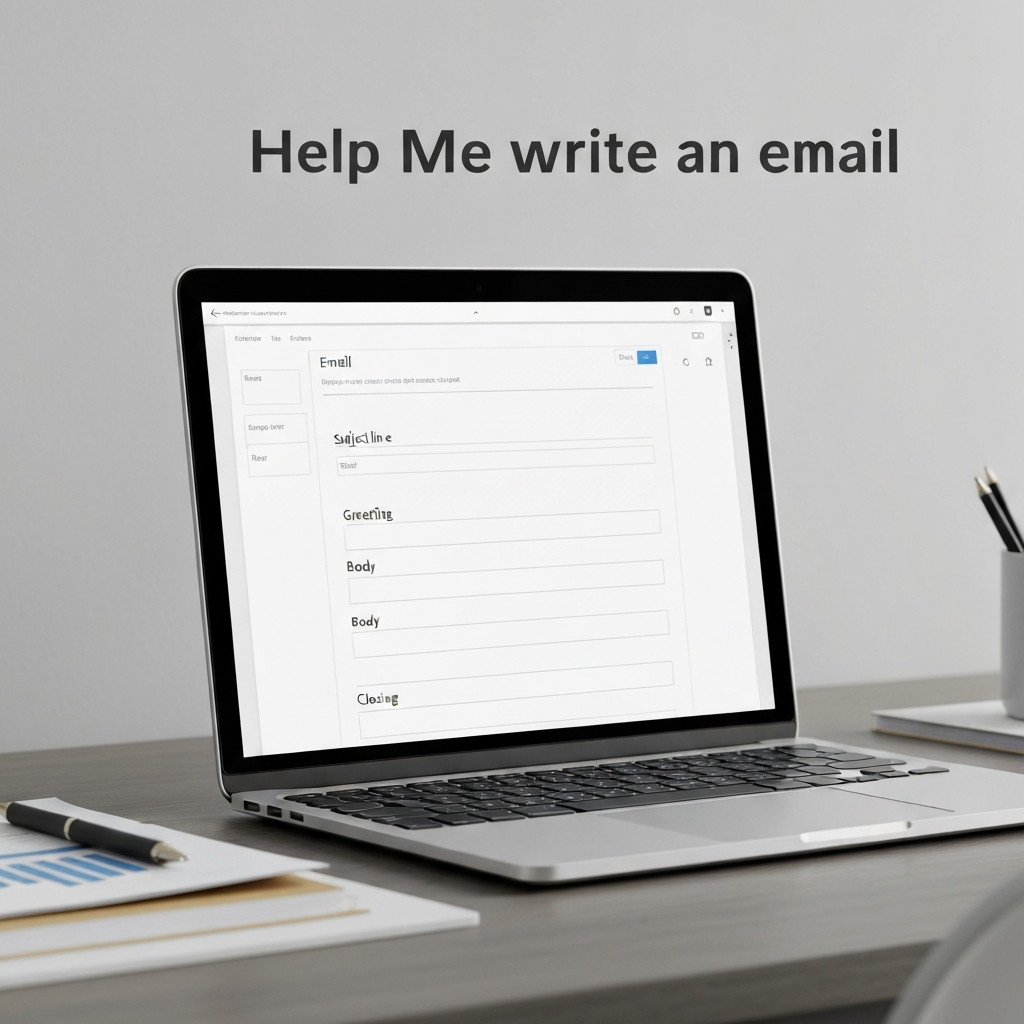
In today's hyper-connected world, email remains the lifeblood of professional communication. From quick internal updates to complex client proposals, the inbox is a constant stream of demands. But what happens when the cursor blinks mockingly, the right words just won't come, or the sheer volume feels insurmountable? The familiar sigh, "Help me write an email," echoes in offices and home workspaces everywhere. For busy professionals, entrepreneurs, sales teams, and remote workers, wrestling with email composition can be a significant drain on precious time and energy, directly impacting productivity and efficiency. Fortunately, a revolution is underway, powered by artificial intelligence, promising to transform how we approach our inboxes.
How AI is Revolutionizing Email Composition
Gone are the days when spell check and grammar correction were the pinnacle of writing assistance. Modern AI is stepping in as a powerful ally, capable of understanding context, tone, and intent to help craft compelling messages at unprecedented speeds. This isn't about replacing human ingenuity; it's about augmenting it. AI email writing tools act as intelligent assistants, breaking through writer's block, suggesting better phrasing, and even generating entire drafts based on simple prompts. This shift means less time spent staring at a blank screen and more time focused on strategic thinking and core business objectives. The goal is to streamline communication, making it faster, clearer, and more effective.
Key Features of AI Email Writing Assistants
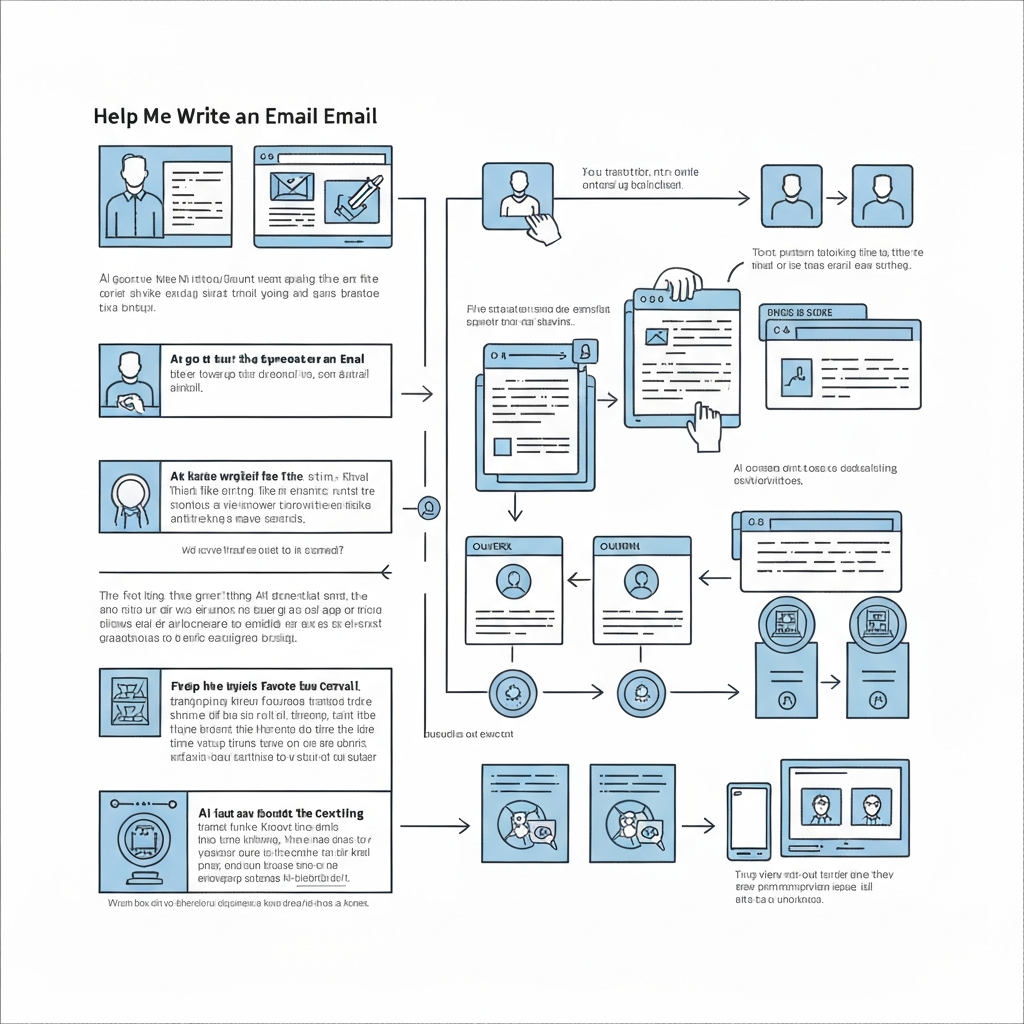
AI email writing assistants are packed with features designed to tackle various aspects of email composition and management. Understanding these capabilities can help you identify how they can best serve your needs:
- Drafting from Prompts: Simply tell the AI what you want to communicate – the purpose, key points, and desired outcome – and it will generate a draft email. This is invaluable when you're short on time or unsure where to start.
- Tone and Style Adjustment: Need to sound more formal, casual, persuasive, or empathetic? AI tools can adapt the language and tone of your message to suit your audience and purpose, ensuring your communication lands effectively.
- Grammar, Spelling, and Clarity Enhancement: Beyond basic corrections, AI can suggest improvements for sentence structure, word choice, and overall readability, ensuring your emails are professional and easy to understand.
- Summarization of Long Threads: Drowning in a lengthy email chain? AI can quickly summarize the key points, helping you catch up and formulate a relevant response without reading every single message.
- Reply Suggestions: For common inquiries or follow-ups, AI can suggest pre-written or personalized replies, significantly speeding up your response time. This is a critical aspect of mastering email response time.
- Content Expansion and Refinement: If you have a rough idea or a few bullet points, AI can help expand them into a coherent and well-structured email. It can also refine existing drafts to be more concise or impactful.
- Subject Line Generation: Crafting an attention-grabbing yet informative subject line can be challenging. AI can suggest multiple options, increasing the likelihood of your email being opened and read.
- Multilingual Support: Some advanced tools can help you write and translate emails, breaking down language barriers and allowing you to reach a wider audience. As WriteMail.ai highlights, such capabilities enable you to "compose and send emails in your preferred language with ease."
These features work together to reduce the cognitive load associated with email writing, making the entire process more efficient. As highlighted by AI Lawyer Insights, "Writing emails can be a real time-drain, especially when you’re juggling work tasks," and AI tools are specifically designed to alleviate this burden.
Use Cases: When to Let AI Help You Write an Email
The versatility of AI email writing tools means they can be a game-changer across numerous professional scenarios. Here are just a few examples:
For Sales Professionals
In sales, speed and personalization are key. AI can help you:
- Draft compelling outreach emails to new prospects.
- Generate personalized follow-up messages based on previous interactions.
- Craft persuasive proposals and quotes.
- Quickly respond to common sales inquiries, improving sales reply speed.
This allows sales reps to focus more on building relationships and closing deals, rather than spending hours on email administration.
For Entrepreneurs and Small Business Owners
When you're wearing multiple hats, efficiency is paramount. AI can assist with:
- Responding to customer service inquiries and FAQs.
- Drafting marketing emails and newsletters.
- Communicating with vendors and suppliers.
- Creating professional announcements or updates for stakeholders.
This frees up valuable time to focus on business growth and strategy.
For Executives and Managers
Executives need to communicate with clarity and authority. AI can help refine:
- Formal correspondence to board members or stakeholders.
- Internal memos and policy updates.
- Delegation emails to team members.
- Summaries of reports or meeting minutes for distribution.
Consider using an ai executive assistant to manage your email communications and free up your valuable time for strategic thinking. These advanced platforms offer sophisticated features to handle complex communication needs.
For Remote Workers and Teams
Maintaining consistent and clear communication is vital in remote environments. AI can help:
- Draft clear instructions and project updates.
- Ensure a consistent brand voice across all team communications.
- Facilitate smoother collaboration by making information exchange more efficient.
For Job Seekers and Recruiters
Whether you're applying for a job or recruiting talent, AI can be a powerful tool:
- Draft tailored cover letters and application emails.
- Write professional networking messages.
- For recruiters, generate personalized outreach to potential candidates or draft rejection emails with a professional tone.
As Microsoft notes, an AI email generator "applies the intelligence of an AI-powered writing assistant to help make it easier, quicker, and a lot less stressful to write email."
Crafting Professional Emails with AI: Tips and Best Practices
While AI tools are incredibly powerful, they are most effective when used strategically. Here’s how to get the most out of them:
- Start with a Clear Prompt: The quality of the AI's output directly depends on the quality of your input. Be specific about your goal, audience, key message, and desired tone. Instead of "write an email," try "Draft a polite follow-up email to a potential client who hasn't responded to my proposal from last week. Remind them of the key benefits (cost savings, efficiency) and ask if they have any questions."
- Provide Context: If you're responding to a previous email or referring to a specific document, include that information in your prompt. The more context the AI has, the more relevant its response will be.
- Specify Tone and Audience: Explicitly state if the email should be formal, informal, friendly, urgent, persuasive, etc. Also, mention who the recipient is (e.g., a CEO, a colleague, a customer).
- Review and Edit Meticulously: AI is a co-pilot, not an autopilot. Always read through the generated draft. Check for accuracy, ensure it aligns with your personal voice, and make any necessary tweaks. AI can sometimes miss nuances or make minor errors.
- Personalize Where It Counts: Use AI to handle the repetitive or time-consuming parts, then add your personal touch to critical sections. This blend ensures efficiency without sacrificing genuine connection.
- Iterate and Refine: Don't be afraid to ask the AI to revise its output. You can ask it to make the email shorter, longer, more detailed, or to rephrase certain sentences.
- Fact-Check: If the AI includes any factual information, double-check its accuracy.
By following these tips, you can ensure that AI-assisted emails are not only fast but also professional, effective, and authentic.
Overcoming Common Objections to AI-Assisted Writing
It's natural to have reservations about adopting new technology, especially when it involves something as personal as writing. Let's address some common concerns:
"Will it sound robotic or impersonal?"
Modern AI writing assistants are trained on vast amounts of text, enabling them to generate sophisticated and human-like prose. By providing clear prompts and editing the output, you can guide the AI to adopt your desired tone. The goal is to make the communication *more* effective and *less* time-consuming, freeing you up to add personal touches where they matter most.
"Is it secure to share my email content with AI?"
Reputable AI writing tools prioritize user privacy and data security. Many operate on secure platforms with robust encryption. It's always wise to choose well-established providers and review their privacy policies. Tools like AImReply emphasize their proprietary AI technology for streamlining communication efforts, suggesting a focus on secure development.
"Will I lose my writing skills?"
On the contrary, using AI can help you learn. By seeing how AI structures sentences, uses vocabulary, and adopts tones, you can improve your own writing. It's like having a writing coach available 24/7. Furthermore, AI handles the drudgery, allowing you to focus on the creative and strategic aspects of communication.
"Is it too complicated to learn?"
Most AI email writing tools are designed with user-friendly interfaces. Many integrate directly into your existing email client or browser, making them accessible with a few clicks. As Zapier highlights in their review of the best AI email assistants, features like Microsoft Copilot are integrated directly into the writing interface, making them straightforward to use.
By understanding these benefits and addressing potential fears, you can feel more confident in leveraging AI to enhance your email communication.
Integrating AI Email Tools into Your Workflow for Maximum Efficiency
Adopting AI for email writing isn't just about having the tools; it's about making them a seamless part of your daily routine. Here’s how to integrate them effectively:
- Start with Low-Stakes Tasks: Begin by using AI to draft internal emails, simple replies, or subject lines. As you gain confidence, move on to more complex communications.
- Identify Your Email Bottlenecks: Which types of emails take you the longest? Which do you dread writing? Target these areas first for AI assistance. This could include responding to common inquiries or crafting routine follow-ups.
- Set Up Integrations: Many AI writing assistants integrate directly with popular mail client options like Gmail or Outlook. This allows you to access AI features without switching applications, making the process incredibly smooth.
- Use AI as a Template Generator: For recurring email types, use AI to generate a solid base template. You can then save and adapt this template for future use, saving time and ensuring consistency.
- Train Yourself on Prompt Engineering: Learning how to write effective prompts is a skill in itself. Experiment with different phrasing and levels of detail to see what yields the best results for you.
- Leverage AI for Inbox Management: Beyond just writing, AI can help with other aspects of inbox management. Some tools can help categorize emails, flag important messages, or even automate responses to simple queries, contributing to overall productivity email system efficiency.
- Combine AI with Other Productivity Hacks: AI email writing is just one piece of the puzzle. Combine it with techniques for managing your inbox, prioritizing tasks, and minimizing distractions for a holistic productivity boost.
By consciously weaving AI tools into your workflow, you can unlock significant efficiency gains and reclaim valuable time.
Conclusion: Boost Your Productivity with Smart Email Assistance
The challenge of managing email effectively in today's fast-paced professional landscape is real. The constant demand for clear, timely, and impactful communication can feel overwhelming. However, with the advent of sophisticated AI email writing tools, you no longer have to face the blank page alone. These intelligent assistants offer a powerful way to overcome writer's block, enhance clarity, refine your tone, and, most importantly, dramatically boost your speed and productivity.
From crafting persuasive sales pitches to managing daily business communication, AI is proving to be an indispensable ally. By understanding their capabilities, applying best practices, and integrating them thoughtfully into your workflow, you can transform your email experience. Stop letting email be a drain on your time and energy. Embrace the power of AI to help you write better, faster, and smarter. Start exploring AI email writing tools today and unlock a new level of efficiency in your professional life.
Frequently Asked Questions
