Inbox Cleanup: Master Your Email Productivity
Your inbox. For many professionals, it's the digital equivalent of a cluttered desk, a never-ending to-do list, or worse, a black hole where important information goes to die. The constant barrage of notifications, the urgent requests, the promotional offers, and the endless threads can feel like an overwhelming tidal wave. Is your inbox a source of productivity or a major roadblock? If you're nodding along, struggling with a constantly overflowing inbox, feeling stressed, and losing precious time sifting through digital clutter, you're not alone. This comprehensive guide is dedicated to helping you master the art of inbox cleanup. We'll equip you with practical, actionable strategies to declutter your inbox, regain control over your communications, and significantly boost your overall productivity. Prepare to transform your email experience from a source of dread into a powerful tool for success.
Why Inbox Cleanup is Crucial for Productivity
The impact of a disorganized inbox stretches far beyond mere annoyance; it's a direct assault on your professional effectiveness and well-being. Consider this: the average professional spends over 3 hours per day managing email, according to some estimates. A cluttered inbox exacerbates this, leading to a cascade of negative consequences:
- Lost Productivity and Wasted Time: Searching for a specific email can consume minutes, even hours, each week. When combined with the time spent reading and sorting through junk, this adds up to significant lost work hours. A well-organized inbox means finding what you need instantly, which is a cornerstone of effective email management.
- Eroded Focus and Concentration: Constant email notifications act as persistent interruptions, fragmenting your attention and making it difficult to engage in deep, focused work. This leads to reduced efficiency and increased errors, hindering your ability to perform at your best.
- Missed Opportunities and Critical Information: Important client requests, urgent project updates, sales leads, or vital HR communications can easily be buried under a mountain of less important messages, leading to missed deadlines, lost deals, and costly mistakes. Proper email organization is key to preventing this.
- Increased Stress and Burnout: The visual and mental clutter of an unmanaged inbox contributes significantly to workplace stress. The feeling of being constantly behind or overwhelmed can lead to burnout. Effective email management reduces this cognitive load, promoting a healthier work environment.
- Damaged Professional Reputation: Slow response times or missed communications can negatively impact how colleagues, clients, and superiors perceive your reliability and professionalism.
Investing time in inbox cleanup isn't just about tidiness; it's a strategic imperative for anyone serious about maximizing their productivity, reducing stress, and achieving their professional goals. It forms the bedrock of efficient email organization and is essential for anyone looking to reduce email overload.
Quick Wins: Immediate Steps to Declutter Your Inbox
Before diving into complex systems, let's implement some immediate actions that can provide swift relief from inbox overload. These "quick wins" are designed to reduce the volume and clear space, making subsequent organization efforts more manageable. These are the first steps in any effective inbox cleanup.
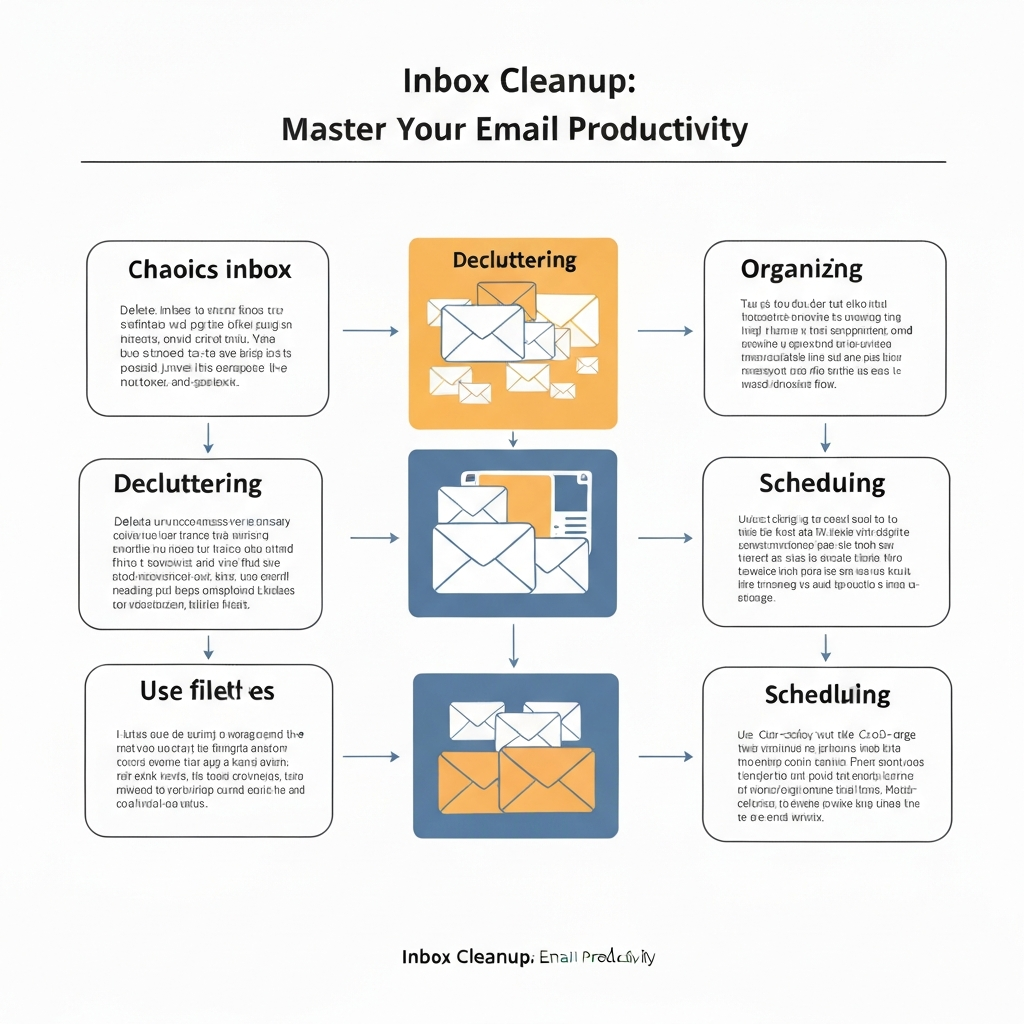
- Unsubscribe Ruthlessly: This is often the single most impactful step. Take a few minutes to go through your inbox and identify newsletters, promotional emails, or automated updates you no longer read or need. Hitting that unsubscribe link can prevent future clutter. For a detailed approach, check out our guide on how to unsubscribe from all emails easily.
- Delete the Junk: Be decisive. Go through your inbox and delete any emails that are clearly spam, irrelevant, or outdated. Don't hesitate – the goal is to clear space and declutter inbox content that serves no purpose.
- Archive What's Done: If an email represents a completed task or a conversation that's concluded but might be needed for future reference, archive it. Archiving removes it from your active inbox view without permanently deleting it, keeping your primary workspace clean and focused.
- Implement the "Two-Minute Rule": For any email that requires a response or action taking less than two minutes, do it immediately. This prevents small, quick tasks from accumulating and cluttering your to-do list or inbox. As Forbes wisely advises, "The first step in cleaning up your inbox is reducing unnecessary emails before you even get them. Classify them as spam, or unsubscribe from promotional emails that you don't want to read as soon as you get them." External Link 1: Forbes
These initial steps can provide a noticeable sense of relief and momentum, paving the way for more structured email management and a less cluttered digital life.
Strategic Organization: Folders, Labels, and Filters Explained
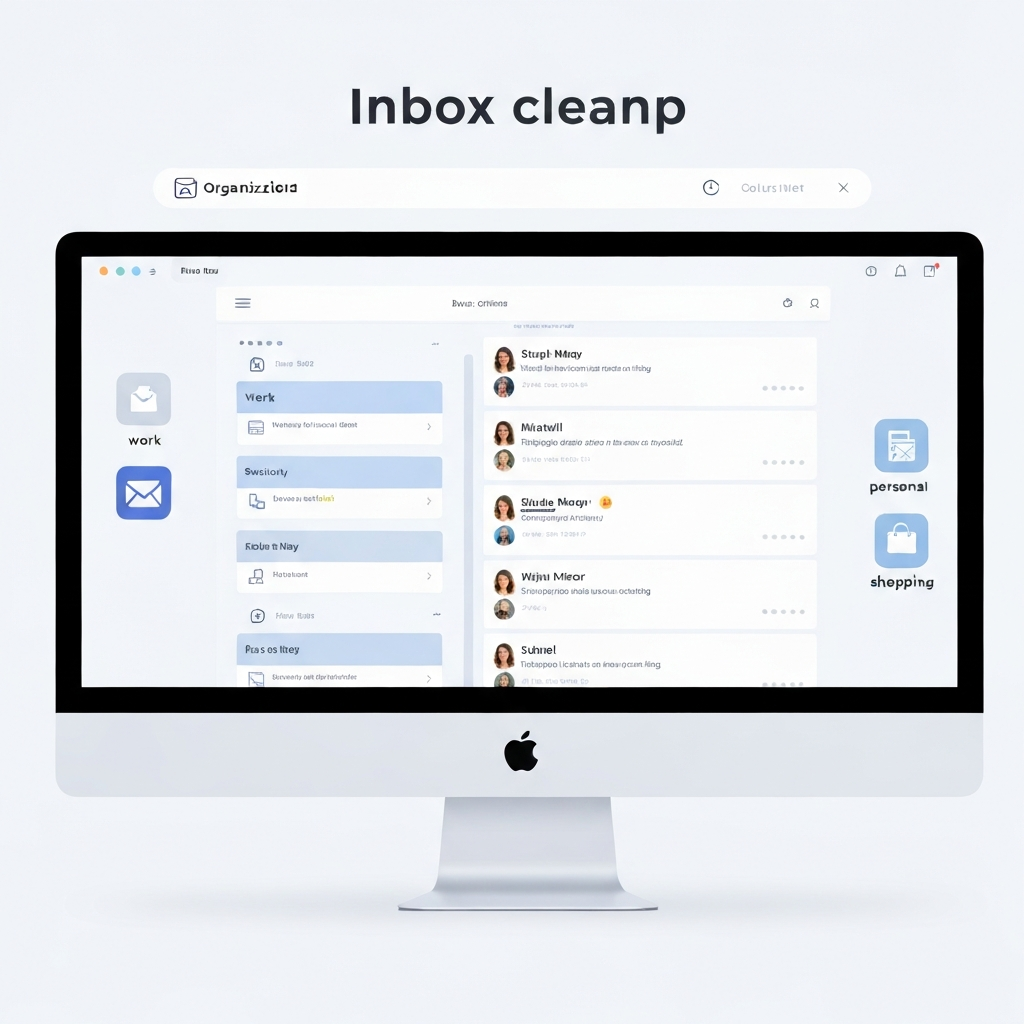
Once you've cleared some initial clutter, it's time to build a robust system for ongoing email organization. This involves creating structure so that emails are not only managed but also easily retrievable and actionable. A well-organized inbox is fundamental to efficient email management.
Folders: The Filing Cabinet Approach
Think of folders as distinct physical filing cabinets. You can create a hierarchical structure based on broad categories. Common examples include:
Projects: Subfolders for each major project (e.g., Project Alpha, Q4 Initiative).Clients: Subfolders for each key client.Team/Department: For internal communications.Action Required: For emails needing a direct response.Waiting For: For emails where you're awaiting a response from someone else.Reference: For general information or past projects.Personal: For non-work-related emails (if using a work account).
Using folders provides a clear, definitive place for every email, ensuring a structured approach to inbox cleanup and helping to declutter inbox content systematically.
Labels/Tags: The Flexible System
Labels are more dynamic than folders. An email can have multiple labels applied to it, allowing for cross-categorization. This is particularly useful when an email pertains to more than one area. For instance, an email about a client's project could have both a Client X label and a Project Y label. Labels can signify status (Urgent, Follow-up), topic (Marketing, Finance), or sender type (VIP, Team Lead). This flexibility enhances your ability to filter and sort emails based on various criteria.
Filters/Rules: Automating the Process
This is where you can truly harness the power of your email client to automate email management. Set up rules that automatically apply labels, move emails to specific folders, forward messages, or even mark them as read based on sender, subject line, keywords, or recipients. For example, you could create a rule to automatically label all emails from your direct manager as "Urgent" and move them to a dedicated folder. Streak's guide on cleaning Gmail highlights how utilizing search and filters is essential for efficient email handling. External Link 2: Streak
A well-designed system of folders and labels, powered by smart filters, turns your inbox from a chaotic dump into an organized, efficient workspace, vital for mastering email organization.
Taming the Flood: Managing High Email Volumes Effectively
For professionals dealing with hundreds of emails daily, simply organizing isn't enough; proactive management is key to preventing overwhelm. This is where strategies to handle high volumes and the pursuit of an inbox zero strategy become paramount. These techniques are crucial productivity hacks for busy professionals.
- Batch Email Checks: Resist the urge to check your email constantly. Instead, schedule specific times throughout the day to process your inbox (e.g., 9 AM, 1 PM, 4 PM). This approach minimizes disruptive context switching, allowing for longer periods of focused work. By batching, you train your brain to handle emails in dedicated blocks rather than reacting to every incoming message.
- Prioritization Frameworks: Not all emails are created equal. Implement methods to quickly identify and address the most important messages:
- The Eisenhower Matrix: Categorize emails into four quadrants:
- Urgent & Important: Do these immediately.
- Important, Not Urgent: Schedule time to do these. (Crucial for strategic work).
- Urgent, Not Important: Delegate if possible.
- Not Urgent & Not Important: Delete or archive.
- ABC Prioritization: Assign an 'A' (highest priority), 'B' (medium priority), or 'C' (low priority) to emails requiring action. Focus on clearing your 'A' list first.
- The Eisenhower Matrix: Categorize emails into four quadrants:
- Set Clear Expectations: Manage sender expectations regarding response times. Utilize auto-responders for out-of-office notifications or to acknowledge receipt and state when a response can be expected. If your organization has instant messaging or other channels for urgent communication, make that clear.
- The "Inbox Zero Strategy": This popular methodology isn't about having an empty inbox at all times, but rather about processing every email in your inbox such that nothing is left unaddressed. By the end of your designated processing time or workday, every email should have been either replied to, acted upon, delegated, filed, or deleted. This continuous processing prevents backlog and ensures you're always on top of your communications. This proactive approach is a cornerstone of effective email management.
Mastering these techniques is essential for anyone looking to reduce email overload and implement an effective inbox zero strategy.
Leveraging AI for Effortless Inbox Management (MailToPie Focus)
In today's fast-paced professional environment, manual email management can feel like a losing battle. Fortunately, artificial intelligence (AI) is rapidly emerging as a powerful ally, transforming how we handle our inboxes and streamline our workflows. AI-powered tools are no longer a futuristic concept; they are practical solutions designed to automate tedious tasks, intelligently filter noise, and even assist in crafting responses, making inbox cleanup far more effortless.
How AI Enhances Email Management:
- Intelligent Categorization and Sorting: AI algorithms can learn your communication patterns and automatically categorize emails with remarkable accuracy, going far beyond simple keyword filters. They can identify urgent requests, client communications, internal team updates, and promotional content, routing them to appropriate places or flagging them for your attention. This is a key component of advanced email organization.
- Proactive Prioritization: AI can analyze incoming emails to identify critical messages that require immediate attention, distinguishing them from less important ones. This ensures you focus your valuable time and energy on what truly matters, preventing critical tasks from slipping through the cracks.
- Concise Summarization: Drowning in long email threads? AI can provide concise summaries of lengthy conversations, allowing you to grasp the key points and decisions quickly without having to read every single message. This is a massive time-saver for complex projects or discussions.
- Automated Responses and Drafting Assistance: For common queries or acknowledgments, AI can generate automated responses. Furthermore, AI tools can assist in drafting emails, suggesting phrasing, correcting grammar, and ensuring a professional tone, significantly speeding up your reply times. As Inboxzapper points out, "Email overflows with promotions, newsletters, and random updates that make genuine messages impossible. This clutter drains your productivity and sanity. With AI email cleaner, you can regain control." External Link 3: Inboxzapper
- Streamlining Workflows: Modern solutions, such as an ai executive assistant, are transforming how professionals handle their communications. Tools like this can significantly streamline your workflow, ensuring you never miss a critical message and can respond with speed and accuracy. Whether you're looking for the best e mail software for productivity in 2025 or simply need help to help me write an email quickly, AI solutions are becoming indispensable. These advanced platforms can learn your preferences, manage your schedule based on email content, and proactively handle routine communications, freeing you up for strategic tasks. Emailabs emphasizes that "Mastering your inbox is not a one-time task, but rather an ongoing process that requires consistent effort and the right strategies." External Link 4: Emailabs. AI makes this ongoing process significantly less burdensome and more effective, offering powerful productivity hacks.
By integrating AI into your email management strategy, you can automate repetitive tasks, gain insights from your communications, and achieve a level of email organization and efficiency that was previously unattainable. An effective AI email assistant can be a game-changer for inbox cleanup.
Maintaining Inbox Hygiene: Habits for Long-Term Success
Achieving a clean inbox is a fantastic accomplishment, but maintaining it requires cultivating consistent habits. Inbox cleanup is not a one-time event; it's an ongoing practice that ensures your inbox remains a productive asset rather than a source of stress. These habits are key to sustaining your email organization and preventing future **reduce email overload**.
- Daily Processing Routine: Dedicate a specific block of time each day to process your inbox. Aim for the "touch it once" principle: when you open an email, decide its fate immediately – reply, delegate, archive, or delete. Avoid letting emails linger unaddressed, which is a common pitfall for many seeking an inbox zero strategy.
- Mindful Subscription Management: Be conscious of what you subscribe to. Before signing up for a newsletter or service, ask yourself if you truly need it. Consider using a secondary email address for non-essential sign-ups to keep your primary inbox cleaner and more focused.
- Regular System Review: Periodically (e.g., monthly or quarterly), take a moment to review your folder structure, labels, and filters. Are they still serving your needs effectively? As your role or projects evolve, your organizational system may need adjustments. This proactive review ensures your email management system remains relevant and efficient.
- Set Communication Boundaries: Communicate your preferred communication channels for different types of requests. If urgent matters should be handled via phone or chat, make that clear. This helps manage expectations and reduces the reliance on email for every interaction.
- Consistent Application of Rules: The key to long-term success with any email organization strategy, including the inbox zero strategy, is consistency. Stick to your chosen methods day in and day out. As Clean.email suggests, "there's no one-size-fits-all approach when it comes to Gmail inbox cleanup. Your choice will depend on your current needs, the state of your inbox, and your overall productivity goals." External Link 5: Clean.email. The most effective approach is one you can consistently maintain.
Developing these habits is fundamental to long-term success in managing your digital communications and making productivity hacks a part of your daily routine.
Conclusion: Achieve Inbox Zero and Boost Your Efficiency
An overflowing inbox is more than just an inconvenience; it's a significant impediment to productivity, a drain on mental energy, and a constant source of stress. However, by adopting a strategic and systematic approach to inbox cleanup, you can transform this daily challenge into an opportunity for greater efficiency. This is the path to mastering your email management.
From implementing quick wins like unsubscribing and archiving, to establishing robust organizational systems with folders, labels, and filters, and crucially, leveraging the power of AI tools like an ai executive assistant, you have the power to regain control. The pursuit of an inbox zero strategy becomes achievable not through magic, but through consistent effort and the right techniques. These methods are essential productivity hacks for busy professionals.
By integrating these practices into your daily routine and maintaining diligent habits, you can foster long-term inbox hygiene. This will not only free up valuable time and reduce stress but also enhance your focus and boost your overall professional output. Start your inbox cleanup journey today and unlock a more productive, organized, and serene work life. Say goodbye to email overload and hello to peak efficiency!
```
Frequently Asked Questions
