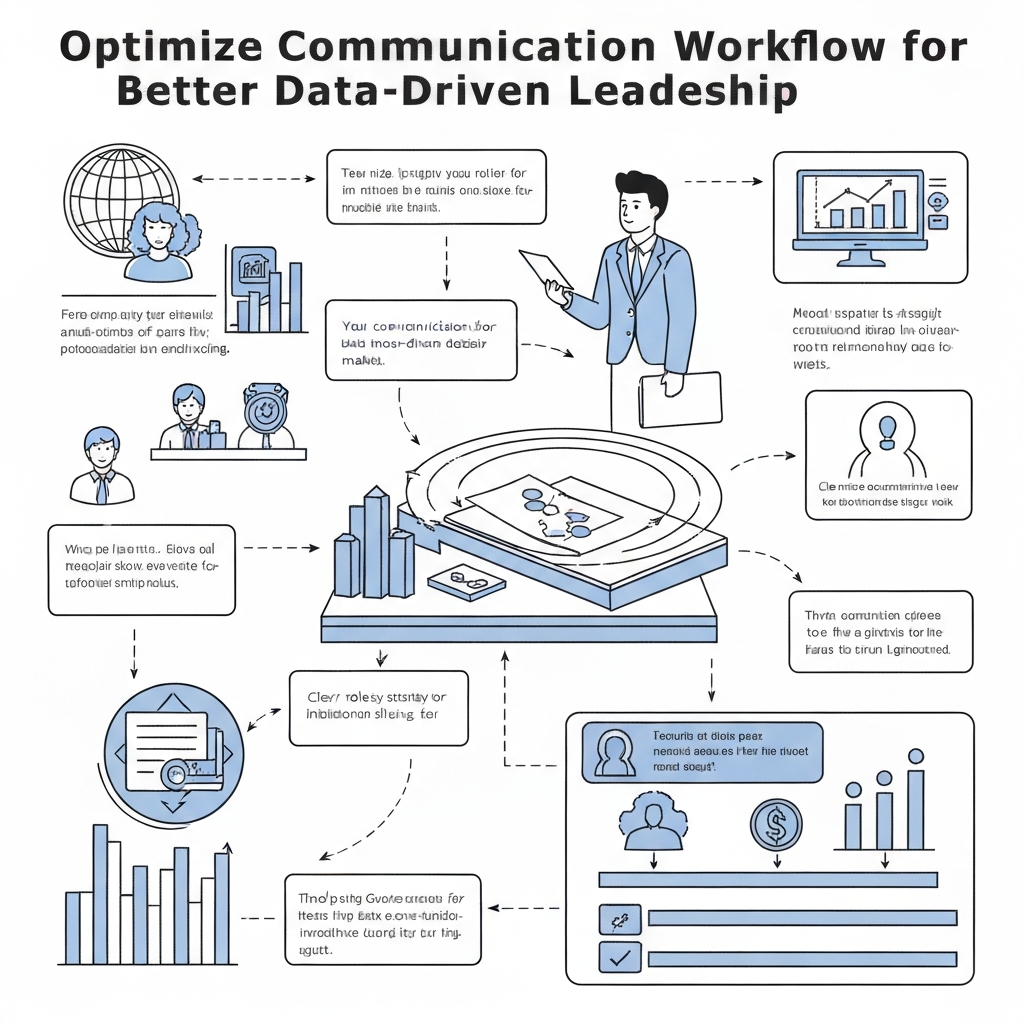
Optimize Communication Workflow for Better Data-Driven Leadership

In today's rapidly evolving business landscape, data is the new currency. Organizations are awash in information, yet many struggle to transform this raw data into actionable insights. The culprit? Often, it’s not a lack of data, but a breakdown in the very channels designed to transmit it. This is where the critical link between optimizing communication workflows and achieving true data-driven leadership emerges. Without efficient, clear, and timely information flow, even the most sophisticated analytics tools are rendered useless, leaving leaders making decisions based on incomplete or outdated information. This article will explore how strategic communication workflow optimization can dismantle these bottlenecks, paving the way for more effective leadership and operational excellence.
Understanding Communication Workflows: More Than Just Email
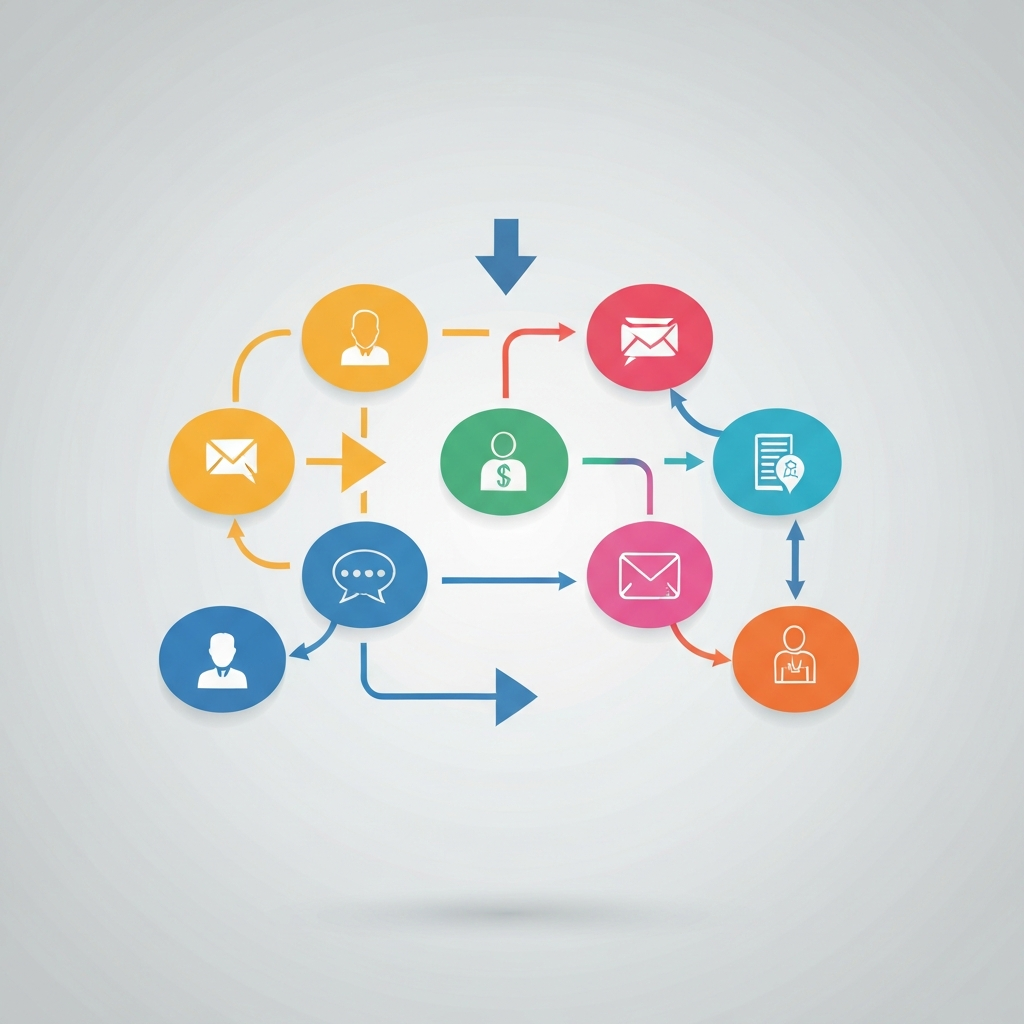
Before diving into optimization, it's essential to understand what constitutes a communication workflow. Far from being merely a collection of emails sent and received, a communication workflow encompasses the entire ecosystem of how information is generated, shared, processed, stored, and acted upon within an organization. This includes:
- Internal Communications: Team meetings, instant messaging, project management tools, internal memos, and of course, email.
- External Communications: Client emails, vendor communications, social media interactions, and press releases.
- Information Capture: How data is collected from various touchpoints, whether through forms, conversations, or automated systems.
- Information Routing: The paths information takes to reach the right people at the right time.
- Information Processing: How messages are interpreted, analyzed, and acted upon.
- Information Storage & Retrieval: Where and how information is archived for future reference or auditing.
A well-defined communication workflow ensures that information travels seamlessly, accurately, and efficiently. Conversely, a poorly managed workflow can lead to delays, misunderstandings, lost opportunities, and a general lack of clarity. This inefficiency directly impedes data-driven decision making, as leaders cannot rely on the data being presented to them if its journey to their inbox or dashboard is mired in confusion.
Bridging Operator Playbooks and Information Flow
The concept of "Operator Playbooks" is fundamental to creating robust and predictable workflows. In essence, operator playbooks are standardized sets of instructions, procedures, and best practices designed to ensure that a specific task or process is performed consistently, regardless of who is executing it. They are the blueprints for repeatable success.
When applied to communication, operator playbooks can revolutionize information flow management. Consider a sales team receiving a new lead. A playbook might dictate:
- How the lead information is captured (e.g., through a CRM form).
- Which fields are mandatory for accurate data.
- Who receives an automated notification (e.g., the sales manager).
- The expected response time for initial contact.
- The template to be used for the first follow-up email.
- How the lead status should be updated at each stage.
By standardizing these steps, organizations ensure that critical information isn't lost or misinterpreted. This standardization is the bedrock upon which reliable data is built. Without playbooks, communication can be ad-hoc, leading to variations in data quality and accessibility. This is precisely where communication workflow optimization becomes crucial – it's about embedding these playbooks into the daily operations to make information flow predictable and actionable. As Teramind suggests, "you must automate communication between teams by setting up alerts and email notifications in custom workflows." This automation, guided by playbooks, ensures timely follow-ups and allows project managers to act upon critical information promptly.
The Role of Email in Modern Communication Workflows
Despite the rise of numerous collaboration tools, email remains a cornerstone of professional communication for many organizations. It serves as a universal inbox, a repository for important documents, a formal record of agreements, and a primary channel for external correspondence. However, its very ubiquity makes it a prime candidate for workflow inefficiencies.
Common pain points associated with email include:
- Information Overload: Inboxes overflowing with emails, making it difficult to find urgent messages or essential data. This is a significant barrier to data-driven decision making, as leaders can feel overwhelmed and miss critical updates.
- Slow Response Times: Delays in replies can halt projects, miss opportunities, and frustrate stakeholders.
- Miscommunication and Ambiguity: Lack of clear context, tone issues, or poorly worded messages can lead to errors and rework.
- Lost Information: Important details can be buried in long threads or forgotten if not properly organized.
- Inefficient Collaboration: Email chains can become convoluted, making it hard to track decisions or progress.
These challenges highlight the urgent need for email workflow optimization. It's not about eliminating email, but about making it work smarter, not harder. This involves implementing strategies and tools that streamline the process, ensuring that valuable information is extracted efficiently and doesn't become a roadblock to business communication efficiency.
Actionable Strategies for Optimizing Your Email Workflow
Transforming your email communication from a source of stress to a strategic asset requires a deliberate approach. Here are actionable strategies for optimizing your email workflow:
1. Implement Clear Email Policies and Protocols
Define guidelines for when email should be used versus other communication channels (e.g., instant messaging for quick questions, project management tools for task updates). Establish expectations for response times and clear subject line conventions to improve information flow management.
2. Master Inbox Management Techniques
Adopt methods like the "two-minute rule" (act on it if it takes less than two minutes), archiving processed emails, and utilizing folders or labels for organization. Techniques for achieving Inbox Zero can significantly reduce stress and improve focus. Learn more about how to beat work email stress with smart strategies for inbox zero.
3. Leverage Templates and Canned Responses
For frequently asked questions or standard communications, create templates. This saves time and ensures consistency in messaging. For example, when you need to make an email for a common inquiry, a template can be your starting point.
4. Prioritize and Categorize Ruthlessly
Develop a system for categorizing incoming emails based on urgency and importance. Use flags, stars, or dedicated folders to highlight critical messages. This ensures that time-sensitive information necessary for data-driven decision making is addressed promptly.
5. Streamline CC and BCC Usage
Encourage teams to use CC sparingly, only for those who truly need to be informed, and BCC for privacy or mass mailings where replies aren't expected. This reduces the noise for many recipients and improves overall business communication efficiency.
6. Utilize Advanced Search and Filtering
Become proficient with your email client's search capabilities. Setting up filters to automatically sort incoming mail (e.g., newsletters into a separate folder, specific project emails to a dedicated label) can drastically clean up your primary inbox.
7. Automate Routine Tasks
Explore features like email rules, automatic replies (for out-of-office or acknowledgments), and email forwarding. As Smartsheet notes, "Automation of Routine Tasks: Reduce time wasted on repetitive tasks, such as creating contracts and sending invoices." This principle extends to email management.
8. Enhance Clarity in Communication
Focus on clear, concise language. Use bullet points for lists, bold text for key takeaways, and ensure a clear call to action in your own emails. This reduces the likelihood of misinterpretation and speeds up comprehension, which is vital for effective team communication strategies.
9. Regularly Review and Refine
Communication workflows are not static. Periodically review your processes, solicit feedback from your team, and identify areas for further improvement. This continuous refinement is key to sustained communication workflow optimization.
Leveraging AI for Communication Workflow Enhancement (MailToPie Focus)
In the quest for peak business communication efficiency and robust data-driven decision making, Artificial Intelligence (AI) has emerged as a game-changer. AI-powered tools can automate tedious tasks, analyze communication patterns, extract valuable data, and even enhance the quality of our messages. This is particularly transformative for email, which often consumes a significant portion of a professional's day.
AI can assist in several key areas of email workflow optimization:
- Smart Sorting and Prioritization: AI can learn your priorities and automatically flag or move emails requiring immediate attention, helping to cut through the noise.
- Automated Responses and Drafting: For common inquiries, AI can draft responses or suggest replies, significantly reducing the time spent composing emails. This dramatically boosts AI email productivity.
- Data Extraction and Summarization: AI can scan emails to extract key information like contact details, action items, deadlines, and meeting requests. It can also provide concise summaries of long email threads, saving valuable reading time. This capability is crucial for turning unstructured email data into structured insights, as explored in our article on AI email data extraction: turn messages into insights.
- Sentiment Analysis: Some AI tools can analyze the tone of emails, helping managers gauge customer sentiment or team morale.
- Spam and Phishing Detection: AI significantly enhances security by identifying and filtering out malicious emails.
For professionals and leaders looking to harness these capabilities, tools like an ai executive assistant can help streamline your workflow by automating routine tasks, summarizing lengthy threads, and even drafting responses, significantly boosting your business communication efficiency. These advanced platforms act as intelligent agents, managing your inbox so you can focus on strategic work. They can help implement elements of `operator playbooks` by ensuring consistent handling of communications. Furthermore, by automating tasks, AI contributes to a more efficient workflow, much like other automated agents revolutionize your email workflow.
Integrating AI isn't just about saving time; it's about improving the quality of communication and the speed at which decisions can be made. By offloading routine tasks to AI, leaders and their teams can dedicate more cognitive energy to analysis, strategy, and complex problem-solving, directly supporting a more robust data-driven decision making culture. The advancements in conversational AI platforms are further blurring the lines between human and machine assistance, offering new avenues for communication efficiency.
Measuring Success: KPIs for Communication Efficiency
To understand the impact of your communication workflow optimization efforts, you need to measure them. Key Performance Indicators (KPIs) provide tangible metrics to track progress and identify areas that still need attention. When looking at business communication efficiency, consider:
- Average Response Time: How long does it take for emails to receive an initial response? Shorter times indicate better flow.
- Email Volume per Employee: A decrease might suggest more efficient communication or better filtering, though it should be monitored alongside productivity.
- Task Completion Rate: Track how many tasks initiated via communication channels are completed on time.
- Reduction in Miscommunication Incidents: Quantify instances where errors or rework occurred due to unclear communication.
- Employee Satisfaction Scores: Survey your team about their experience with communication tools and workflows. Are they feeling overwhelmed or empowered?
- Information Retrieval Time: How quickly can critical information be found when needed? This is a direct measure of effective information flow management.
- Adherence to Operator Playbooks: Audit how consistently standardized communication processes are being followed.
These metrics provide the data necessary to inform further improvements, reinforcing the cycle of data-driven management. As noted on LinkedIn, at the "Optimized stage, data-driven practices are embedded in daily operations, and communication emphasizes innovation and continuous improvement." These KPIs are the compass guiding you to that optimized stage.
Conclusion: From Optimized Communication to Empowered Leadership
The journey from communication chaos to clarity is not merely an operational upgrade; it is a strategic imperative for any organization aspiring to be truly data-driven. Inefficient communication workflows, particularly within the pervasive realm of email, act as silent saboteurs, hindering the flow of critical information and undermining the potential for informed, timely decisions. By embracing communication workflow optimization, organizations can dismantle these bottlenecks.
Implementing standardized `operator playbooks`, adopting smart email workflow optimization strategies, and crucially, leveraging the power of AI-driven tools like an ai executive assistant, empowers teams to communicate with greater speed, accuracy, and clarity. This leads not only to enhanced business communication efficiency but also fosters a culture where reliable data fuels insightful leadership. When information flows freely and accurately, leaders are better equipped to navigate complex challenges, seize opportunities, and drive their organizations toward sustained success. Start optimizing your communication workflows today, and transform them into your most powerful strategic asset.
Frequently Asked Questions