Turn Emails Into Actionable Tasks: Your Productivity Hack

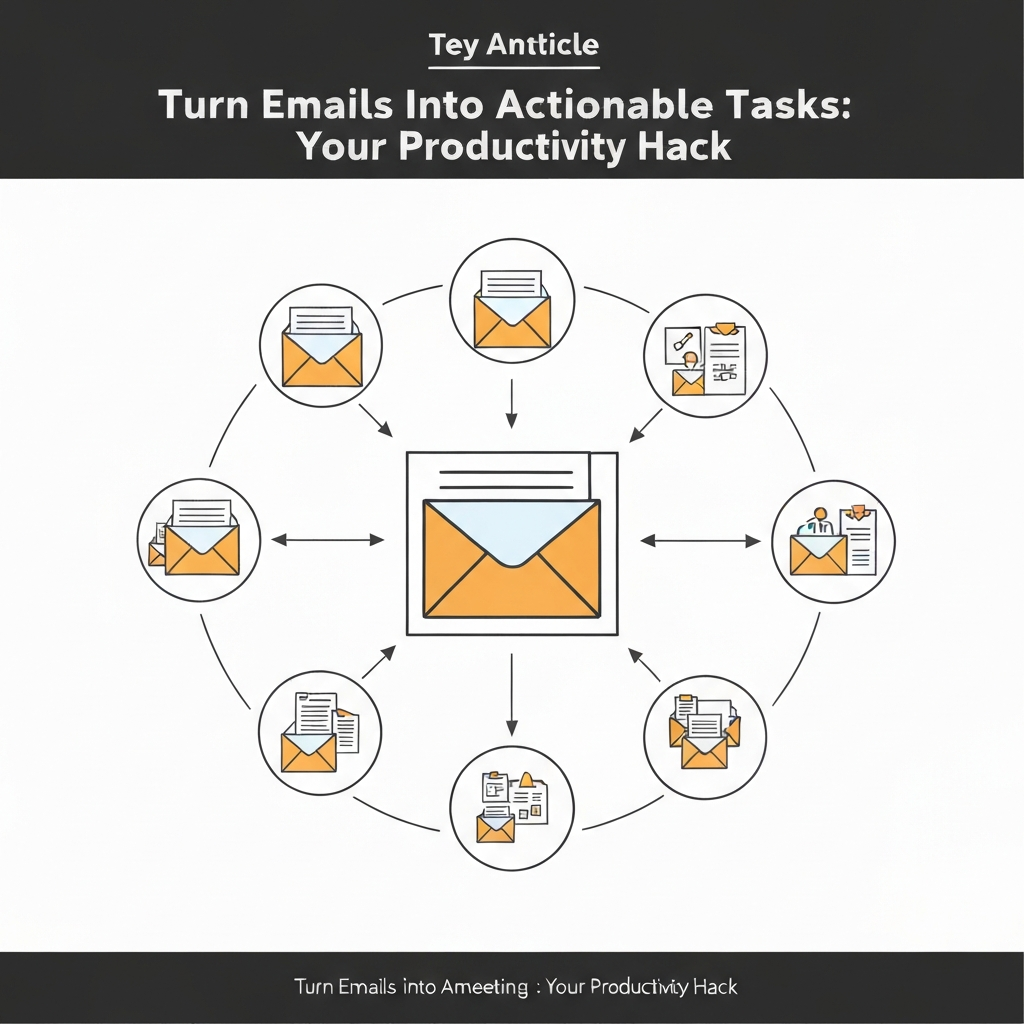
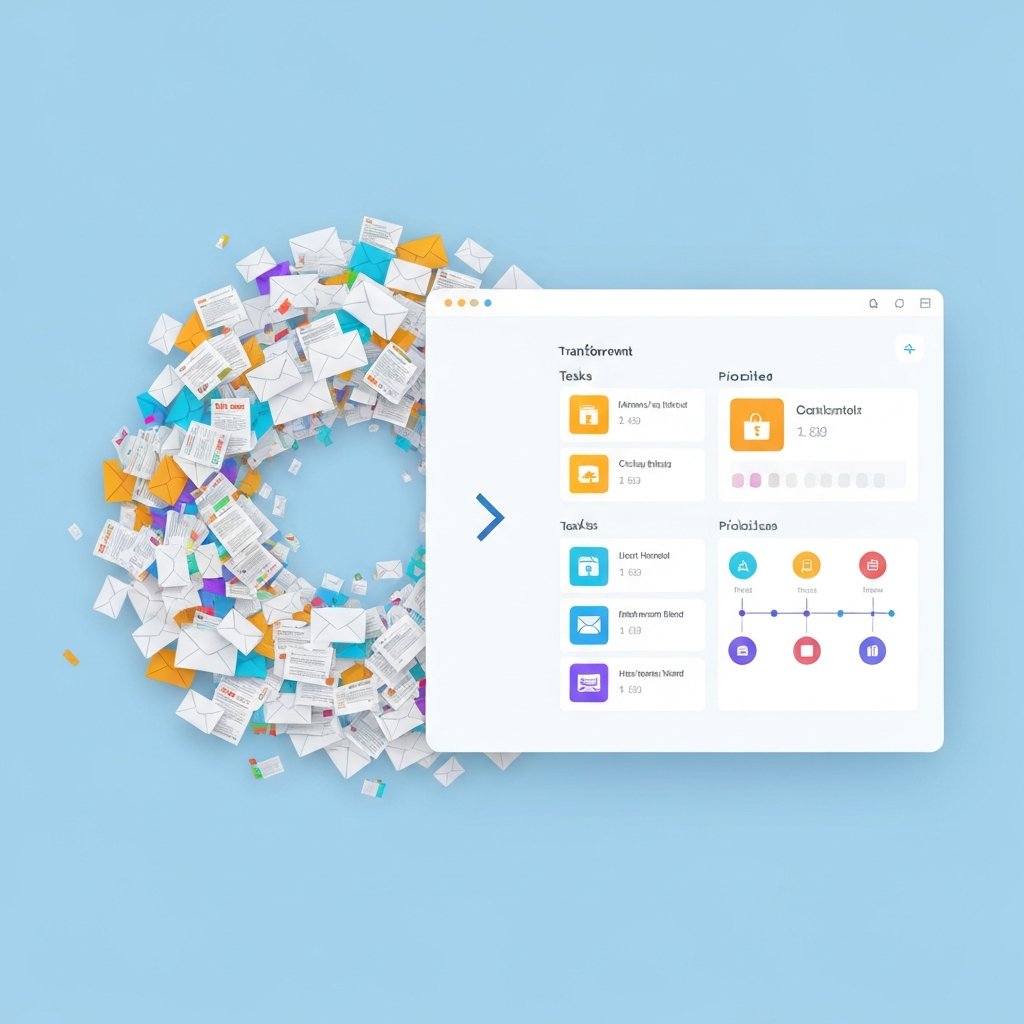
In today's fast-paced professional world, your inbox can feel less like a communication tool and more like a relentless tidal wave. For business professionals, entrepreneurs, sales leaders, and remote workers alike, the sheer volume of emails can be overwhelming, turning a potential source of information into a monument of unfinished business. The constant ping of new messages often pulls us away from deep work, leaving us feeling reactive, stressed, and perpetually behind. But what if you could transform that chaos into clarity? What if your emails could become the fuel for your productivity, rather than its drain? This article is your guide to mastering the art of turning raw email messages into actionable tasks, a crucial productivity hack for reclaiming control of your workday.
The Email Overload Epidemic and the Need for Actionable Insights
Statistics paint a stark picture: professionals receive an average of 120 emails per day. That's a staggering amount of information to sift through, process, and act upon. Without a system, important requests get buried, deadlines slip, and opportunities are missed. The real problem isn't just having emails; it's the lack of a clear path forward for the information they contain. Many of us treat emails as a passive inbox, a place where messages accumulate until we have "time" to deal with them. This reactive approach leads to stress, decreased efficiency, and a feeling of being constantly swamped. The solution lies in shifting from passive consumption to active extraction – converting unstructured emails into structured, actionable items that drive progress. This is the essence of effective email task management.
Understanding the Difference: Raw Messages vs. Actionable Tasks
Before we dive into strategies, it's crucial to understand the distinction between a raw email message and an actionable task. A raw message is simply content received. It could be a newsletter, a company-wide announcement, a social media update, or a lengthy discussion thread that doesn't require a specific action from you. These are often informational or for awareness.
An actionable email, on the other hand, contains a clear call to action, a request, or information that necessitates a specific next step from you. This next step can be anything from scheduling a meeting, drafting a report, making a phone call, approving a document, or researching a topic. The key characteristic of an actionable email is that it requires a discrete piece of work or a decision to be made.
Think of it this way:
- Raw Message Example: "Hi team, just a reminder that our Q3 report is due next Friday. You can find the template attached." (Informational, no immediate action required from the recipient beyond noting the date).
- Actionable Email Example: "John, could you please review the attached Q3 report draft and provide your feedback by EOD Wednesday? We need your sign-off before submitting it." (Requires review, feedback, and sign-off by a specific deadline).
The goal of transforming your inbox is to efficiently identify these actionable emails and convert their essence into tasks that can be managed, prioritized, and completed. This process is fundamental to effective email task management and is a cornerstone of any robust email organization tips strategy.
Manual Strategies: Developing Habits for Email-to-Task Conversion
While technology can offer powerful assistance, developing manual habits is the bedrock of efficient email processing. These strategies require discipline but are highly effective for building a proactive workflow.
The Power of the "Two-Minute Rule"
Popularized by David Allen's "Getting Things Done" methodology, the two-minute rule is simple: if a task can be done in two minutes or less, do it immediately. When processing an email, if the required action (like replying with a quick confirmation or forwarding a document) takes less than two minutes, handle it right then and there. This prevents small tasks from accumulating and cluttering your to-do list.
Dedicated Processing Times
Resist the urge to constantly check your inbox. Instead, schedule specific times during the day (e.g., morning, after lunch, end of day) to process your emails. During these blocks, focus solely on sorting, responding, and extracting tasks. This minimizes context switching and allows for deeper concentration. This is a key component of a sustainable inbox zero strategy.
Using Flags, Stars, and Folders
Your email client's built-in features can be powerful allies.
- Flags/Stars: Mark emails that require a follow-up or action. This creates a visual cue that something needs attention.
- Folders/Labels: Create specific folders or labels for different types of actions (e.g., "To Review," "To Reply," "Waiting For"). This helps categorize incoming messages that require follow-up.
Forwarding to Your Task Manager
This is a direct method for creating an email to to-do list. Many task management applications (like Asana, Todoist, Trello, Microsoft To Do) allow you to forward emails directly to a specific email address, which then creates a new task in your chosen tool. When you receive an actionable email, forward it to your task manager's designated address. You can often include details like due dates or project assignments in the subject line or body of the forwarded email.
The "Action" Folder System
Some professionals adopt a system of moving emails to different folders based on the action required:
- "Action": For emails that require a response or task completion.
- "Waiting": For emails where you are awaiting a response from someone else.
- "Reference": For emails you need to keep but require no further action.
These manual methods build foundational habits for turning emails into something tangible and manageable. However, for truly effective manage email overload, especially at scale, technology can significantly amplify your efforts.
Leveraging AI: Tools and Techniques for Automated Task Extraction
The advent of Artificial Intelligence has revolutionized how we interact with our inboxes. AI-powered tools can automate much of the tedious work involved in identifying and extracting actionable items from emails, dramatically boosting AI email productivity.
AI-Powered Inbox Assistants
Modern AI assistants can scan your incoming emails, understand the context, and identify potential tasks, meeting requests, or important information that needs to be acted upon. These tools can then automatically create calendar events, add items to your to-do list, or flag emails for your attention. For instance, an AI virtual agent can be trained to recognize specific keywords or phrases indicating a task, such as "please schedule," "I need a report by," or "can you confirm."
Consider integrating an ai executive assistant into your workflow. These advanced platforms are designed to not only manage your communications but also to intelligently identify and extract potential tasks, saving you significant time and mental overhead. They can help prioritize incoming messages, draft responses, and ensure that critical action items are not missed amidst the daily deluge.
Smart Filtering and Categorization
AI can go beyond simple keyword matching. It can learn your communication patterns and categorize emails based on sender, topic, and urgency. This allows for more intelligent filtering, ensuring that genuinely actionable emails are surfaced quickly, while less critical messages are set aside for later processing. Tools that offer advanced Gmail automation or Outlook AI assistant capabilities often employ AI to achieve this.
Automated Task Creation Workflows
Many productivity platforms and email clients now offer integrations or built-in features that leverage AI to turn emails into tasks. For example, some tools can:
- Automatically detect meeting requests and suggest adding them to your calendar.
- Identify requests for information and create tasks to gather that information.
- Recognize deadlines mentioned in emails and add them to your project management tool.
- Summarize long email threads, making it easier to extract the core action items.
These capabilities are instrumental in moving towards an inbox zero strategy not just by clearing emails, but by actively processing them into actionable work. By automating the identification of actionable emails, AI frees up your cognitive load, allowing you to focus on the execution of the tasks themselves. This significantly enhances overall AI email productivity.
Prioritization and Workflow Integration: Making Tasks Happen
Once you've successfully converted an email into an actionable task, the work isn't over. The next critical steps involve prioritizing that task and integrating it seamlessly into your daily workflow. Without this, extracted tasks can simply become a new list of items to ignore.
Prioritization Frameworks
Not all tasks are created equal. To ensure you're working on what matters most, apply a prioritization framework:
- Eisenhower Matrix (Urgent/Important): Categorize tasks into four quadrants:
- Urgent & Important: Do now.
- Important, Not Urgent: Schedule for later.
- Urgent, Not Important: Delegate if possible.
- Not Urgent, Not Important: Eliminate.
- MoSCoW Method: Categorize tasks as Must have, Should have, Could have, or Won't have. This is particularly useful for project-based tasks derived from emails.
- Value vs. Effort: Assess tasks based on the business value they deliver versus the effort required to complete them. Focus on high-value, low-effort tasks first.
By applying these methods, you ensure that the tasks derived from your emails are aligned with your broader professional goals. For instance, understanding the reply speed impact can help you quickly assess the urgency of certain client-related tasks.
Integrating with Your Existing Tools
The most effective systems are those that integrate smoothly. If you're using a dedicated task manager (like Asana, Trello, Monday.com, Microsoft To Do) or a CRM, ensure your email-to-task process feeds directly into it. Tools like the Asana for Gmail integration allow you to create tasks directly from your inbox, linking back to the original email for context. This avoids duplication and ensures your task list is a single source of truth.
Time Blocking and Scheduling
Once prioritized, tasks need to be scheduled. Use time blocking in your calendar to allocate specific periods for working on these tasks. This dedicated time ensures that important tasks don't get pushed aside by more immediate, but less critical, demands. For sales professionals, for example, prompt follow-up is crucial; understanding how to boost sales with faster follow-up speed can help you prioritize and schedule follow-up tasks effectively.
Effective integration means that an email request doesn't just sit in your inbox; it becomes a scheduled event, a project in your task manager, or a step in your sales process.
Case Studies/Examples: Real-World Scenarios of Email Task Management
Let's look at how these principles play out in practice:
Scenario 1: The Entrepreneur and Partnership Inquiry
Email: "Dear [Entrepreneur's Name], I'm writing from XYZ Corp. We've been impressed with your company's recent product launch and believe there's a strong synergy for a potential partnership. Would you be open to a brief introductory call next week to explore this further?"
Actionable Task Extraction:
- Identify Action: Schedule an introductory call.
- Extract Details: Prospect company (XYZ Corp), purpose (partnership exploration).
- Create Task: "Schedule partnership call with XYZ Corp."
- Add Context/Priority: Assign a due date (e.g., "by end of this week") and mark as "High Priority" due to potential business growth.
- Workflow Integration: Add to CRM as a new lead opportunity. Block 30 minutes in calendar for the call once scheduled.
Scenario 2: The Sales Professional and Demo Request
Email: "Hi [Sales Pro's Name], I saw your demo of the new software yesterday. It looks very promising. Can we schedule a more in-depth demo for my team next Tuesday or Wednesday?"
Actionable Task Extraction:
- Identify Action: Schedule an in-depth demo.
- Extract Details: Prospect name, company, preferred days (Tue/Wed next week), product interest.
- Create Task: "Schedule in-depth demo for [Prospect Company] team."
- Add Context/Priority: Due date: "Confirm demo slot by EOD tomorrow." Priority: "High" (hot lead).
- Workflow Integration: Update CRM record, send calendar invite with demo link, prepare demo materials. This directly impacts your ability to boost sales with faster follow-up speed.
Scenario 3: The Remote Worker and Project Feedback
Email: "Team, attached is the draft of the Q2 marketing campaign proposal. Please review the budget section and provide any feedback or suggestions by Friday COB. Let me know if you have any questions."
Actionable Task Extraction:
- Identify Action: Review draft and provide feedback.
- Extract Details: Document (Q2 marketing campaign proposal), specific section (budget), deadline (Friday COB).
- Create Task: "Review Q2 marketing campaign proposal budget."
- Add Context/Priority: Due date: "Friday COB." Priority: "Medium" (important project task).
- Workflow Integration: Block 1-2 hours in calendar for review. Add notes/feedback directly in the document or task manager.
These examples illustrate how a consistent process turns a simple email into a concrete step towards achieving a larger objective.
Best Practices for Maintaining an Action-Oriented Inbox
Successfully converting emails to tasks is one thing; maintaining this system over time is another. Here are some best practices to ensure your inbox remains a source of productivity, not a drain:
- Schedule Regular Processing Times: As mentioned earlier, designate specific times to tackle your inbox. Avoid checking emails reactively throughout the day.
- Batch Similar Tasks: If you have multiple emails requiring similar actions (e.g., several requests for information), try to complete them in batches. This leverages efficiency gains from repeated actions.
- Unsubscribe Aggressively: Reduce the inflow of non-essential emails. Take a few minutes each week to unsubscribe from emails you no longer read or need. A cleaner inbox means less to process.
- Set Expectations: Communicate your typical response times to colleagues and clients. This can reduce the perceived urgency of non-critical emails and manage expectations.
- Use Templates and Canned Responses: For frequently asked questions or common requests, create templates. This saves significant time when responding to actionable emails.
- Review Your Task List Daily: Your converted tasks are only useful if you review and act on them. Start your day by looking at your prioritized task list and end it by assessing what was accomplished.
- Iterate and Refine: Your system won't be perfect from day one. Regularly assess what's working and what's not. Are you capturing all tasks? Are you prioritizing effectively? Adjust your methods as needed.
- Embrace the inbox zero strategy Philosophy: While achieving literal inbox zero every day might be unrealistic for some, the philosophy of processing every email to a definitive state (action, delegate, defer, delete, archive) is powerful.
By consistently applying these practices, you build resilience against email overload and ensure that your inbox actively supports your productivity goals.
Conclusion: Achieving Inbox Clarity and Enhanced Productivity
Your inbox doesn't have to be a source of stress and lost productivity. By shifting your mindset from simply managing emails to actively transforming them into actionable tasks, you unlock a powerful productivity hack. Whether you employ manual strategies, leverage advanced AI tools, or combine both, the core principle remains the same: extract value, define action, and integrate it into your workflow. This fundamental shift transforms raw messages into valuable insights and concrete steps forward.
Moving beyond the chaos of an overwhelming inbox means gaining clarity, reducing stress, and ensuring that your time is spent on what truly matters. You can become more responsive, more organized, and ultimately, more effective in achieving your professional objectives. Start by implementing just one strategy today – perhaps by setting up a dedicated email processing time or forwarding your next actionable email to your task manager. The journey to an action-oriented inbox begins with a single, deliberate step.
Frequently Asked Questions