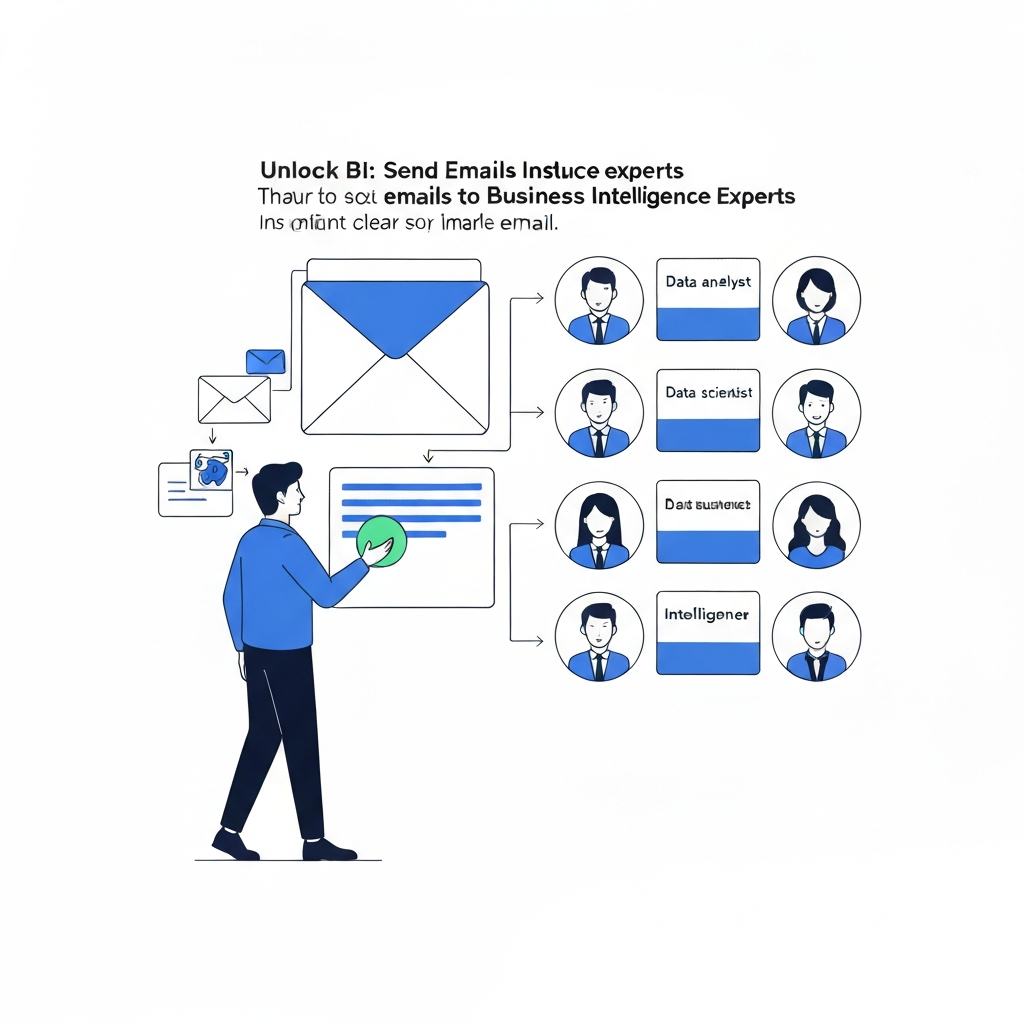
Unlock BI: Send Emails to Business Intelligence Experts

In today's fast-paced business world, your inbox is more than just a communication hub; it's a treasure trove of untapped potential. Every email exchanged—whether a customer query, a sales negotiation, a project update, or a strategic discussion—contains valuable nuggets of information. However, for most busy professionals, sifting through this deluge of messages to find actionable insights feels like searching for a needle in a haystack. This is where the power of Business Intelligence (BI) comes into play, transforming your daily communications into strategic assets. This article will guide you on how to effectively bridge the gap between your everyday emails and sophisticated BI analysis, enabling you to harness the full power of your communication data for superior, data-driven decision making.
Understanding Business Intelligence and Its Role in Decision Making
Before we dive into extracting insights from your emails, let's clarify what Business Intelligence (BI) truly means in a practical sense. At its core, BI is the process of using technology and strategies to collect, analyze, and present business information. Its primary goal is to help organizations make more informed decisions. Think of it as turning raw data into understandable, actionable intelligence. This intelligence can illuminate trends, identify inefficiencies, reveal opportunities, and predict future outcomes.
BI professionals and the tools they use—often referred to as decision science tools—help businesses move beyond gut feelings and guesswork. Instead, strategies are built on solid evidence derived from data. This shift is crucial for staying competitive. As highlighted by Neontri, "AI amplifies business intelligence by transforming raw data into actionable insights."1 This amplification means that even complex datasets can yield clear, strategic advantages.
The role of BI in decision-making is multifaceted:
- Informed Strategy: BI provides the data foundation for setting realistic goals and effective strategies.
- Performance Monitoring: It allows for continuous tracking of key performance indicators (KPIs) across departments.
- Risk Management: By identifying patterns, BI can help predict and mitigate potential risks.
- Customer Understanding: It deepens insights into customer behavior, preferences, and satisfaction levels.
- Operational Efficiency: BI can pinpoint bottlenecks and areas for process improvement.
Ultimately, BI empowers leaders to not just react to market changes but to anticipate them, fostering a proactive and agile business environment. The concept of business intelligence reporting is central here; it's about presenting these findings in a clear, concise, and digestible format that decision-makers can readily use.
Identifying Key Data Points Within Your Emails for BI Analysis
The first crucial step in leveraging your emails for BI is understanding what constitutes valuable data. Your inbox is a rich, albeit unstructured, source of information. The key is to train yourself and your teams to recognize and, where possible, tag or categorize information that can feed into BI systems. This process is the essence of raw message analysis and insight generation from emails.
Here are common categories of valuable data points found within emails:
Customer Feedback and Sentiment
This is perhaps the most direct way emails provide insight. Look for:
- Complaints and Issues: Recurring problems, bugs, service failures.
- Praise and Testimonials: Positive feedback, endorsements, successful use cases.
- Feature Requests: Suggestions for new functionalities or improvements.
- General Sentiment: The overall tone and satisfaction expressed by customers.
Sales and Lead Intelligence
Emails are often the first touchpoint for leads and the ongoing communication channel for sales processes.
- Inquiry Details: What products/services are prospects interested in? What are their pain points?
- Sales Stage Indicators: Phrases or questions that suggest a prospect is moving through the sales funnel.
- Competitor Mentions: When prospects or clients discuss alternatives.
- Deal Closures/Losses: Reasons for winning or losing business.
As BlazeSQL notes, "In sales, AI business intelligence can be applied in creating a customized Customer Relationship Management system (CRM) that helps businesses follow up on customers and their needs."2 Your emails can be a primary source for populating and enriching CRM data.
Operational and Project Updates
Internal and external project-related emails can reveal operational health.
- Project Status: Updates on milestones, delays, or blockers.
- Resource Allocation: Discussions about team capacity, budget, or equipment needs.
- Process Bottlenecks: Identifying points where work gets stuck or slowed down.
Market and Trend Indicators
Emails can sometimes provide early warnings or insights into market shifts.
- Industry News/Mentions: Discussions about new trends or competitor activities.
- Emerging Customer Needs: Unsolicited requests or discussions that hint at unmet demands.
Beyond the content, the metadata of your emails is also rich with data. Consider Sender, Recipient, Date/Time stamps, Frequency of communication, and Reply-to times. These elements can paint a picture of relationships, communication patterns, and urgency. Effectively performing email to data analysis starts with recognizing these valuable components.
Structuring Your 'Email to BI' Request for Maximum Impact
Once you've identified the potential data within your emails, the next critical step is to communicate your needs effectively to your Business Intelligence team or analyst. A well-structured request ensures you get the insights you need, saving time and resources for both you and the BI department. This is a key aspect of leadership communication and ensures your email to business intelligence efforts are productive.
Here’s a framework for crafting impactful requests:
1. Clearly Define Your Objective
What specific business question are you trying to answer? Avoid vague requests like "analyze my emails." Instead, be precise:
- "I need to understand the primary reasons for customer churn in Q3, as reflected in our support and sales emails."
- "What are the top three feature requests from our enterprise clients based on communications over the last six months?"
- "Can we identify any patterns in emails related to our new product launch that indicate potential adoption barriers?"
2. Provide Context and Business Value
Explain *why* this information is important. What business decision will it inform? What problem does it aim to solve?
- "Understanding churn reasons will help the product team prioritize roadmap items and the customer success team develop targeted retention strategies."
- "Identifying feature requests will guide our product development priorities for the next fiscal year and improve customer satisfaction."
3. Specify the Scope and Data Sources
Be clear about the data the BI team should examine.
- Time Period: "Last quarter," "Year-to-date," "Past 12 months."
- Email Sources: "All emails sent to/from the [email protected] alias," "Emails from sales representatives to prospects tagged as 'demoed'," "Internal project update threads in the #project-x channel."
- Keywords/Filters: If you have specific terms or topics you're interested in, provide them.
4. Define Deliverables and Format
What do you expect as the output? This helps the BI team prepare the right kind of analysis and presentation.
- Report Type: "A summary report," "A dashboard with key metrics," "A presentation of findings."
- Key Metrics: "Top 5 pain points," "Sentiment score trends," "Volume of requests by category."
- Format Preference: "Excel spreadsheet," "PowerPoint deck," "Link to an interactive dashboard."
5. Use a Standardized Subject Line
Help the BI team manage their workflow. A subject line like "BI Request: [Topic] - [Date Range]" can be very effective.
By following these guidelines, you transform a simple email to data analysis task into a focused BI project that delivers maximum value, reinforcing the principles of effective leadership communication.
Leveraging AI and Productivity Tools (like MailToPie) to Facilitate Data Extraction
The manual process of sifting through thousands, if not millions, of emails to identify relevant data points for BI analysis is often impractical and time-consuming. This is where Artificial Intelligence (AI) and advanced productivity tools become indispensable. They automate much of the heavy lifting involved in raw message analysis, making insight generation from emails far more accessible.
AI-powered tools excel at tasks that are repetitive and require pattern recognition, such as:
- Natural Language Processing (NLP): AI can understand the context, sentiment, and key entities within text, allowing for automated categorization and thematic analysis of email content.
- Automated Tagging and Categorization: Tools can automatically tag emails based on predefined categories like "customer complaint," "sales lead," "technical issue," or "feature request."
- Summarization: AI can condense long email threads or individual messages into concise summaries, highlighting the most critical information.
- Pattern Recognition: AI can identify recurring themes, anomalies, and trends that might be missed by human analysts, especially across vast volumes of data.
For busy executives, managers, and professionals, integrating these tools into their daily workflow is key to unlocking the potential of their email data without needing deep technical expertise. Consider using an ai executive assistant to manage your email communications more effectively. Platforms like MailToPie can help streamline your workflow by automatically processing, categorizing, and even summarizing incoming and outgoing messages, identifying key themes and potential data points that would otherwise be buried. This significantly boosts AI email productivity.
These solutions integrate seamlessly with your existing email clients, acting as intelligent filters and processors. They can help:
- Identify high-priority emails that require immediate attention.
- Extract contact information, meeting requests, or action items.
- Flag potential customer satisfaction issues or sales opportunities.
- Prepare data for export to BI tools or CRM systems.
By adopting such technologies, you are not just managing your inbox; you are actively transforming it into a source of strategic intelligence. This aligns with the broader trend of utilizing AI intelligent agents to revolutionize business communication and operations. For those using popular platforms, tools like those found in Gmail Automation: Boost Productivity & Save Time or an Outlook AI Assistant: Boost Your Email Productivity can be integrated to achieve similar data extraction benefits.
3 As AI continues to evolve, its role in business intelligence and communication management will only grow, making it easier for organizations to leverage every piece of information they possess.
From Raw Messages to Actionable Insights: A Case Study/Example
Let's illustrate how the process of transforming raw email data into actionable insights can play out in a real-world scenario. Imagine a mid-sized SaaS company experiencing a plateau in customer retention.
The Challenge: Unseen Patterns in Communication
The customer success and sales teams receive a steady stream of emails. While individual issues are addressed, there's a sense that underlying trends are being missed. Management suspects customer satisfaction might be declining, but lacks concrete data beyond anecdotal evidence from support tickets.
The Process: Email to BI Transformation
- Identifying Key Data Points: The Head of Customer Success, tasked with improving retention, decides to investigate. She instructs her team to start tagging emails that mention specific product features, report bugs, express frustration, or ask about competitor offerings. She also asks the sales team to flag any objections related to product value or ease of use. This initial step is crucial for raw message analysis.
-
Structuring the BI Request: She then crafts a formal request to the BI team:
- Objective: "To identify the top 3 reasons for customer dissatisfaction and churn based on email communications over the last six months."
- Scope: "Analyze emails sent to [email protected], [email protected], and all emails from sales reps to clients categorized as 'at-risk' or 'churned' in our CRM. Timeframe: January 1st to June 30th."
- Deliverable: "A summary report detailing the frequency of specific issues (e.g., bug reports, feature limitations, usability problems) and their associated sentiment scores. Also, a list of any competitor mentions linked to dissatisfaction."
- AI-Assisted Analysis: The BI team uses their tools, including AI-powered natural language processing, to analyze the specified email corpus. The AI automatically categorizes thousands of emails, identifies sentiment, and extracts keywords related to product features, bugs, and customer sentiment. This is where insight generation from emails truly accelerates.
-
Actionable Insights: The BI report reveals several key findings:
- Insight 1: 30% of churned customer emails cited "difficulty integrating with existing workflows" as a primary reason for leaving.
- Insight 2: A significant number of support emails (20%) reported usability issues with a specific, recently updated feature (Feature X).
- Insight 3: Competitor Y was mentioned in 15% of dissatisfaction emails, often in comparison to Feature X's perceived complexity.
-
Decision Making: Armed with this data, leadership can now make informed decisions:
- The Product team prioritizes a deep dive into Feature X's usability and integration capabilities.
- The Customer Success team develops proactive outreach campaigns for clients struggling with integration, offering tailored solutions.
- Sales and Marketing adjust messaging to highlight the ease of integration and the benefits of Feature X more effectively.
This case study demonstrates how transforming raw email data into structured insights, facilitated by BI and AI, leads directly to tangible improvements and better data-driven decision making.
Building a Culture of Data-Driven Leadership Through Effective Communication
The ultimate goal of transforming your emails into BI insights is to foster a culture of data-driven decision making throughout your organization, especially at the leadership level. This isn't just about generating reports; it's about embedding a data-informed mindset into your company's DNA.
Effective communication is the linchpin of this cultural shift. It involves several key components:
- Transparency in Data Usage: When leadership openly shares how insights derived from communications (like emails, customer feedback, etc.) are shaping decisions, it builds trust and encourages more data submission. People are more likely to share information if they see it being used constructively.
- Clear Communication Channels: Establishing clear pathways for employees to contribute data (whether through tagging emails, using specific forms, or participating in surveys) and for BI insights to flow back to them is essential. This is where communication workflow optimization becomes critical. As Cerkl suggests, "In 2025, simply sending an email isn’t enough. With most employees facing constant distractions and information overload, a poorly planned email can easily be ignored, deleted, or misunderstood."4 This underscores the need for strategic communication that ensures data is both captured and understood.
- Empowering Teams with Insights: Instead of hoarding data, empower teams with the insights they need to make better decisions within their own domains. This fosters ownership and agility.
- Continuous Feedback Loops: The process of turning emails into BI should be a continuous cycle. Regularly review the effectiveness of your data collection, analysis, and how the insights are being applied. This iterative approach ensures that your BI efforts remain relevant and impactful.
- Bridging the Technical Gap: Ensure that the insights presented by BI teams are understandable to non-technical stakeholders. Effective business intelligence reporting should translate complex data into clear, actionable narratives.
When leadership champions this approach, it signals that data is valued, and informed decisions are the norm. This creates a virtuous cycle where better communication leads to better data, which leads to better decisions, further reinforcing the value of communication and data. This strategic alignment is key to achieving true leadership communication excellence in a data-rich environment.
Conclusion: Empowering Your Business with Email-Informed Intelligence
Your inbox is an often-overlooked goldmine of business intelligence. By understanding how to identify valuable data points within your everyday communications, structure effective requests for your BI teams, and leverage modern AI tools, you can transform your email flow from a source of overload into a strategic asset. The journey from raw message analysis to actionable insights empowers better, data-driven decision making, enhances customer understanding, and drives operational efficiency.
Whether you're an executive aiming for strategic clarity, a manager seeking to optimize team performance, or a sales professional looking to close more deals, harnessing the intelligence within your emails is no longer a technical luxury—it's a business imperative. By adopting a proactive approach to insight generation from emails and fostering a culture where data informs every decision, you can unlock new levels of success and competitive advantage.
Start today: identify one type of valuable data in your emails, structure a clear request to your BI team, or explore an ai executive assistant to streamline your workflow. The power to make smarter, more informed decisions is already at your fingertips.
References:
- Neontri. (n.d.). AI for Business Intelligence: Unlocking the Full Power of Data. Retrieved from neontri.com
- BlazeSQL. (n.d.). No Code & BI: How AI is Shaping Business Intelligence. Retrieved from blazesql.com
- Whisperit. (n.d.). 10 Business Email Writing Tips for Success. Retrieved from whisperit.ai
- Cerkl. (n.d.). How to Plan, Execute, and Improve Your Internal Comms Email Strategy. Retrieved from cerkl.com

Frequently Asked Questions
