Smart Inbox Sorter: Tame Your Email Overload

The modern professional's day often begins not with coffee, but with a digital deluge. Your inbox, once a tool for communication, can quickly transform into a source of anxiety and a black hole for your time. Thousands of emails arrive daily – from urgent client requests and internal team updates to newsletters, promotions, and spam. The sheer volume makes it nearly impossible to stay on top of what truly matters. This constant bombardment leads to missed critical messages, delayed responses, mounting stress, and a significant drain on productivity. If you're struggling to manage email overload, you're not alone. Fortunately, innovative solutions are emerging to help you reclaim your inbox and your focus. Enter the smart inbox sorter.
What is a Smart Inbox Sorter? Demystifying AI-Powered Email Organization
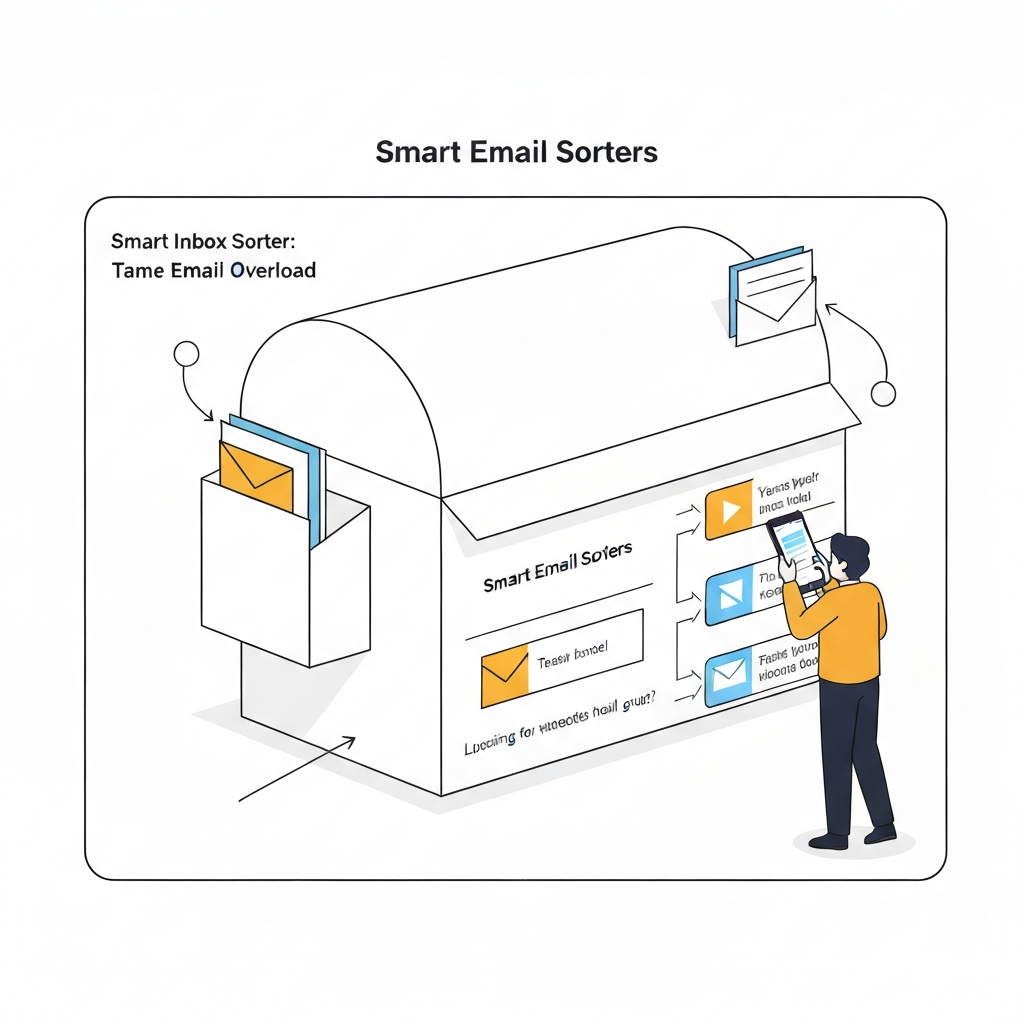
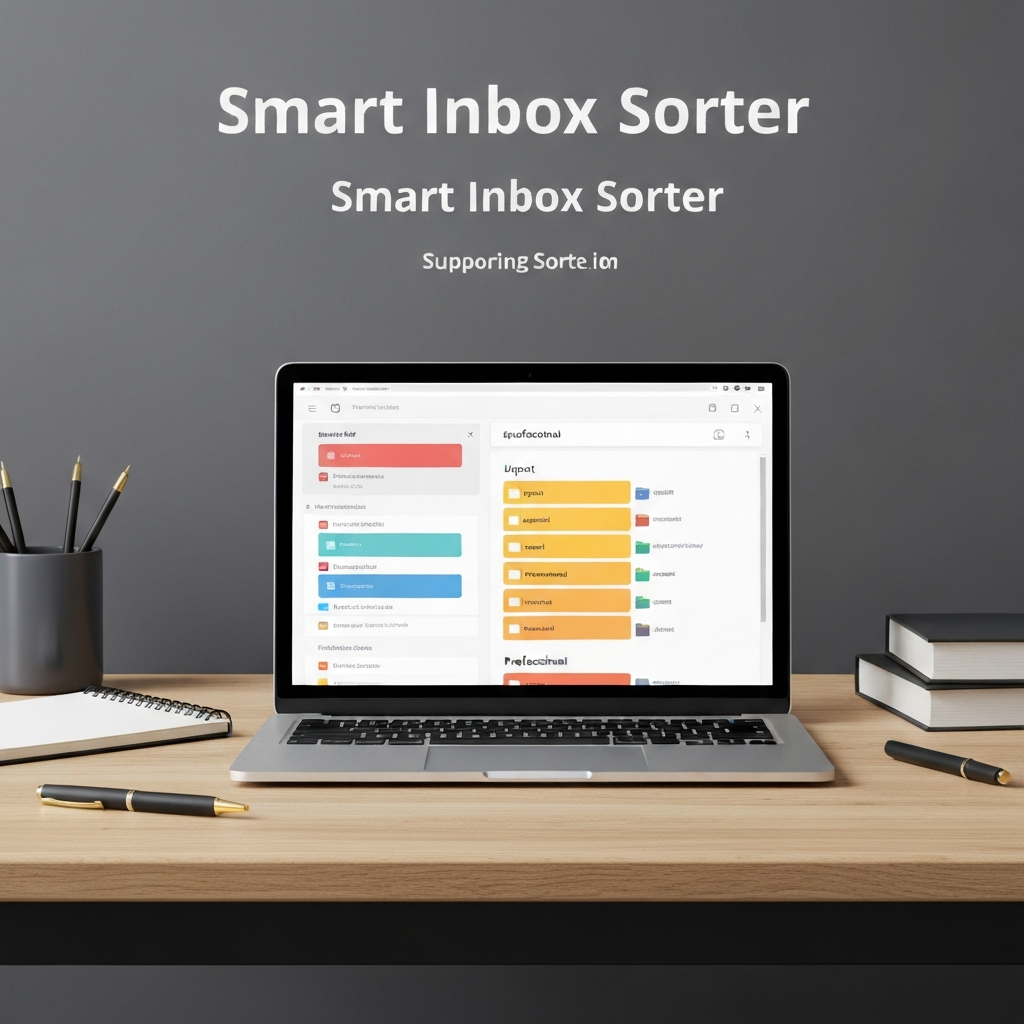
At its core, a smart inbox sorter is an intelligent system, often powered by artificial intelligence (AI) and machine learning (ML), designed to automate the process of organizing and prioritizing your emails. Unlike traditional email clients that rely on manual rules or basic filters, a smart inbox sorter understands the context, sender, content, and urgency of incoming messages. It goes beyond simply moving emails into predefined folders; it actively categorizes, ranks, and presents your inbox in a way that highlights what needs your attention now. Think of it as a highly efficient digital assistant for your email, capable of performing advanced AI email management tasks without constant human intervention. This technology is central to modern inbox organization strategies, aiming to transform your inbox from a chaotic to-do list into a streamlined command center. As highlighted by resources like Hive's guide on AI email organizers, these tools leverage sophisticated algorithms to make sense of the email storm.
Key Features of an Effective Smart Inbox Sorter: Triage, Prioritization, and Automation
The power of a smart inbox sorter lies in its multifaceted approach to email management. While specific features can vary, most effective solutions offer a combination of these core capabilities:
Intelligent Email Triage
This is the first line of defense. A smart sorter can automatically identify and categorize emails into relevant groups. This might include:
- Urgent/Action Required: Emails demanding immediate attention.
- Important/FYI: Messages that require reading but not necessarily immediate action.
- Low Priority/Promotional: Newsletters, marketing emails, or other non-essential content.
- Team/Project Specific: Emails related to ongoing projects or specific departments.
- Personal: Messages from friends and family.
This email triage process ensures that critical communications don't get buried under a mountain of less important messages.
Advanced Prioritization
Beyond simple categorization, a smart inbox sorter assigns a priority score to each email. This score is based on various factors, including sender reputation, keywords within the subject or body, previous interaction history, and even the time of day. This advanced email prioritization helps you focus on what's most impactful.
- Smart Folders/Views: Many tools create dynamic views or "smart folders" that automatically populate with emails matching specific criteria (e.g., "All emails from your boss due today," "Unread messages from key clients").
Automation and Actionable Insights
Sophisticated sorters can offer more than just organization:
- Suggested Replies/Actions: Some systems can analyze email content and suggest quick replies, actions (like scheduling a meeting), or even draft responses for your approval. This significantly speeds up response times.
- Task Creation: Automatically convert important emails into tasks in your to-do list or project management software.
- Follow-up Reminders: Intelligent systems can identify emails that require a follow-up and prompt you to act.
- Summarization: For lengthy emails or threads, AI can provide concise summaries, saving you valuable reading time.
These features work in concert to transform a chaotic inbox into an organized, actionable hub. For instance, solutions like Spark Mail, as noted by Email Sorters, offer smart sorting combined with collaboration, perfect for teams needing to manage email collectively.
The Pain Points: How Email Overload Hinders Productivity and Well-being
The struggle to manage email overload is a pervasive problem in today's professional landscape, impacting not just efficiency but also mental health. The constant influx of messages creates a state of perpetual distraction, making deep work challenging.
- Missed Critical Information: When your inbox is flooded, urgent client requests, important deadlines, or vital internal communications can easily slip through the cracks. This can lead to missed opportunities, damaged client relationships, and costly errors.
- Wasted Time and Energy: Professionals spend an inordinate amount of time sifting through irrelevant emails, searching for specific messages, and managing their inbox. Studies suggest that employees can spend hours each week just dealing with email. This is time that could be dedicated to strategic thinking, creative problem-solving, or core job functions.
- Increased Stress and Anxiety: The visual clutter of an overflowing inbox and the pressure to respond quickly can lead to significant stress, anxiety, and burnout. The feeling of being constantly behind or overwhelmed by digital communication is a major contributor to workplace unhappiness.
- Reduced Focus and Cognitive Load: Constantly switching context between emails and other tasks fragments attention and increases cognitive load. This makes it harder to concentrate, retain information, and perform at your best.
- Delayed Decision-Making: When crucial information is buried or delayed, decision-making processes slow down, impacting project timelines and business agility.
These pain points highlight why a smart inbox sorter isn't just a luxury; it's a necessity for professionals aiming to regain control and maximize their effectiveness.
Benefits of Using a Smart Inbox Sorter: Reclaiming Your Time and Focus
Implementing a smart inbox sorter can dramatically shift your relationship with email, turning it from a source of dread into a powerful productivity asset. The benefits are tangible and far-reaching:
Boosted Productivity and Efficiency
By automatically categorizing and prioritizing emails, you spend less time searching and sorting. This means you can tackle your most important tasks faster and more effectively. Many email productivity tools focus on this core benefit. Features like suggested replies and automated follow-ups reduce the time spent on repetitive communication tasks. Exploring options like a smart email filter is a great first step in this direction.
Enhanced Focus and Reduced Distractions
A well-organized inbox means fewer interruptions. When you know your system is handling the sorting, you can dedicate uninterrupted blocks of time to deep work, improving concentration and output quality. This is a key advantage over basic smart inbox systems. By presenting only the most relevant information at the right time, a sorter helps maintain your focus on strategic objectives.
Improved Decision-Making
Timely access to critical information ensures you have the data you need when you need it. This leads to more informed and quicker decisions, boosting business agility. Having a clear overview of communications related to specific projects or clients allows for better strategic planning.
Reduced Stress and Mental Clutter
The feeling of being overwhelmed by email is significantly diminished when you have a system that intelligently manages the flow. This leads to a calmer, more controlled work environment and improved mental well-being. Knowing that important messages are flagged and prioritized reduces the anxiety associated with missing something crucial.
Better Communication Management
A smart inbox sorter helps ensure that no important messages are missed, leading to improved response times and stronger professional relationships with clients and colleagues. It can also help in identifying communication patterns, allowing for more strategic engagement.
Ultimately, a smart inbox sorter empowers you to move from being reactive to proactive, transforming your email from a burden into a strategic advantage.
How AI Powers Your Smart Inbox Sorter: The Technology Behind the Magic
The intelligence behind a smart inbox sorter isn't magic; it's advanced technology, primarily Artificial Intelligence (AI) and Machine Learning (ML). These technologies enable the system to learn, adapt, and make sophisticated decisions about your emails.
- Natural Language Processing (NLP): NLP allows the AI to understand the nuances of human language within emails. It can identify sentiment, extract key entities (like names, dates, locations), understand intent (e.g., a request, a complaint, an inquiry), and discern the overall topic of the message. This is crucial for accurate categorization and prioritization.
- Machine Learning (ML) Algorithms: ML algorithms are trained on vast datasets of emails. They learn patterns and correlations to predict how emails should be handled.
- Classification: Algorithms learn to classify emails into categories (e.g., spam, promotional, urgent, project-related) based on features like sender, subject line, keywords, and content structure.
- Prioritization Scoring: ML models assign a priority score by analyzing hundreds of factors, including sender importance (learned from your interactions), keywords indicating urgency ("ASAP," "critical"), and even the time of day an email is sent.
- Behavioral Adaptation: The AI learns from your actions. If you consistently move certain types of emails from one category to another, the system adjusts its future sorting based on your preferences. This "learning" aspect is what makes it truly "smart."
- Contextual Understanding: The AI doesn't just look at individual words; it understands the context of the entire message and its place within an ongoing conversation or thread. This helps in grouping related emails and understanding their significance.
- Predictive Analysis: Some advanced systems use predictive analysis to anticipate your needs, such as suggesting a meeting time based on the content of an email or reminding you about an upcoming deadline mentioned in a thread.
These technologies combine to create a powerful engine for AI email management, capable of handling the complexity and volume of modern email communication far beyond the capabilities of traditional filters or manual sorting. This level of intelligent assistance is what makes a smart inbox sorter so effective. For those looking for broader AI assistance, exploring options like AI help services can provide additional benefits.
Implementing a Smart Inbox Sorter: Practical Steps and Best Practices
Adopting a smart inbox sorter is a strategic move to enhance your productivity, but like any new tool, successful implementation requires a thoughtful approach.
1. Identify Your Needs
Start by understanding your specific challenges:
- What are your biggest email pain points? Is it volume, urgency, specific types of messages, or a combination?
- What level of automation are you looking for? Simple sorting, or AI-driven responses and task management?
- Consider your current email client and workflow. Do you need a standalone app, an add-on, or a feature within your existing service? Resources like Superhuman's guide to email sorting apps can offer insights into available options.
2. Choose the Right Tool
Research available smart inbox sorter solutions. Look for tools that explicitly mention AI-powered features, email triage, and email prioritization. Consider user reviews, pricing, integration capabilities (with calendars, CRMs, etc.), and security features. Many modern email platforms are integrating these features. For instance, platforms offering comprehensive inbox organization often include these intelligent sorting capabilities.
3. Set Up and Configure
Once you've chosen a tool:
- Connect Your Account: Grant the sorter access to your email account securely.
- Initial Training (if applicable): Some tools may ask you to categorize a few emails or identify key contacts to help them learn your preferences faster.
- Define Categories (if manual input is needed): While AI does most of the work, you might have custom categories you want to set up (e.g., specific client projects, personal priorities).
- Adjust Settings: Fine-tune sensitivity for spam filters, notification preferences, and the level of automation you desire.
4. Integrate into Your Workflow
Make the sorter a natural part of your daily routine:
- Regularly Review: Spend a few minutes each day reviewing the sorted inbox. This helps you catch any misclassifications and reinforces the AI's learning.
- Provide Feedback: If the system makes a mistake, correct it. This feedback loop is crucial for the AI to improve its accuracy over time.
- Trust the System (Gradually): As you gain confidence in the sorter's accuracy, you can start relying on it more heavily to guide your attention.
- Combine with Other Tools: A smart inbox sorter is part of a broader strategy. It can work in conjunction with other email productivity tools and personal assistant apps. For professionals seeking to delegate complex email management and gain an edge, advanced solutions are available. Tools like an ai executive assistant can help streamline your workflow by intelligently handling your communications, freeing you up for strategic tasks.
5. Maintain and Adapt
Your communication needs will evolve. Periodically review your settings and categories to ensure they still align with your goals. Stay updated on new features or improvements offered by your chosen sorter. Resources such as Clean.email's guide offer practical insights into optimizing your inbox.
By following these steps, you can effectively implement a smart inbox sorter and begin to experience the profound benefits of a more organized and productive email life.
Conclusion: Embracing Smart Inbox Sorters for a More Productive Future
The battle against email overload is a defining challenge of the digital age. Traditional methods of inbox management are increasingly insufficient against the relentless tide of incoming messages. A smart inbox sorter, powered by advanced AI and machine learning, offers a powerful and effective solution. By automating email triage, providing intelligent email prioritization, and enabling seamless inbox organization, these tools don't just tidy up your inbox – they fundamentally transform your productivity and well-being.
Moving beyond the stress and wasted time associated with a chaotic inbox, professionals can reclaim their focus, make better decisions, and achieve a greater sense of control over their work. Embracing AI email management through a smart inbox sorter is not just about adopting new technology; it's about investing in your efficiency, your mental clarity, and your professional success.
If you're ready to tame your email overload and unlock a new level of productivity, it's time to explore the capabilities of a smart inbox sorter. Start by assessing your current needs and researching the solutions that best fit your workflow. The future of email management is intelligent, organized, and significantly less stressful.
Frequently Asked Questions
