Intelligent Assistant for Smarter Email Management
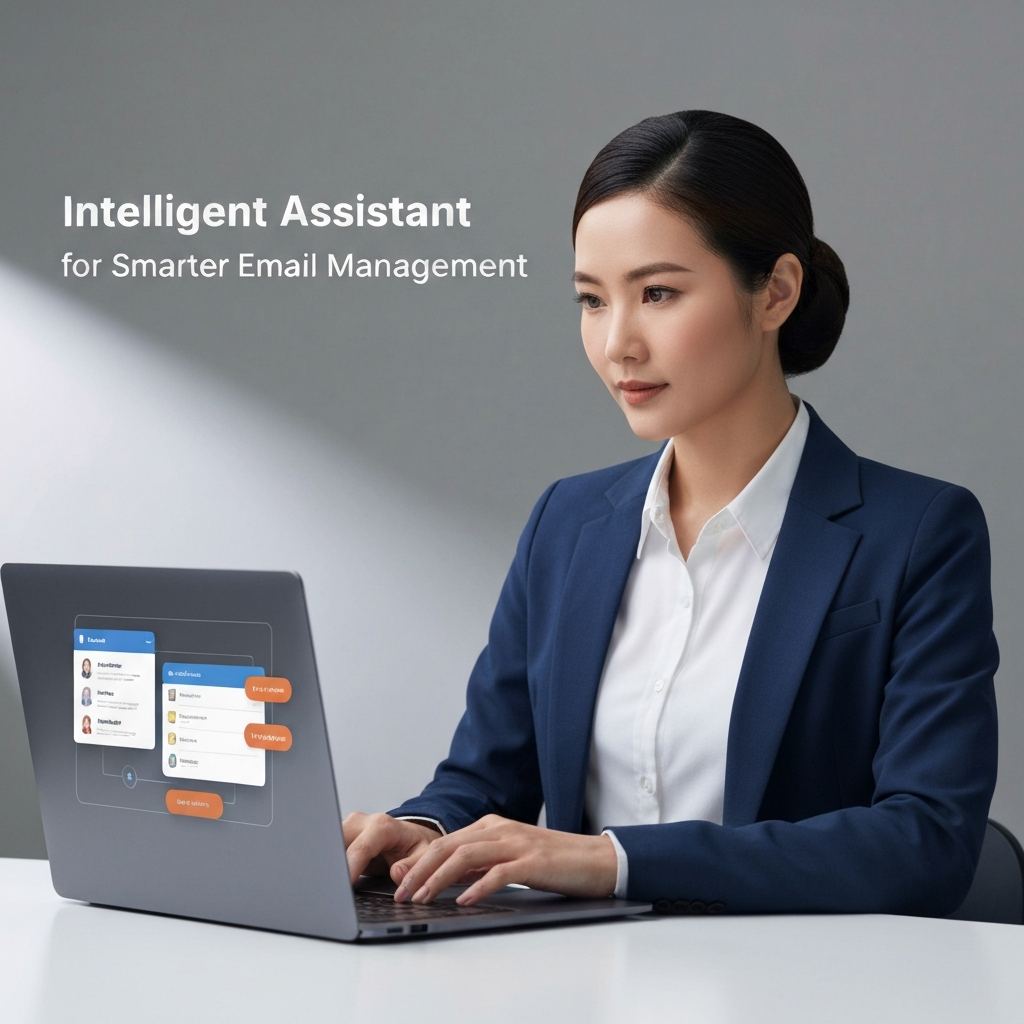
In today's hyper-connected world, email remains the cornerstone of professional communication. Yet, for many, it has evolved from a productivity tool into a significant source of stress and a major time drain. Professionals, entrepreneurs, sales teams, and remote workers alike often find themselves buried under an avalanche of messages, struggling to prioritize, respond effectively, and extract crucial information. The sheer volume can lead to missed opportunities, decreased efficiency, and a constant feeling of being overwhelmed. But what if there was a way to reclaim your inbox and your time? Enter the intelligent assistant – a revolutionary AI-powered solution designed to transform how we manage our digital communications.
The Evolving Landscape of Email Management
For decades, managing email has largely remained a manual process. We've relied on basic sorting rules, folders, and sheer willpower to keep up. While early email clients offered rudimentary features like search and basic filtering, they were fundamentally reactive tools. The digital age, however, has brought an unprecedented surge in communication volume and complexity. Statistics consistently show professionals spending hours each week managing their inboxes, a figure that has only grown with the rise of remote work and global collaboration.
This constant engagement with email, often punctuated by interruptions, fragments our attention and hinders deep work. The pressure to respond quickly, coupled with the need to process information from multiple sources, creates a demanding environment. This is where the limitations of traditional email management become starkly apparent. We need tools that are not just organizers, but intelligent partners capable of understanding context, anticipating needs, and automating repetitive tasks. The evolution of email management is no longer about simply *handling* email, but about *optimizing* communication.
What is an Intelligent Assistant for Email?
An intelligent assistant for email, often referred to as an AI email assistant, is a sophisticated software tool that leverages artificial intelligence and machine learning to help users manage their email more efficiently and effectively. Unlike traditional email clients or simple automation scripts, these assistants can understand the content and context of your emails, learn your preferences, and perform a wide range of tasks autonomously or with minimal input.
Think of it as a digital co-pilot for your inbox. It doesn't just file messages; it analyzes them, prioritizes them, suggests responses, schedules follow-ups, and can even identify potential risks. These tools are designed to reduce the cognitive load associated with email management, freeing up mental bandwidth for more strategic and creative work. They act as a proactive force, helping you stay on top of your communications rather than constantly playing catch-up. The goal is to move beyond basic inbox maintenance towards true email workflow optimization.
These assistants can range from simple AI-powered features embedded within existing email clients to standalone platforms that integrate deeply with your entire communication ecosystem. They are a powerful form of virtual assistant for email, capable of handling tasks that previously required significant human intervention.
Key Features That Drive Email Productivity
The power of an intelligent assistant lies in its diverse set of AI-driven features, each designed to tackle specific email-related pain points and enhance overall productivity. These capabilities move beyond simple organization to intelligent interaction and automation.
Smart Replies and Suggestions
One of the most common and immediately impactful features is the AI's ability to suggest relevant replies. Based on the content of an incoming email, the assistant can generate short, contextually appropriate responses (e.g., "Yes, I can attend," "Thanks for the update," "I'll look into this"). This drastically reduces the time spent typing out routine acknowledgments or simple confirmations. Many tools can even learn your writing style and tone to make suggestions that sound authentically like you.
Email Summarization
Long email threads can be daunting. An AI email assistant can condense lengthy conversations into concise summaries, highlighting the key decisions, action items, and essential information. This allows you to quickly grasp the gist of a discussion without wading through dozens of messages, saving valuable time and ensuring you don't miss critical details.
Automated Email Sorting and Categorization
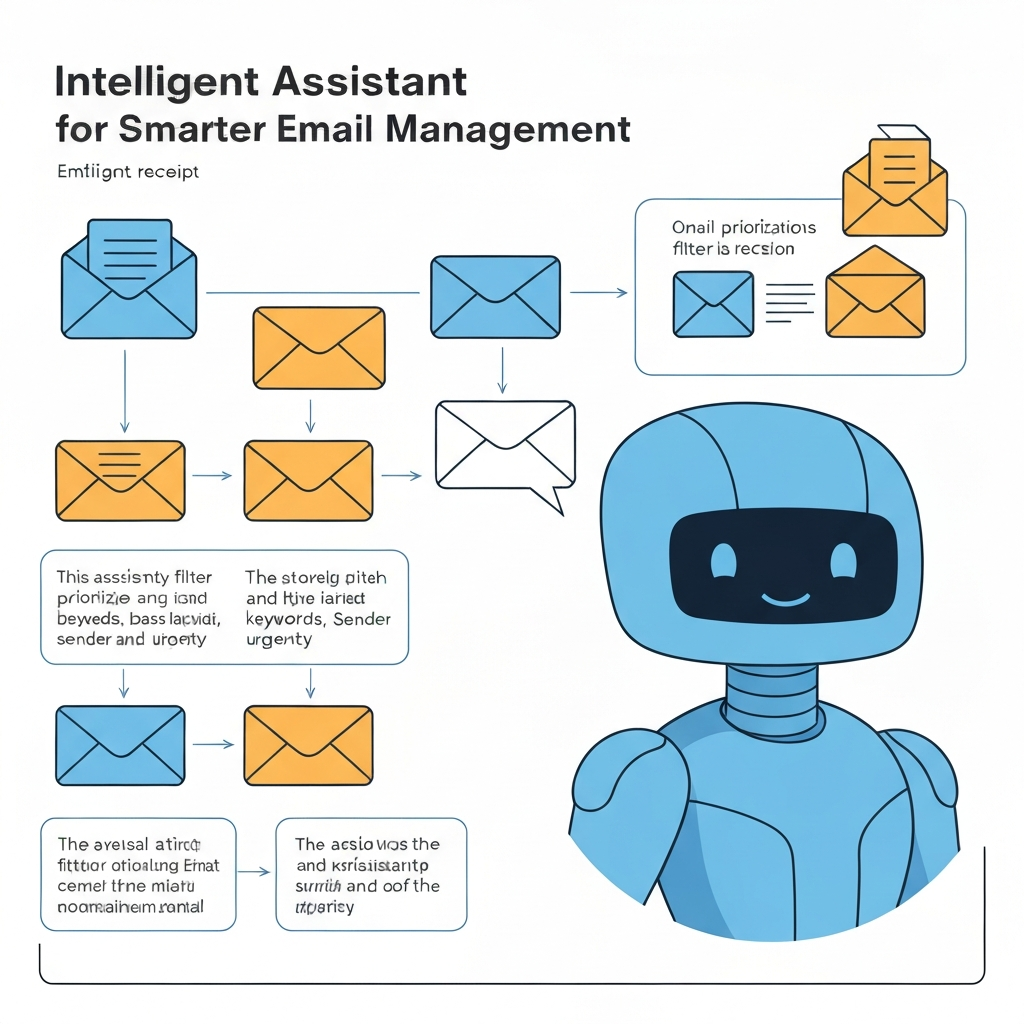
Effective smart inbox management is crucial. AI assistants excel at automatically categorizing incoming emails based on sender, topic, urgency, or custom rules. They can intelligently sort newsletters into a "read later" folder, flag urgent client communications, and separate internal team messages. This automated process helps declutter your primary inbox, ensuring that important messages are easily discoverable and less critical ones don't demand immediate attention. This is a core component of automated email sorting.
Intelligent Scheduling and Follow-ups
Coordinating meetings and ensuring timely follow-ups can be a logistical nightmare. AI assistants can analyze email content to suggest meeting times, check recipient availability, and even send automated follow-up reminders for emails that haven't received a response. This proactive approach helps keep projects moving and prevents important tasks from falling through the cracks.
Threat Detection and Spam Filtering
Beyond basic spam filters, AI can identify sophisticated phishing attempts, malicious links, and suspicious sender patterns with greater accuracy. This enhanced security feature protects users from potential cyber threats and reduces the time spent dealing with unwanted or dangerous emails.
Task Management Integration
Many intelligent assistants can identify action items within emails and automatically create tasks in your to-do list or project management software. This seamless integration ensures that commitments made via email are captured and managed efficiently, contributing to better project execution and accountability. This is a key aspect of email workflow optimization.
Grammar and Tone Correction
Ensuring professional communication is vital. AI can not only correct grammatical errors and typos but also offer suggestions to improve clarity, conciseness, and tone, helping you craft more effective and impactful messages. This is particularly useful for non-native English speakers or anyone looking to refine their professional writing.
These features collectively transform email from a chore into a streamlined, intelligent communication channel, making them indispensable email productivity tools.
How Intelligent Assistants Combat Information Overload
The sheer volume of emails is perhaps the most pervasive challenge for modern professionals. Studies suggest that the average office worker receives over 120 emails per day. This constant influx, combined with notifications, creates a state of perpetual distraction and cognitive overload. An intelligent assistant directly addresses this by:
- Prioritizing What Matters: By analyzing sender reputation, keywords, and past interactions, AI can identify the most critical emails. These are then highlighted or moved to a priority inbox, ensuring urgent communications from clients, superiors, or key stakeholders are seen first. This is fundamental to effective smart inbox management.
- Reducing Noise: Non-essential emails, such as newsletters, promotional offers, or internal updates that don't require immediate action, can be automatically filtered and batched. This significantly reduces the number of items demanding your attention in real-time, allowing for focused work sessions. Features like automated email sorting are key here.
- Minimizing Context Switching: When you're constantly jumping between reading emails, composing replies, and checking notifications, your productivity plummets. AI assistants that offer smart replies, summaries, and task creation within the inbox reduce the need to switch to other applications or spend extensive time crafting every response.
- Automating Repetitive Tasks: The time spent on acknowledging receipt, filing, or responding to simple queries adds up. By automating these repetitive tasks, an AI email assistant frees up significant chunks of time, allowing you to focus on more complex problem-solving and strategic initiatives.
- Providing Quick Overviews: Email summarization means you can get the essential information from a long email or thread in seconds, rather than minutes. This dramatically speeds up comprehension and decision-making.
By offloading these cognitive burdens, an intelligent assistant helps restore focus, reduces stress, and allows professionals to reclaim valuable time, ultimately leading to greater efficiency and a healthier work-life balance. It’s about transforming your inbox from a source of anxiety into a well-managed hub of communication.
Leveraging AI for Competitive Email Insights
Beyond mere efficiency, an intelligent assistant can provide a significant competitive edge by uncovering insights that might otherwise be missed. In a business context, effective communication is intrinsically linked to market understanding and strategic advantage. Here's how AI can offer these insights:
- Identifying Emerging Trends: By analyzing the volume and sentiment of communications related to specific products, services, or market topics, AI can help identify emerging trends or shifts in customer sentiment before they become widely apparent. This proactive understanding allows businesses to adapt quickly.
- Understanding Client Needs: AI can flag recurring questions, pain points, or expressed desires from clients across multiple emails. This aggregated view provides a deeper understanding of customer needs, enabling teams to tailor their offerings or improve customer service proactively. You can explore how to unlock email data insights with AI to boost productivity.
- Monitoring Competitor Activity (Indirectly): While an AI assistant won't directly scan competitor inboxes, it can help analyze public-facing communications or industry discussions that filter into your inbox. Identifying patterns in customer inquiries or feedback related to competitor products can offer valuable market intelligence.
- Optimizing Sales and Marketing Outreach: By analyzing which email subject lines, content, and reply timings lead to the best engagement, AI can provide data-driven recommendations for improving sales and marketing email campaigns. This can significantly boost sales email velocity and conversion rates.
- Detecting Sentiment Shifts: AI can analyze the tone of incoming messages, flagging any significant negative shifts in sentiment from key clients or partners. This early warning system allows for prompt intervention and relationship management, preventing potential issues from escalating.
- Streamlining Information Flow: In large organizations, critical information can get lost in departmental silos. An AI assistant can help identify and surface relevant communications, ensuring that key stakeholders are informed and that information flows more freely, fostering better decision-making.
By processing and analyzing vast amounts of communication data, an AI email assistant transforms email from a simple messaging system into a rich source of business intelligence. This capability allows businesses to be more agile, responsive, and informed than their competitors, offering a tangible advantage in today's fast-paced market. Leveraging these tools means moving from reactive communication to proactive strategy, powered by data.
Choosing the Right Intelligent Assistant for Your Needs
With the growing popularity of AI in email management, numerous tools and platforms are available, each with its unique strengths. Selecting the right intelligent assistant requires careful consideration of your specific needs, workflow, and existing technology stack. Here are key factors to evaluate:
1. Integration Capabilities
Does the assistant integrate seamlessly with your current email client (e.g., Gmail, Outlook), CRM, project management tools, or calendar? Deep integration is crucial for a smooth user experience and effective email workflow optimization. For example, if you use a CRM like Salesforce or HubSpot, ensure the AI assistant can sync data to provide context for your sales outreach.
2. Core Features and Functionality
What are your biggest pain points?
- If it's response time, look for robust smart reply and suggestion features.
- If it's managing volume, prioritize advanced sorting, categorization, and summarization.
- If it's follow-ups, ensure scheduling and reminder capabilities are strong.
- If it's security, check for advanced threat detection.
3. Ease of Use and Learning Curve
An overly complex tool can negate productivity gains. Look for an intuitive interface that requires minimal training. For many, starting with a simpler virtual assistant for email that offers core features is a good first step.
4. Customization and Adaptability
Can the AI learn your preferences, writing style, and specific business needs? The ability to customize rules, priorities, and responses is vital for an assistant that truly works *for you*. Some advanced platforms offer more customization than others.
5. Security and Privacy
Your email contains sensitive information. Ensure the assistant provider has robust security measures, complies with relevant data privacy regulations (like GDPR or CCPA), and has a clear privacy policy. For professionals seeking high-level support, an ai executive assistant can offer sophisticated capabilities, but security must be paramount.
6. Pricing and Scalability
Evaluate the pricing models. Are they per user, per feature, or tiered? Consider if the tool can scale with your team or business growth. Free trials are invaluable for testing functionality before committing. Many excellent email productivity tools offer tiered pricing.
7. User Reviews and Support
What do other users say? Look for reviews and testimonials. Also, consider the quality of customer support offered. Reliable support can be critical when troubleshooting or optimizing the assistant's performance.
By carefully assessing these factors, you can identify an intelligent assistant that not only streamlines your email management but also enhances your overall productivity and provides a competitive advantage.
Integrating an Intelligent Assistant into Your Workflow
Implementing a new tool, especially one powered by AI, can seem daunting. However, a strategic approach to integration ensures you maximize its benefits and minimize disruption. Here’s how to effectively integrate an intelligent assistant into your daily workflow:
- Start with a Pilot Phase: Before rolling out to an entire team, test the assistant with a small group or for your own personal use. This allows you to identify any initial challenges, understand its capabilities fully, and refine settings.
- Define Clear Goals: What do you want to achieve? Is it reducing time spent on email by 30%? Improving response times to under 2 hours? Setting specific, measurable goals will help you track success and justify the investment.
- Configure Key Settings:
- Prioritization Rules: Set up rules for identifying VIP contacts, urgent keywords, or specific project-related emails.
- Automated Sorting: Define categories for newsletters, notifications, social media alerts, and internal communications.
- Smart Reply Preferences: Review and adjust the tone and style of suggested replies to match your professional voice.
- Follow-up Cadence: Configure how often and for what types of emails the assistant should prompt for follow-ups.
- Train the AI (Where Applicable): Some assistants learn from your actions. Make sure to consistently use the tool, correct its suggestions when necessary, and categorize emails as prompted. The more you interact, the smarter it becomes.
- Educate Your Team: If you're implementing this for a team, conduct training sessions. Explain the benefits, demonstrate how to use the key features, and set expectations for adoption. Emphasize that the goal is to augment, not replace, human interaction.
- Integrate with Other Tools: Ensure your AI email assistant is connected to your calendar, CRM, or task management system. This creates a unified workflow where information flows seamlessly, enhancing overall email productivity tools synergy.
- Monitor Performance and Adapt: Regularly review the assistant's performance against your defined goals. Are certain categories still overwhelming? Are smart replies not quite hitting the mark? Use the data and feedback to fine-tune settings and improve its effectiveness over time.
- Encourage Feedback: Create a channel for users to provide feedback on the assistant's performance, suggest improvements, or report issues. Continuous feedback is essential for optimization.
By following these steps, you can successfully integrate an intelligent assistant and unlock its full potential for email workflow optimization, turning a potential source of stress into a powerful engine for productivity and competitive advantage. This proactive approach to adopting new technology is key to staying ahead.
Conclusion: The Future of Email and AI-Driven Efficiency
The way we communicate is constantly evolving, and email, despite its age, remains a critical channel. However, the traditional approach to managing it is no longer sufficient in a world demanding speed, accuracy, and strategic insight. An intelligent assistant is not just a trend; it's the next logical step in optimizing our professional lives.
By automating repetitive tasks, filtering out noise, prioritizing critical communications, and even providing valuable business insights, these AI-powered tools are revolutionizing smart inbox management and boosting overall productivity. For busy professionals, entrepreneurs, sales teams, and remote workers, leveraging an AI email assistant means reclaiming valuable time, reducing stress, and gaining a significant competitive edge. It enables a shift from being reactive to proactive, from being overwhelmed to being in control.
As AI technology continues to advance, we can expect even more sophisticated capabilities, further blurring the lines between human and machine assistance in communication. Embracing these tools is no longer optional for those seeking peak performance. Whether it's through advanced automated email sorting, intelligent summarization, or predictive response generation, the future of efficient email management is undeniably AI-driven.
Start exploring the options available today. Consider how a powerful virtual assistant for email can transform your daily grind. By investing in the right intelligent assistant, you invest in your productivity, your competitive advantage, and your peace of mind. The future of work is smarter, and it starts with smarter communication.
```

Frequently Asked Questions
