Virtual Office Assistant: Automate Your Inbox Tasks
The ping. The notification. The ever-growing number next to your email icon. For many professionals, entrepreneurs, and remote workers, the inbox isn't just a communication tool; it's a digital black hole where precious hours disappear. Imagine starting your day, only to be immediately confronted by hundreds of unread messages. This isn't an exaggeration; it's the daily reality for many. Studies consistently show that the average professional spends several hours a day sifting through emails, a significant chunk of their productive time dedicated to what often feels like an administrative treadmill. This constant deluge leads to more than just lost time; it means missed opportunities, delayed responses, increased stress, and a fundamental drain on your energy and focus. The sheer volume of information can be overwhelming, making it challenging to discern what's truly important from the noise. In this era of constant connectivity, effective email management has become a critical skill, and for many, a significant pain point. But what if there was a way to combat this digital overwhelm, to reclaim your focus, and to ensure that your inbox serves you, rather than the other way around?
What is a Virtual Office Assistant (and Why You Need One)
At its core, a virtual office assistant is a remote professional or, increasingly, an AI-powered software solution, designed to provide administrative, technical, or creative support to individuals and businesses. Unlike traditional in-house assistants who require office space and direct supervision, virtual assistants operate independently, leveraging technology to perform a wide range of tasks. The "why you need one" is simple: the demands on modern professionals are escalating. The lines between work and life blur, especially for entrepreneurs and remote workers who often wear multiple hats. The administrative burden, particularly email management, can quickly become a significant bottleneck, pulling you away from core responsibilities that drive growth and innovation.
A virtual assistant acts as a force multiplier, taking on the repetitive, time-consuming tasks that drain your energy. They can help streamline operations, improve organization, and ensure that crucial communications aren't lost in the shuffle. Whether it's a human VA meticulously organizing your schedule or an AI-driven system automating email sorting, the goal is the same: to free up your valuable time and mental bandwidth. For anyone feeling buried under a mountain of tasks, a virtual office assistant is no longer a luxury; it's a strategic necessity for maintaining productivity and sanity.
AI-Powered Autonomous Agents: The Future of Inbox Management
The evolution of the virtual office assistant has taken a significant leap forward with the advent of AI-powered autonomous agents. These aren't just simple chatbots or basic automation scripts; they are sophisticated software entities capable of understanding context, learning from interactions, and performing complex tasks with minimal human intervention. Think of them as intelligent digital assistants that can proactively manage your inbox, rather than just reacting to predefined rules.
Traditional email management often relies on manual sorting, setting up basic filters, or hiring human assistants for specific tasks. While effective to a degree, these methods have limitations. Human assistants require training, onboarding, and ongoing management. Basic filters can quickly become unmanageable as email complexity grows. This is where autonomous agents shine. Powered by advanced technologies like Natural Language Processing (NLP) and machine learning, these AI systems can:
- Understand Intent: They can read emails, grasp the sender's intent, and categorize messages with remarkable accuracy.
- Learn and Adapt: As they process more emails, they learn your preferences, communication style, and priorities, becoming more efficient over time.
- Proactive Actions: Instead of just sorting, they can suggest actions, draft replies, schedule meetings, and even identify urgent issues that require immediate attention, often before you even see them.
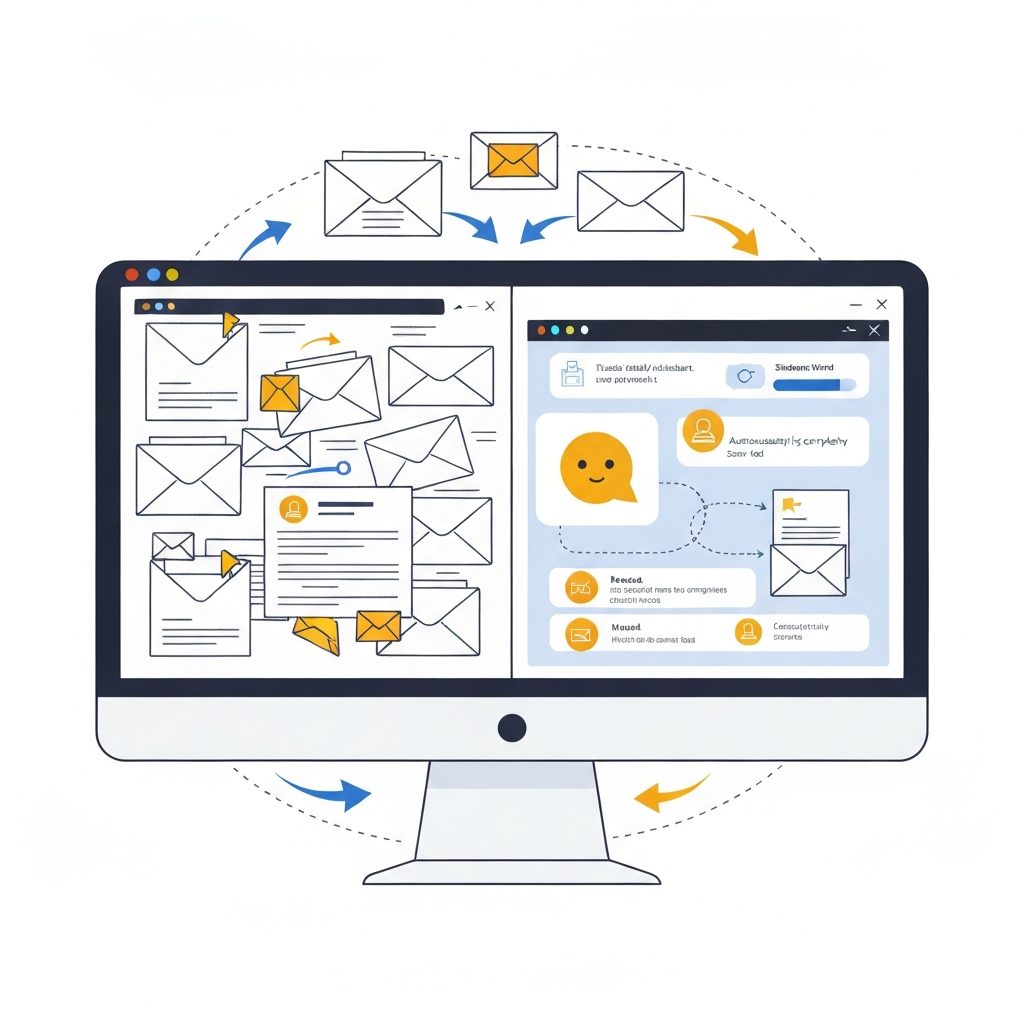
This shift from reactive to proactive management signifies a major advancement in AI email management. It moves beyond simple email organization to intelligent, autonomous handling of your digital communications. By delegating these tasks to AI, you tap into a level of efficiency and speed that was previously unattainable, positioning your inbox for a true inbox zero strategy driven by intelligent automation.
Key Inbox Tasks a Virtual Assistant Can Automate
The beauty of leveraging a virtual office assistant, especially one powered by AI, lies in its ability to tackle a wide array of tedious, time-consuming inbox tasks. By automating these, you can drastically reduce the manual effort required to keep your digital communications in order. Here are some of the most impactful tasks that a virtual assistant can effectively automate:
- Sorting and Categorization: Automatically filter incoming emails into predefined folders (e.g., 'Urgent,' 'Client Communications,' 'Newsletters,' 'Projects,' 'Personal'). This is the foundation of effective email organization.
- Prioritization: AI can learn to identify high-priority emails based on sender, keywords, past interactions, or urgency indicators, flagging them for your immediate attention.
- Drafting Responses: For frequently asked questions or routine inquiries, AI can draft plausible responses that you can quickly review and send, saving significant typing time. This is a key aspect of email automation.
- Scheduling and Calendar Management: When an email requires a meeting, the assistant can analyze availability, propose times, send invites, and update your calendar without you lifting a finger.
- Unsubscribing and Decluttering: Automatically identify and unsubscribe from promotional emails or newsletters you no longer wish to receive, helping to maintain a cleaner inbox. This is a core component of effective inbox cleanup.
- Information Extraction: Pull out key details from emails, such as contact information, dates, action items, or specific data points, and organize them elsewhere (e.g., CRM, spreadsheet).
- Follow-up Reminders: Set automatic reminders for emails that require a follow-up, ensuring nothing falls through the cracks.
- Summarization: For lengthy email threads or reports, AI can provide concise summaries, allowing you to grasp the core information quickly.
- Spam and Junk Filtering: While built-in filters are good, AI assistants can often offer more nuanced and effective filtering of unwanted messages.
By delegating these tasks, you're not just offloading work; you're creating a more streamlined, efficient, and manageable communication flow. This is a crucial step towards achieving and maintaining an inbox zero strategy effectively. For professionals looking to simplify their daily routine, exploring options for a virtual assistant for email is a highly recommended path.
Benefits of Using a Virtual Office Assistant for Email Productivity
The impact of delegating inbox management to a virtual office assistant extends far beyond just having a tidier inbox. The advantages translate directly into tangible improvements in productivity, well-being, and overall business effectiveness.
- Drastically Increased Productivity: By automating routine tasks like sorting, prioritizing, and drafting replies, you free up hours each week. This reclaimed time can be reinvested in strategic thinking, client engagement, business development, or deep work that truly moves the needle. This is where AI email management truly shines.
- Reduced Stress and Burnout: The constant pressure of an overflowing inbox is a significant source of stress. Automating these tasks alleviates that mental burden, leading to a calmer, more focused, and less anxious professional life.
- Fewer Missed Opportunities: When critical emails are prioritized and responded to promptly, the chances of missing out on new business leads, important client requests, or timely opportunities diminish significantly. A well-managed inbox ensures you're always on top of what matters.
- Improved Focus and Concentration: Without the constant interruption of email notifications and the mental overhead of managing them, you can dedicate more sustained attention to complex tasks. This leads to higher quality work and greater efficiency in your core responsibilities.
- Enhanced Professional Image: Prompt and professional responses, facilitated by quick drafting and efficient routing of emails, contribute to a polished and reliable professional image.
- Better Work-Life Balance: By reclaiming time and reducing stress, you can achieve a healthier separation between work and personal life, preventing burnout and fostering long-term sustainability.
- Cost-Effectiveness: Compared to hiring a full-time human assistant, many AI-powered virtual solutions offer a more scalable and cost-effective way to achieve similar levels of administrative support.
Ultimately, a virtual office assistant acts as a crucial productivity tool, empowering you to work smarter, not harder. It’s about leveraging technology to optimize one of the most time-consuming aspects of modern work. For those seeking to enhance their daily workflow, exploring AI help for email is a smart investment.
Choosing the Right Virtual Assistant for Your Needs
With the growing popularity and capability of virtual assistants, selecting the right one can feel daunting. The ideal choice depends heavily on your specific needs, workflow, and budget. Here’s a guide to help you navigate the selection process:
- Identify Your Core Pain Points: What aspects of email management cause you the most grief? Is it the sheer volume, the difficulty in prioritizing, the time spent drafting replies, or scheduling meetings? Pinpointing these will help you look for features that directly address them.
- Assess Automation Capabilities:
- Basic vs. Advanced AI: Do you need simple rule-based sorting, or are you looking for intelligent agents that can understand context, learn your preferences, and proactively suggest actions? Look for features like Natural Language Processing (NLP) for deeper understanding.
- Task Specificity: Can it handle the specific tasks you identified (e.g., meeting scheduling, automated responses, summarization, filtering)?
- Integration with Existing Tools: Ensure the virtual assistant integrates seamlessly with your current email client (Gmail, Outlook, etc.) and other productivity tools (calendars, CRM, project management software). This is crucial for efficiency. For example, if you use Gmail, understanding how to make business email Gmail work with such tools is key.
- Security and Privacy: Your email contains sensitive information. Verify the security protocols and privacy policies of any virtual assistant you consider. Ensure they comply with relevant data protection regulations.
- Ease of Use and Customization: The interface should be intuitive, and the assistant should be customizable to your specific preferences and workflows. Can you easily train it, adjust its settings, and provide feedback?
- Scalability and Cost: Consider your current needs and potential future growth. Pricing models vary widely, from subscription-based services to per-task fees. Find a solution that offers good value and can scale with your business.
- Human vs. AI: While AI is powerful, some individuals or businesses might still prefer a human virtual assistant for highly nuanced tasks or personal touch. Many services offer a hybrid model.
When evaluating advanced solutions, consider how a dedicated ai executive assistant can elevate your email management beyond basic automation. These platforms are often designed with high-level professionals in mind, offering sophisticated features to handle complex communication flows and ensure optimal efficiency. Investing time in this research phase will pay dividends in terms of long-term productivity and satisfaction. For a broader overview of AI tools that can boost your email productivity, exploring articles on the top AI for business can provide further insights.
Integrating Your Virtual Assistant for Maximum Efficiency
Once you've chosen the right virtual office assistant, the next critical step is effective integration into your daily workflow. A powerful tool is only as good as its implementation. This process isn't just about signing up; it's about setting it up for success and ensuring it becomes a seamless extension of your productivity habits.
- Initial Setup and Configuration:
- Connect Accounts: Securely link your email accounts, calendars, and any other relevant applications. Ensure you have a robust business email to connect.
- Define Key Preferences: Configure your primary email address, time zone, and basic communication preferences.
- Training and Personalization:
- Set Rules and Filters: Even AI-powered assistants benefit from initial guidance. Teach it which senders are important, which types of emails can be archived, and how you prefer certain categories to be handled.
- Categorization & Tagging: Establish a clear system for categorizing and tagging emails. This helps the AI learn your organizational structure more effectively.
- Response Templates: If the assistant drafts replies, provide it with your standard phrasing and tone for common inquiries. This ensures consistency and saves time.
- Feedback Loop:
- Monitor Performance: Regularly review the assistant's actions. Did it sort emails correctly? Were the drafted responses appropriate?
- Provide Corrections: Most AI assistants learn from your corrections. If it makes a mistake, correct it promptly. This is essential for its ongoing improvement and accuracy.
- Adjust Settings: As you use the assistant, you'll identify areas for refinement. Don't hesitate to tweak settings, update rules, or retrain the AI on specific types of emails.
- Gradual Implementation:
- Start Small: If you're overwhelmed, begin by automating just one or two key tasks, like sorting newsletters or flagging urgent messages.
- Expand Gradually: As you gain confidence and the assistant proves its reliability, gradually delegate more complex tasks. This phased approach prevents disruption and allows you to adapt smoothly.
- Human Oversight:
- Don't Abdicate Completely: While the goal is automation, maintain a level of oversight, especially for critical communications. AI is a powerful tool, but human judgment remains invaluable.
- Regular Review: Schedule a weekly or bi-weekly check-in to review your inbox, assess the assistant's performance, and make any necessary adjustments.
By actively participating in the integration process, you ensure your virtual office assistant becomes a powerful ally in your quest for an inbox zero strategy and overall email organization. This proactive approach maximizes the benefits of AI assistant for business solutions and transforms your relationship with your inbox.
Conclusion: Reclaim Your Time with an AI Virtual Office Assistant
The digital age has brought unprecedented connectivity, but it has also ushered in an era of digital overwhelm, with the inbox often serving as the primary battleground. For busy executives, entrepreneurs, and remote professionals, the constant barrage of emails can be a significant drain on productivity, focus, and mental well-being.
Fortunately, the landscape of productivity tools has evolved dramatically. A virtual office assistant, particularly one powered by sophisticated AI email management capabilities and autonomous agents, offers a revolutionary solution. By automating tedious tasks such as sorting, prioritizing, drafting replies, and scheduling, these intelligent tools don't just organize your inbox; they fundamentally transform how you interact with your communications. They empower you to move beyond reactive email management towards a proactive, efficient system that supports your core objectives.
The benefits are clear: reclaimed hours, reduced stress, fewer missed opportunities, and a sharpened focus on what truly matters. Choosing the right virtual assistant for email and integrating it thoughtfully into your workflow is an investment in your most valuable asset – your time. By embracing these advancements, you can finally break free from the tyranny of the inbox and reclaim your day, boosting your overall productivity and achieving a healthier work-life balance. It's time to let technology work for you, transforming your inbox from a source of stress into a streamlined hub of efficient communication.

Frequently Asked Questions
